Base (ETH)
What is the Base Blockchain?
Here are 5 key points about Base:
- Ethereum Layer 2: Base is a Layer 2 network built on Ethereum by Coinbase and launched in August 2023. It bundles many transactions together and posts them to Ethereum, which keeps fees low while relying on Ethereum for security.
- Optimistic rollup: Base runs on the OP Stack, the same open-source technology as Optimism, and is part of the Superchain.
- EVM compatible: Base runs the Ethereum Virtual Machine, so Ethereum addresses, tokens, and dApps work on it.
- Bridging: Assets can move between Ethereum and Base through the official bridge or through cross-chain swap providers.
- ETH pays the fees: Base has no separate coin. Fees are paid in ETH on Base.
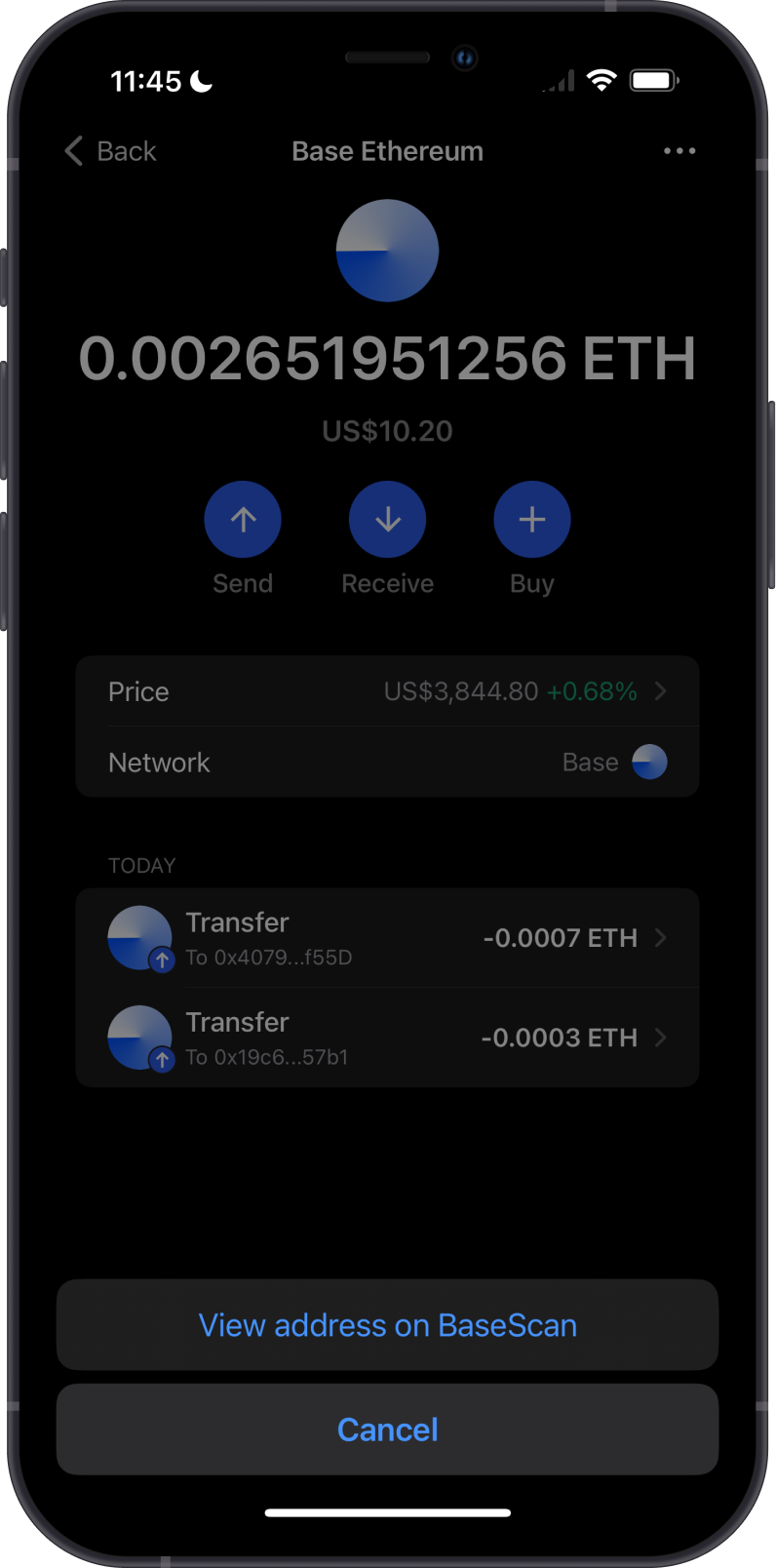
Gem Wallet shows the coin on Base as ETH with the Base network label. ETH on Base and ETH on Ethereum are the same asset on different networks, so check the network before you send or receive.
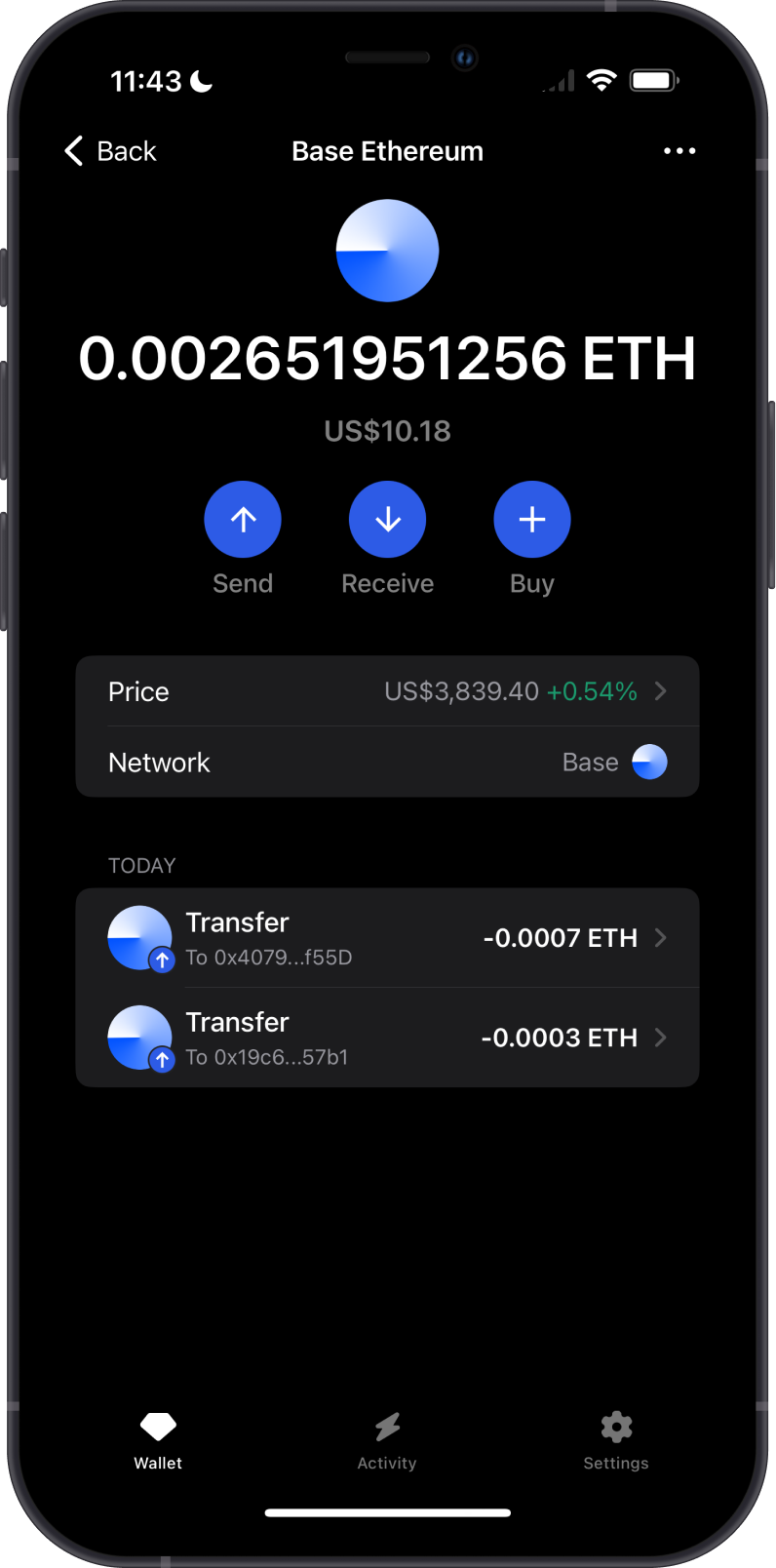
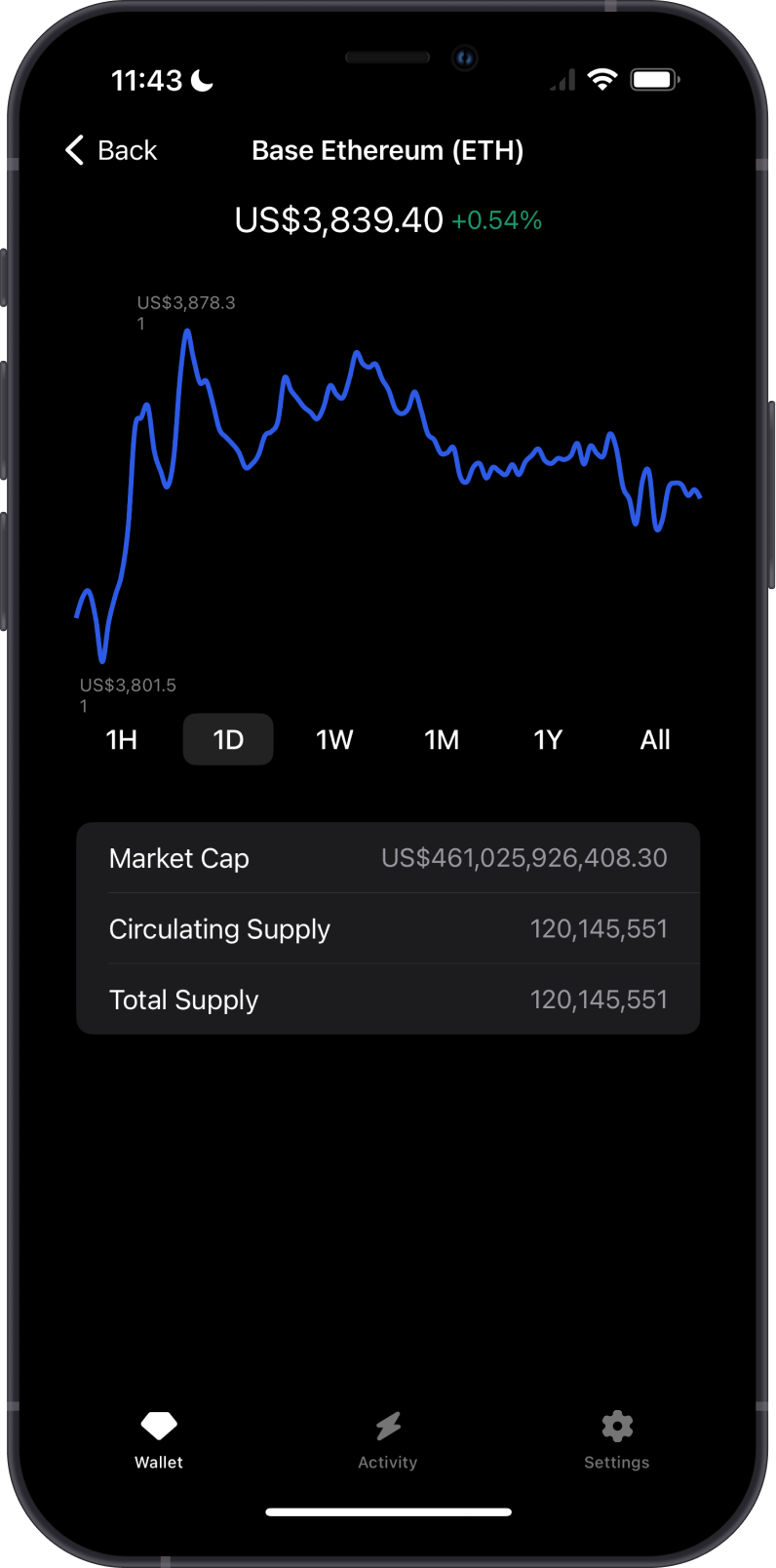
Learn more about the Base Blockchain by reading the Gem Wallet Learn article: What Is The Base Blockchain?
Base Support in Gem Wallet
Gem Wallet can be used to:
- Buy ETH on Base through available third-party fiat providers.
- Hold, send, and receive ETH and ERC-20 tokens on Base, such as USDC.
- Swap ETH and tokens on Base, and swap to or from Base across networks.
- Connect to Base dApps with WalletConnect.
What are Base ERC-20 Tokens?
- ERC-20 is the token standard first used on Ethereum. Tokens on Base follow the same standard.
- Some tokens are issued directly on Base, such as USDC from Circle and AERO from Aerodrome. Others are bridged from Ethereum.
- Your ETH and Base tokens share one address, which is the same as your Ethereum address in Gem Wallet.
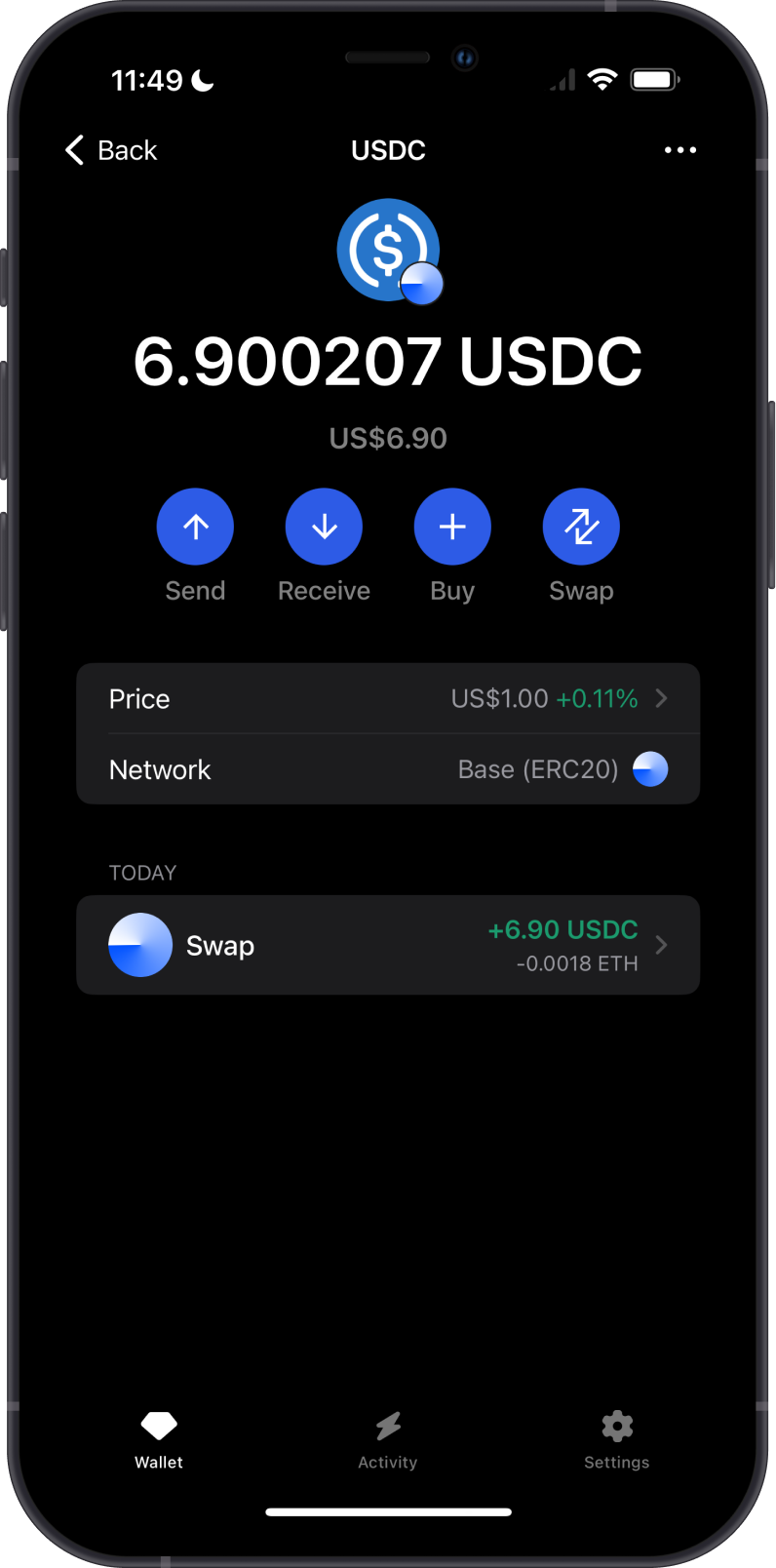
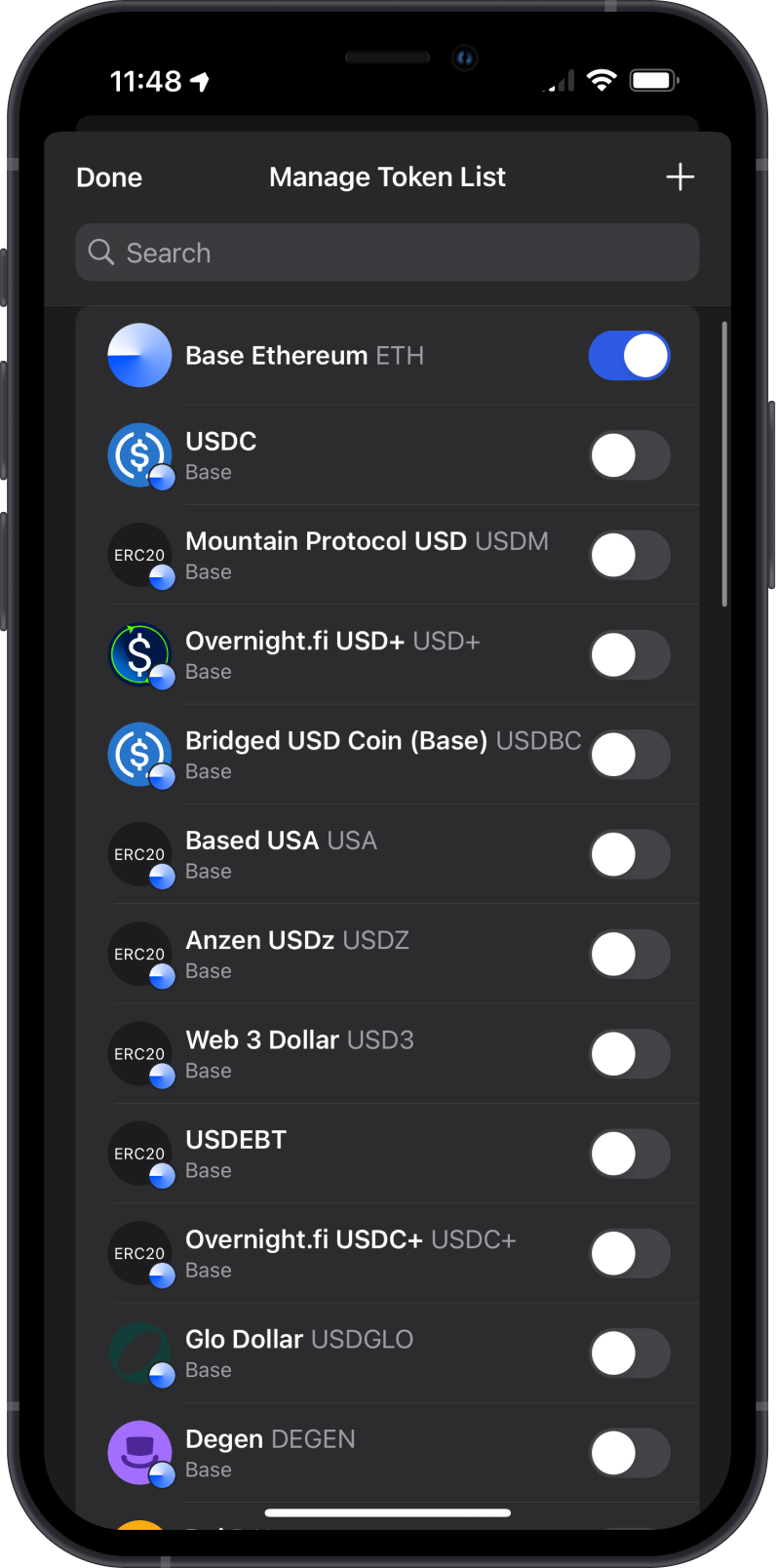
Learn more about ERC-20 tokens from this Gem Wallet Learn article: What Is ERC20 and What You Need to Know About Tokens on the Ethereum Blockchain
How to Get ETH on Base?
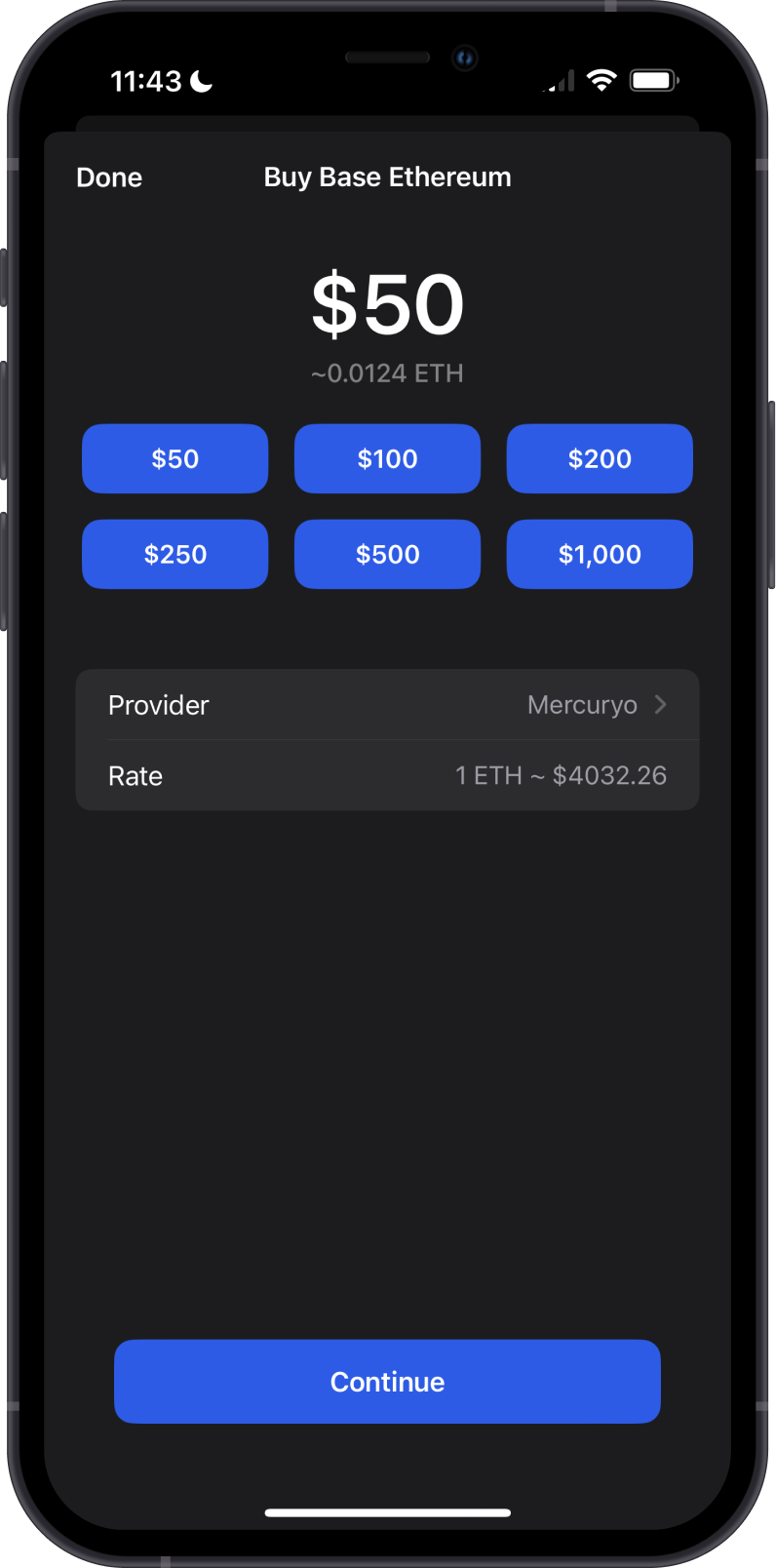
- Buy ETH on Base in Gem Wallet: open the Base ETH asset, tap Buy, and choose an available provider.
- Receive ETH or Base tokens: open the asset, tap Receive, and share your address. Make sure the sender withdraws on the Base network.
- Swap another asset to ETH on Base. Swapping a Base token to ETH needs a little ETH on Base for the network fee.
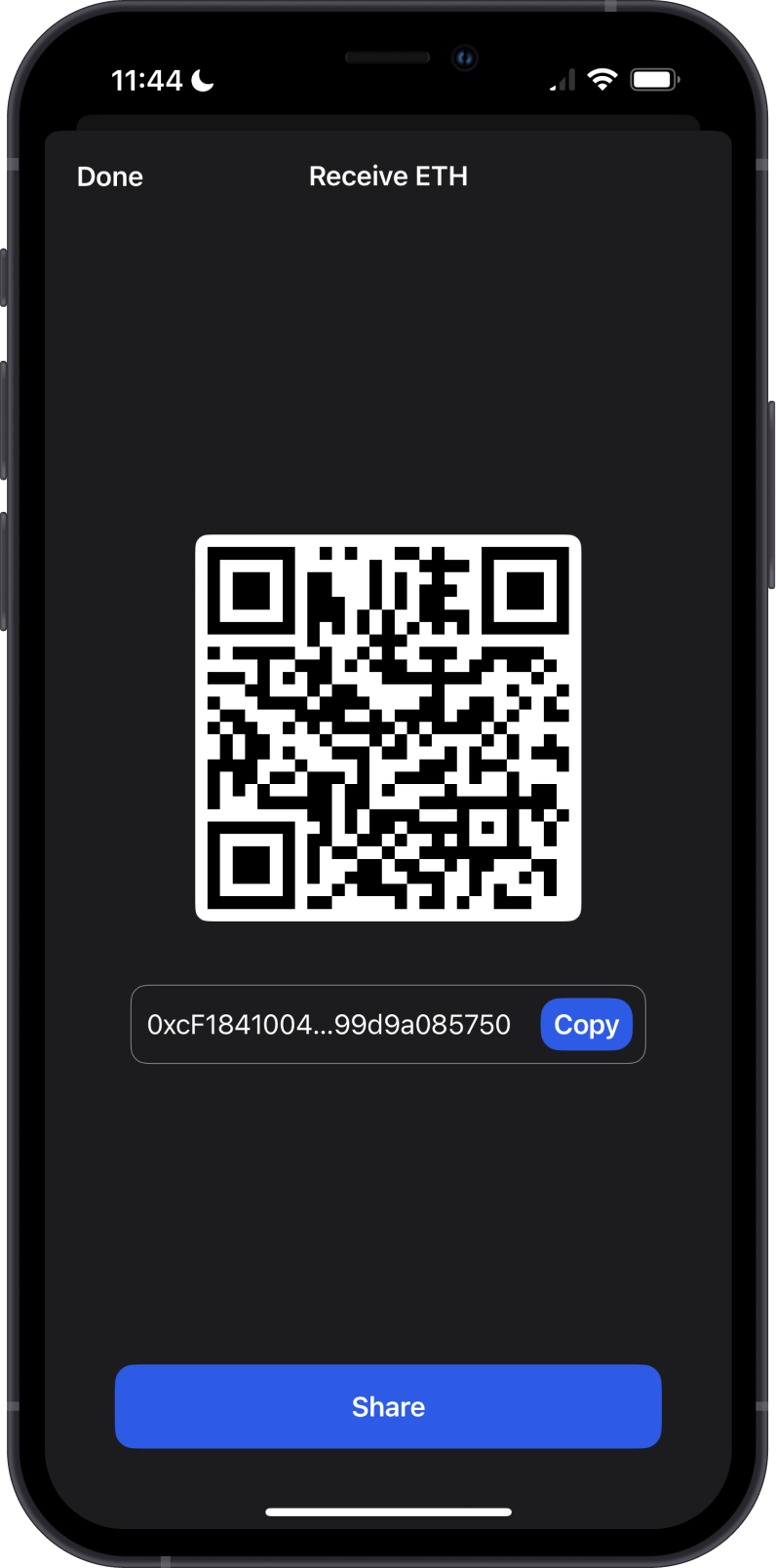
Your Base address is the same as your Ethereum address, but funds sent on one network don't appear on the other. If an exchange sends to your address on Ethereum instead of Base, switch to the Ethereum asset in Gem Wallet to find them. See How to Select the Correct Network When Receiving Crypto.
Can I Swap on Base with Gem Wallet?
Yes. Gem Wallet compares quotes from several providers:
- Same-chain swaps on Base use providers such as Uniswap, Aerodrome, PancakeSwap, and OKX (DEX).
- Cross-chain swaps to or from Base use providers such as Across, Relay, Mayan, NEAR Intents, THORChain, and Bridgers, depending on the pair.
Transaction Fees on Base
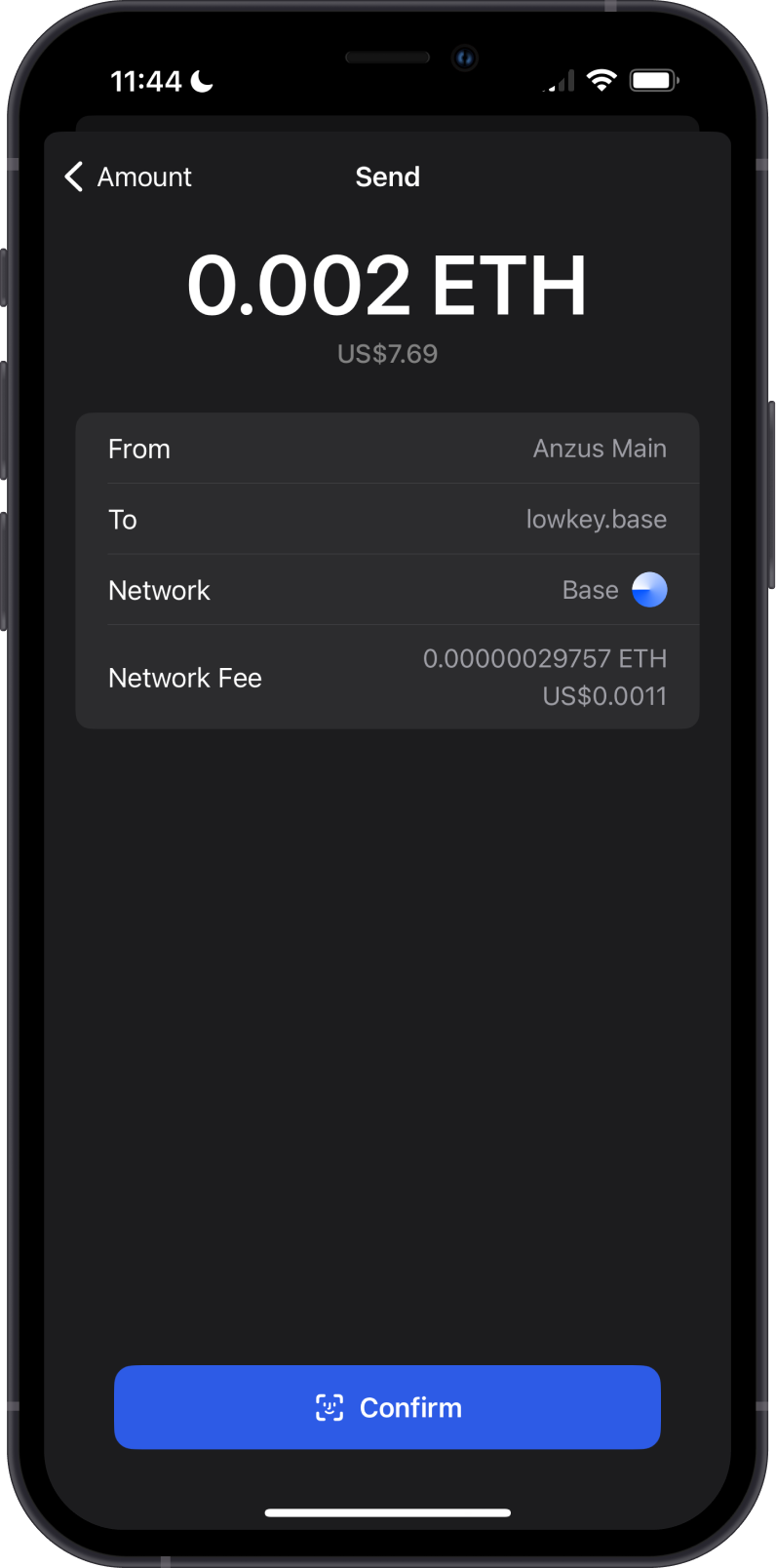
- Fees on Base are paid in ETH.
- A Base fee has two parts: the cost of running the transaction on Base, and a small fee for posting its data to Ethereum.
- Base fees are usually a few cents or less, far lower than on the Ethereum mainnet.
- Gem Wallet shows the network fee before you confirm, and lets you set a custom fee. See How to Set Custom Network Fees on EVM Networks.
How to Check Your Base Balance?
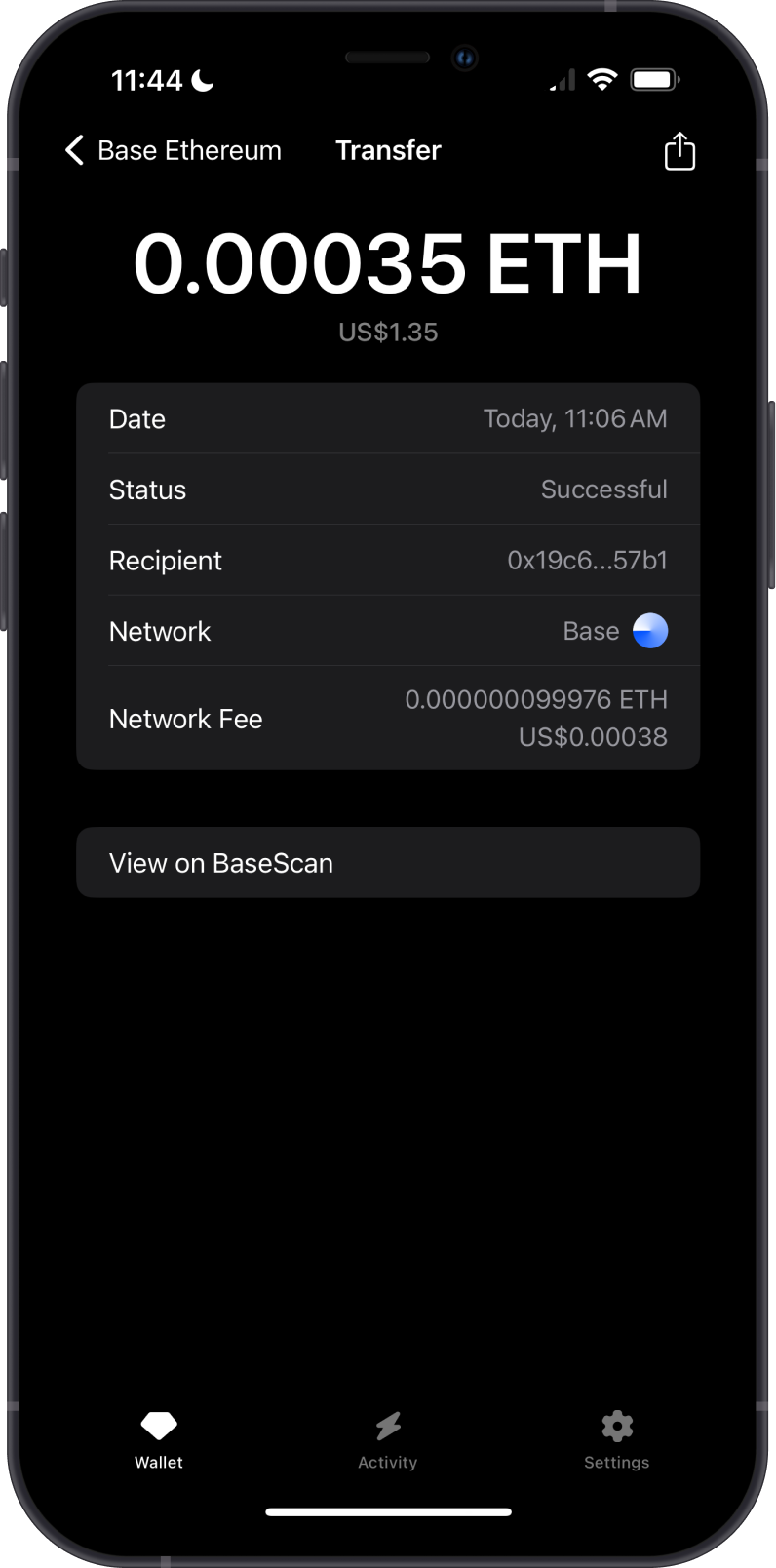
Gem Wallet shows your ETH and token balances on Base and their activity. To view your address in an explorer, tap the three dots in the upper-right corner of the Base ETH asset, then select View address.
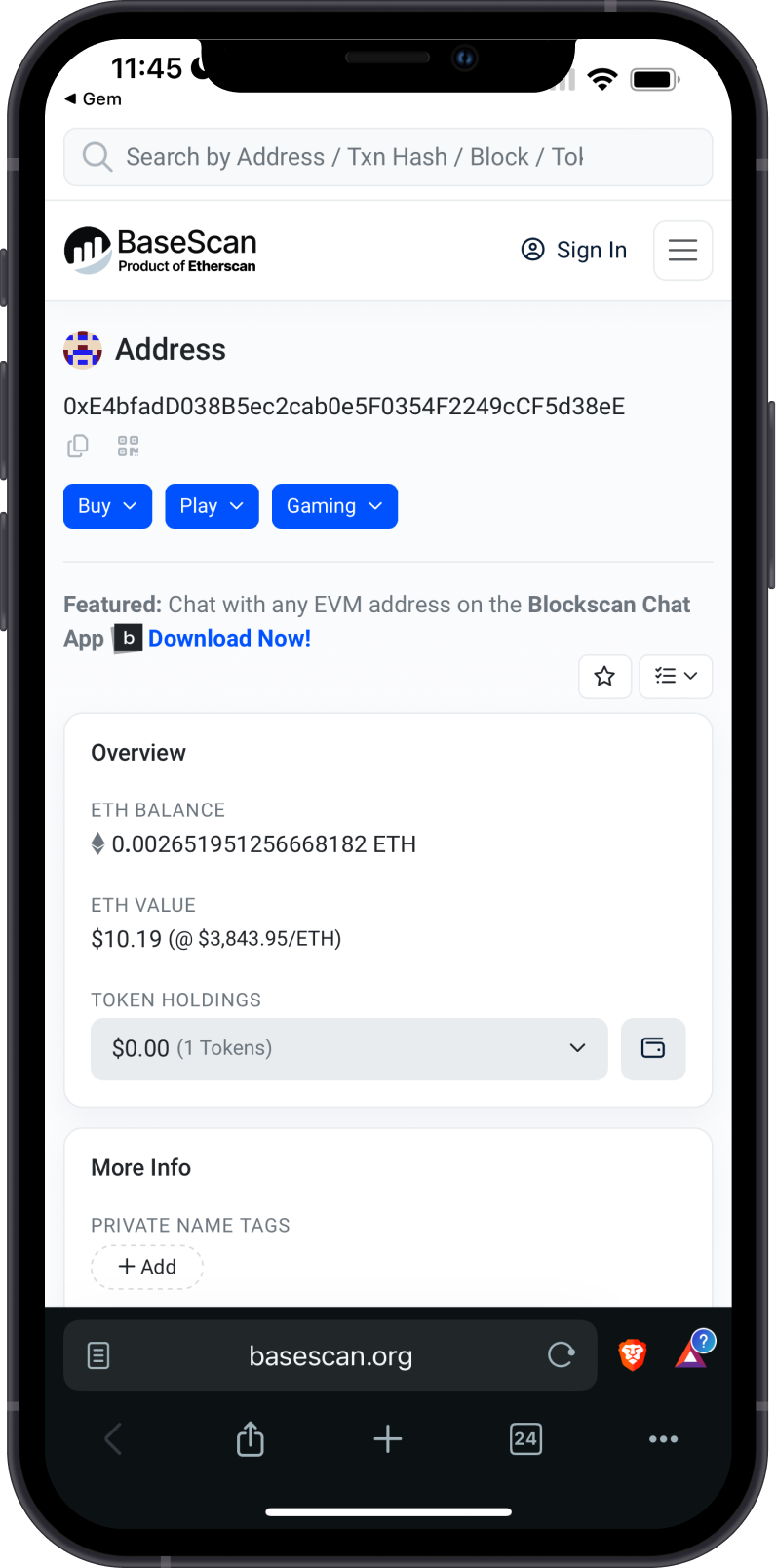
BaseScan is the default Base explorer in Gem Wallet. You can switch to Blockchair or Blocksec under Settings > Preferences > Networks > Base.