Aptos (APT)
What is Aptos?
Here are 5 key points about the Aptos (APT) blockchain:
- Parallel execution: Aptos runs independent transactions at the same time instead of one after another, which lets the network process many transactions per second.
- Move language: Smart contracts on Aptos are written in Move, a programming language first developed for Meta's Diem project and designed to make digital assets safer to handle.
- Fast finality: Blocks are produced roughly every half-second, and transactions are final within about a second.
- Proof-of-Stake: Validators secure the network by staking APT, and holders can delegate APT to a validator to earn rewards.
- APT has a practical role: APT pays transaction fees, is staked to secure the network, and is used in on-chain governance.
Learn more about Aptos by reading the Gem Wallet Learn article: What Is The Aptos Blockchain?
Aptos Support in Gem Wallet
Gem Wallet can be used to:
- Buy APT through available third-party fiat providers.
- Hold, send, and receive APT and supported Aptos tokens, such as USDC and USDT.
- Stake APT with a validator to earn rewards.
- Swap tokens on Aptos through Hyperion, and swap to or from APT across networks with Cross-Chain Swap.
- Open your address and transactions in an Aptos explorer.
How to Buy or Receive Aptos?
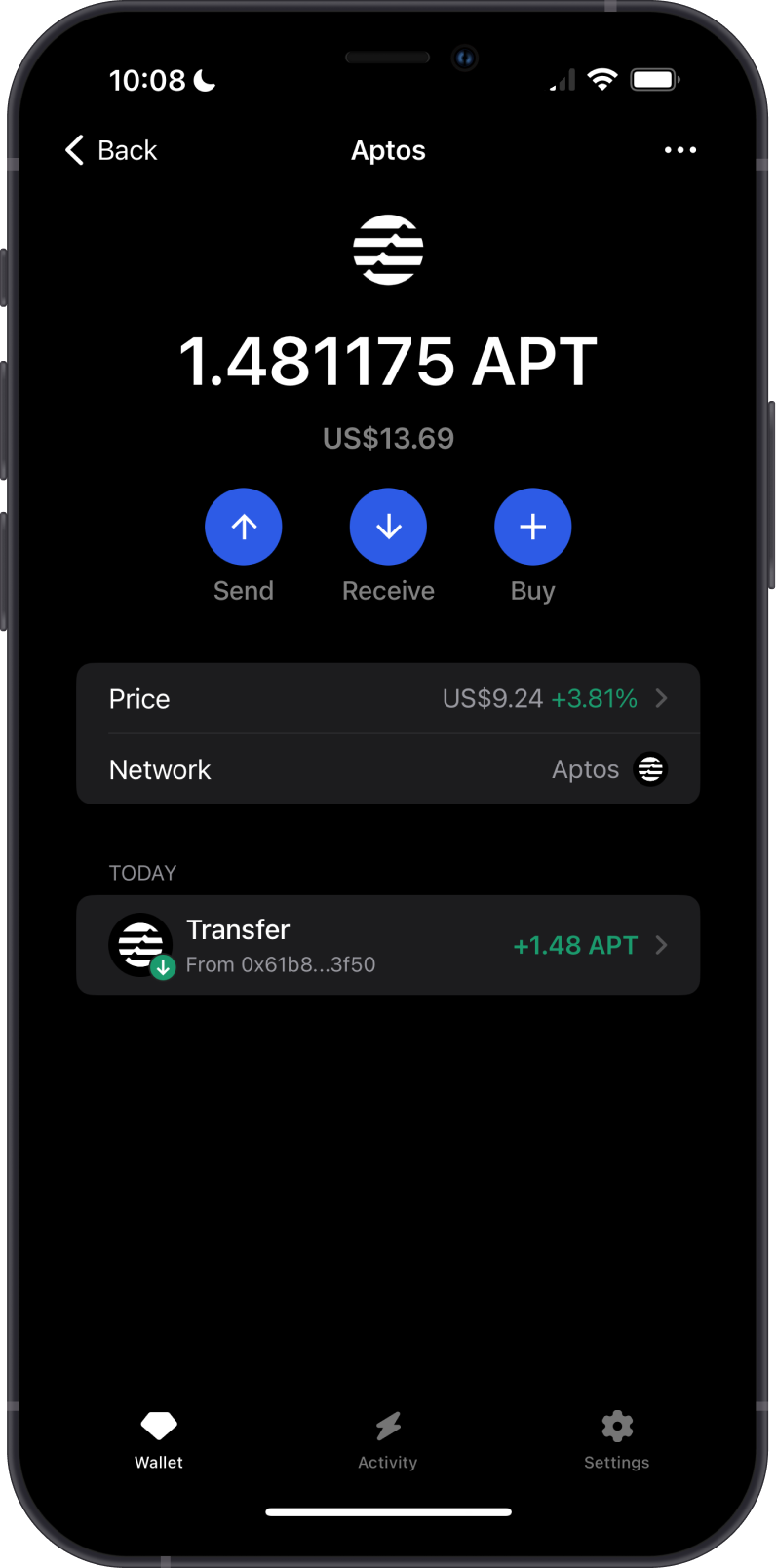
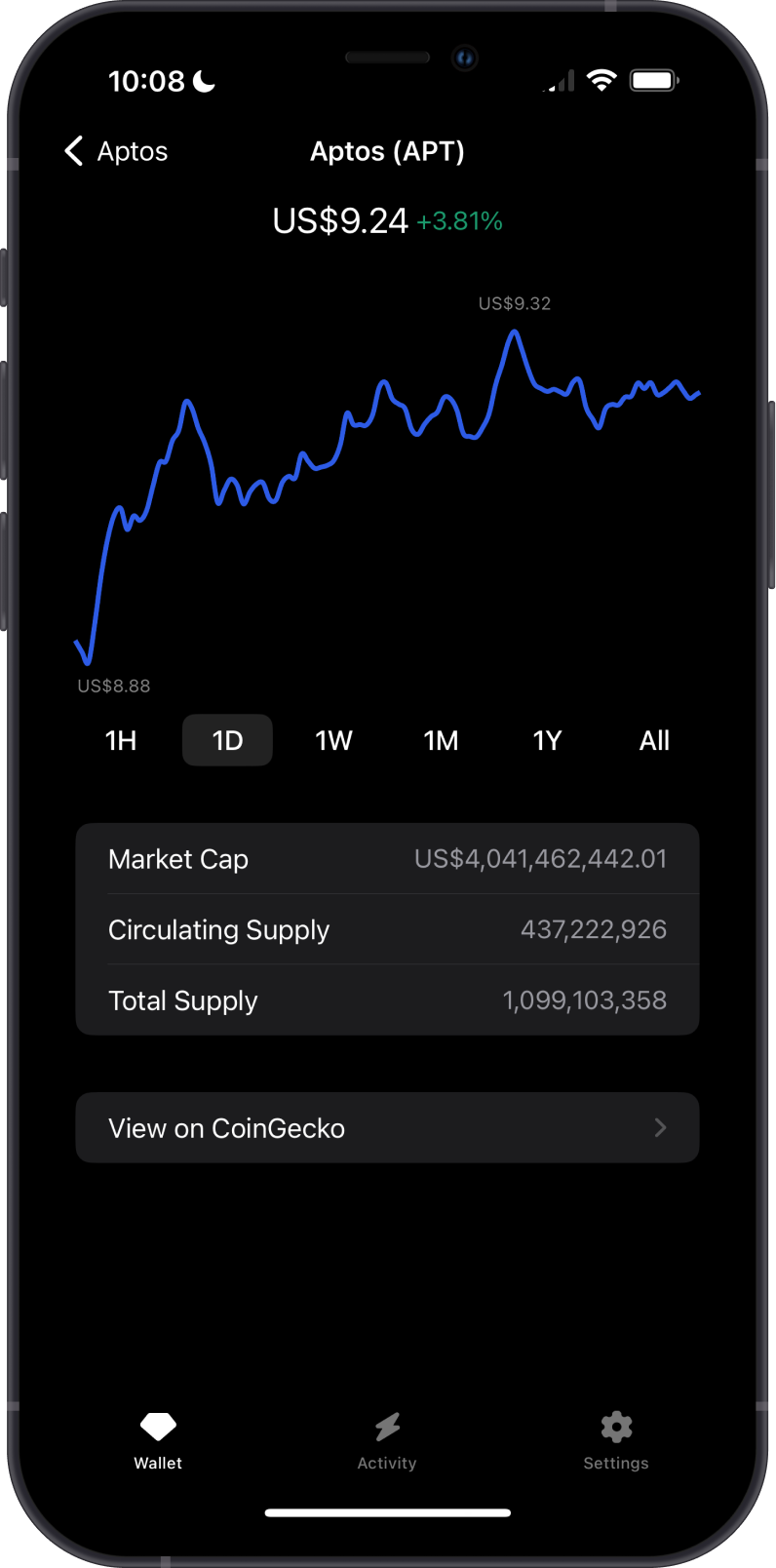
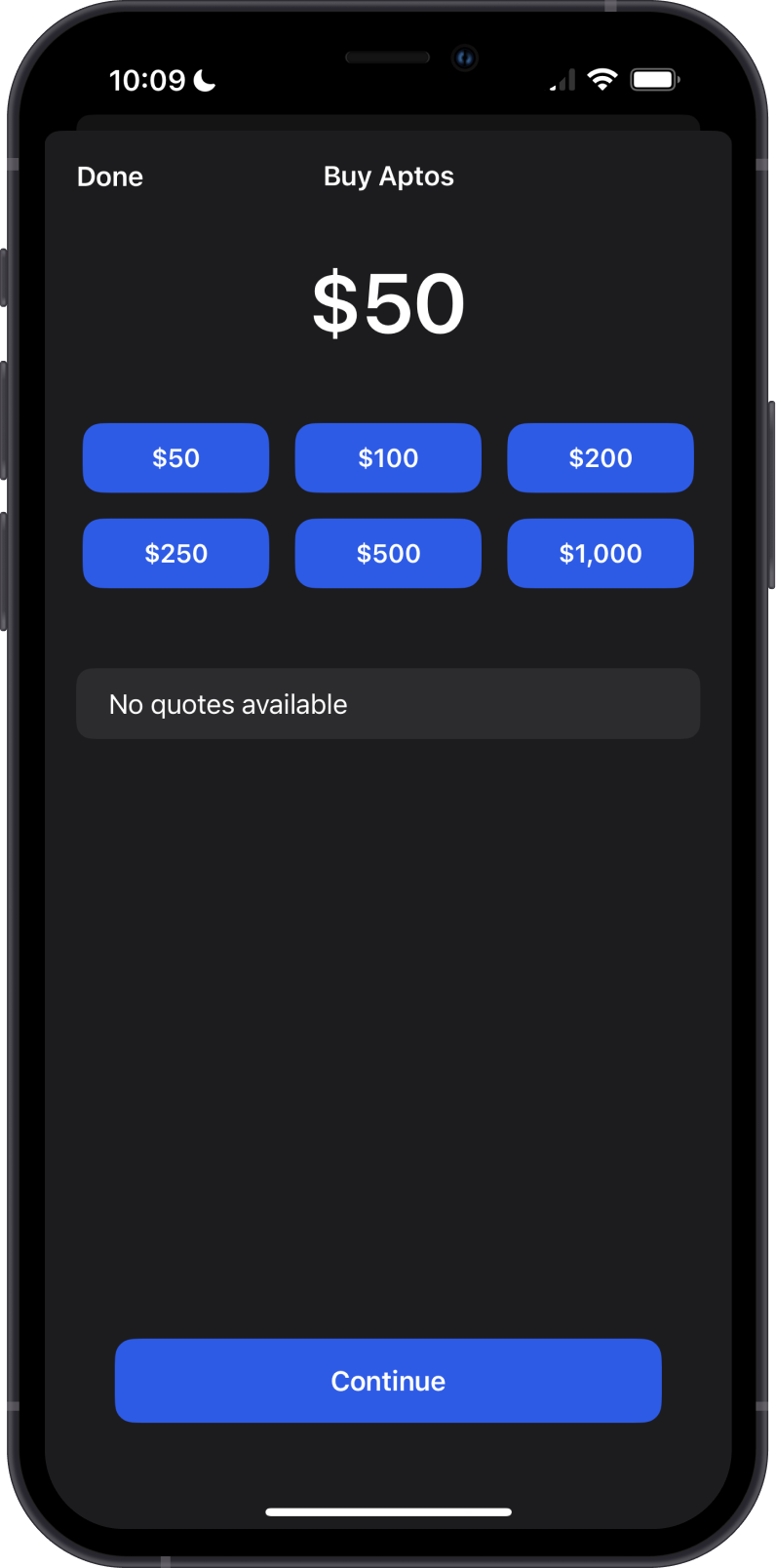
To buy APT, open the Aptos asset, tap Buy, enter the amount, and choose an available provider. Providers, payment methods, limits, and fees depend on your region.
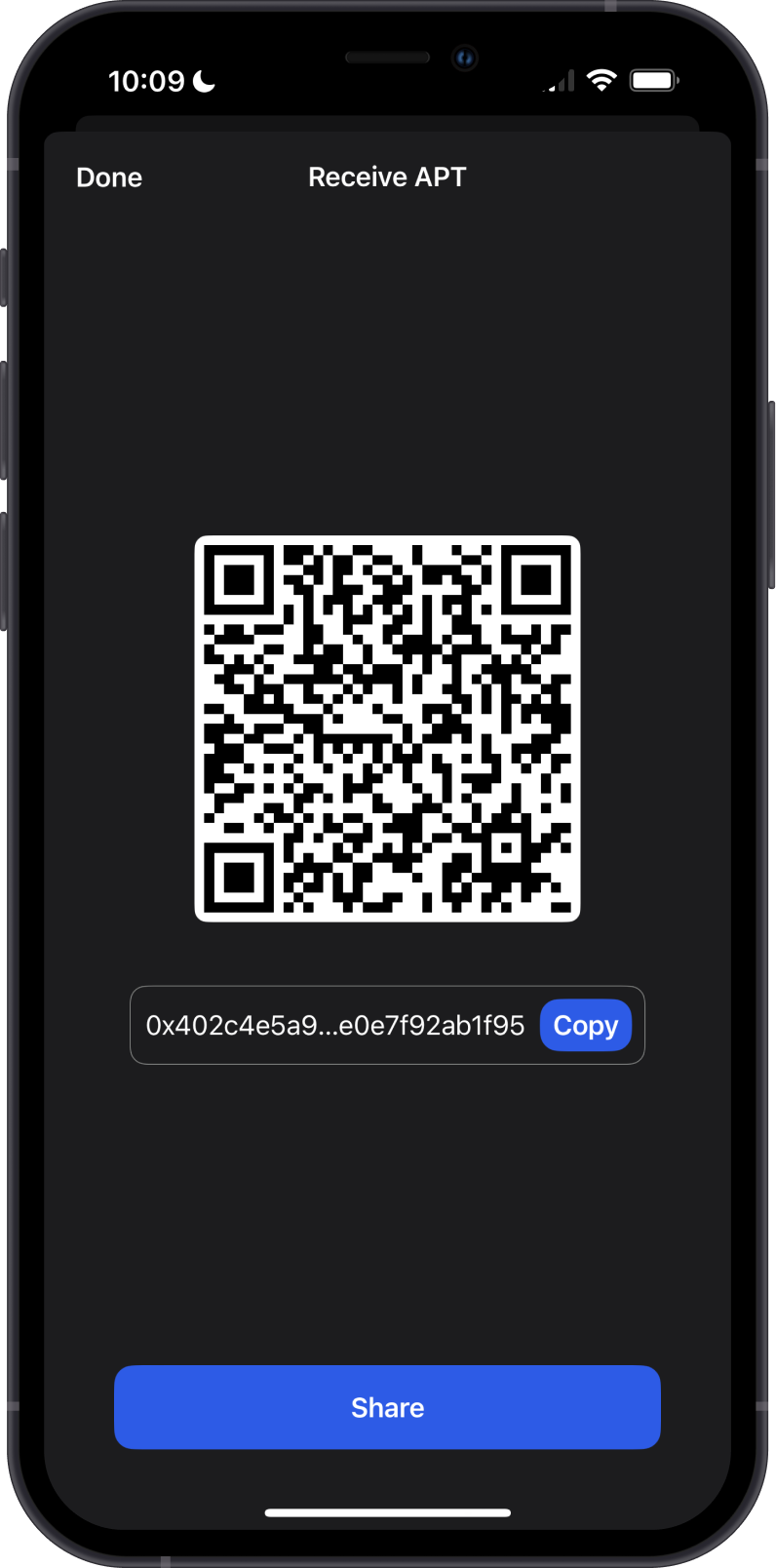
To receive APT or an Aptos token, open the asset, tap Receive, and copy or share your Aptos address. Your APT and Aptos tokens share the same address. Only send assets on the Aptos network to it.
How to Stake Aptos?
Open Aptos, tap Stake, choose a validator, and enter the amount. The minimum stake is 11 APT, and unstaked APT becomes available after the validator's lockup period of up to 14 days. See Staking Aptos (APT) with Gem Wallet for the full steps.
Can I Swap APT on Gem Wallet?
Yes. Gem Wallet compares quotes from several providers:
- Same-chain swaps between APT and Aptos tokens use Hyperion pools, directly or in two steps through APT or USDC. Older swaps used Panora, which Gem Wallet no longer uses.
- Cross-chain swaps to or from APT use providers such as NEAR Intents and Swaps.xyz, depending on the pair.
Review the provider, rate, minimum received, and network fee before you confirm.
Transaction Fees on Aptos
- Every Aptos transaction pays a fee in APT, calculated from the gas it uses and the gas price.
- Aptos fees are usually a small fraction of a cent for a simple transfer.
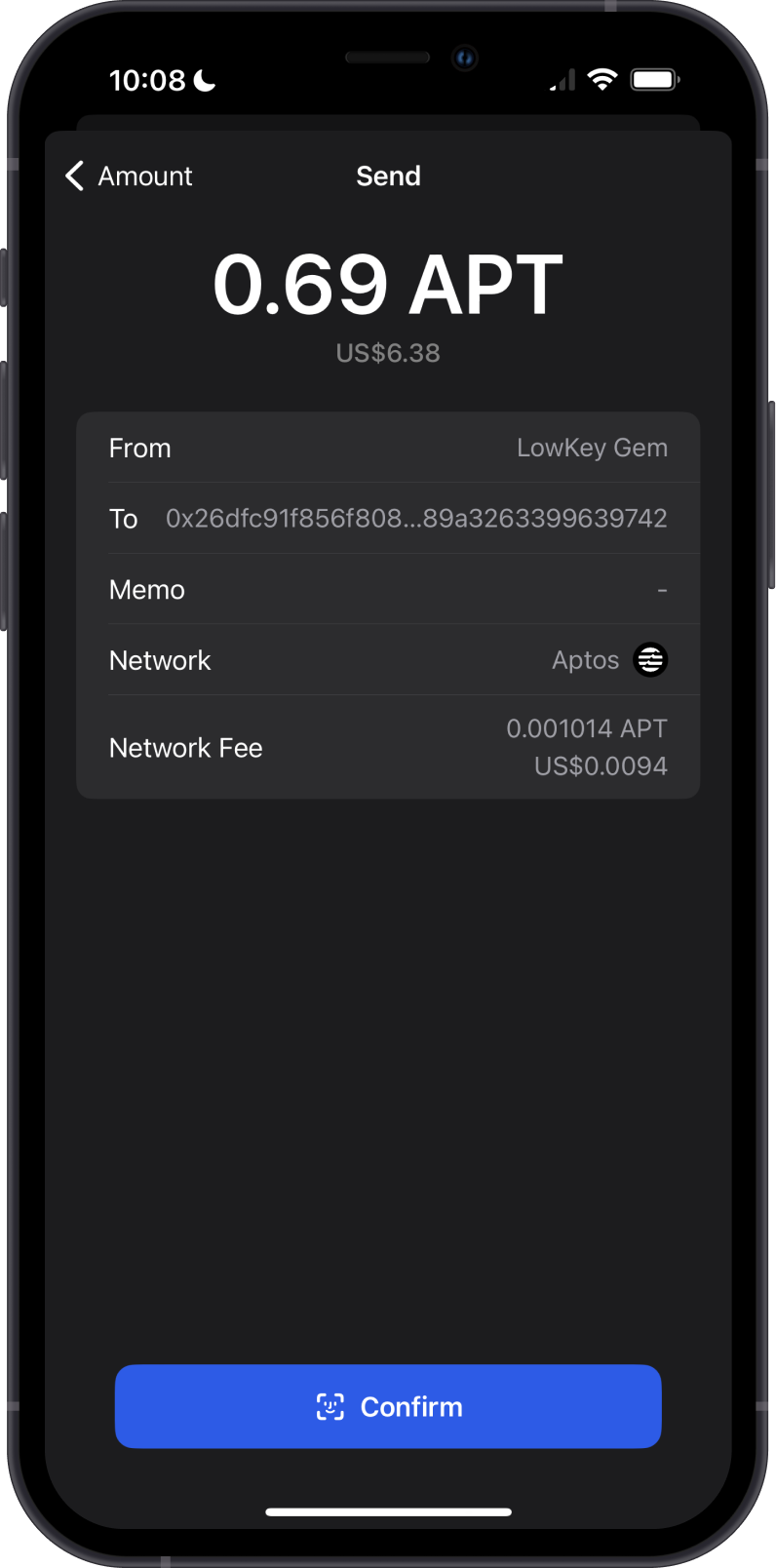
- Gem Wallet estimates the network fee and shows it on the confirmation screen before you send.
Keep a little APT in your wallet to pay fees when you send Aptos tokens or unstake.
How to Check Aptos (APT) Balance?
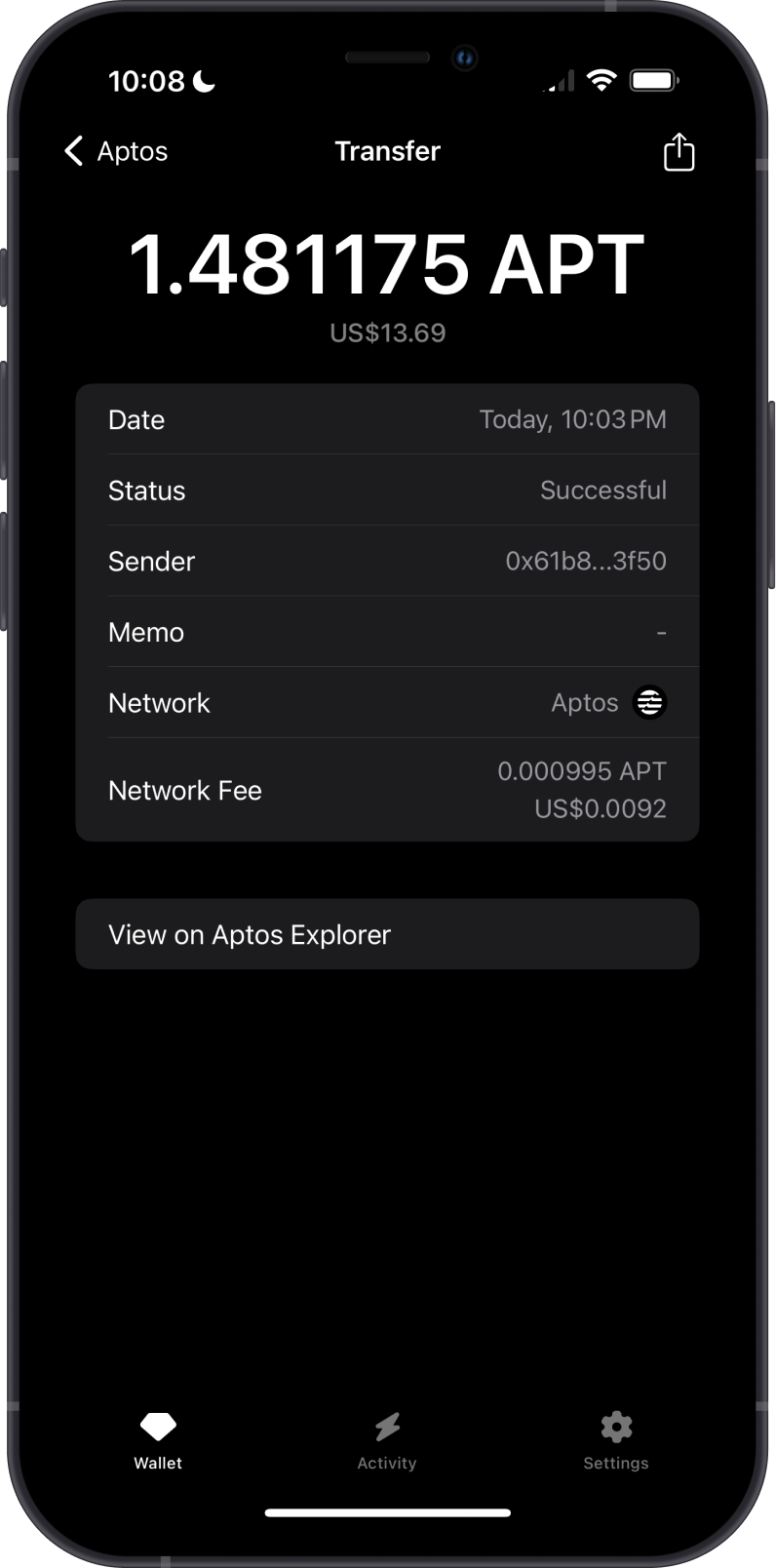
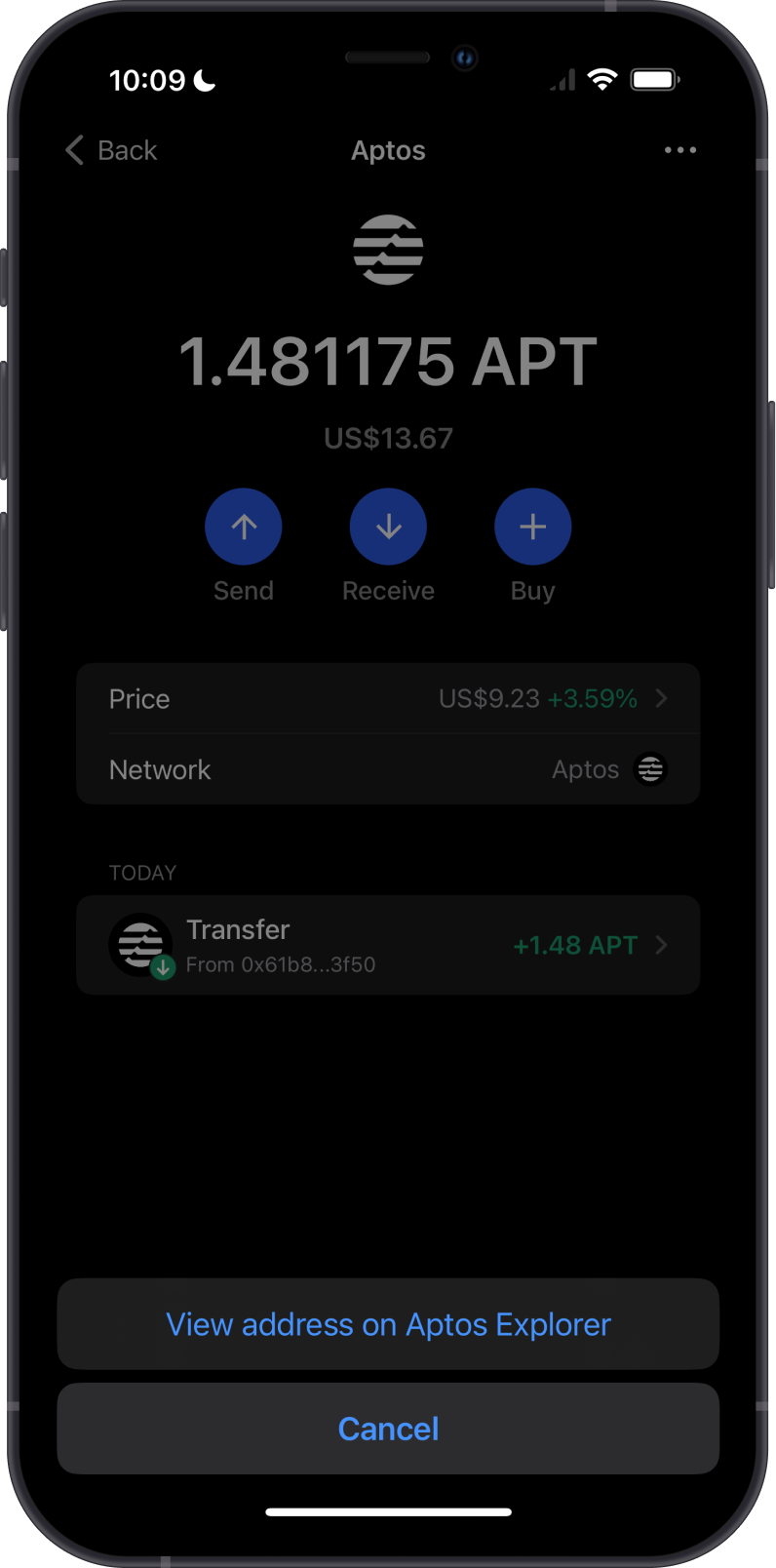
Gem Wallet shows your APT and Aptos token balances and activity. To view your address in an explorer, tap the three dots in the upper-right corner of the Aptos asset, then select View address.
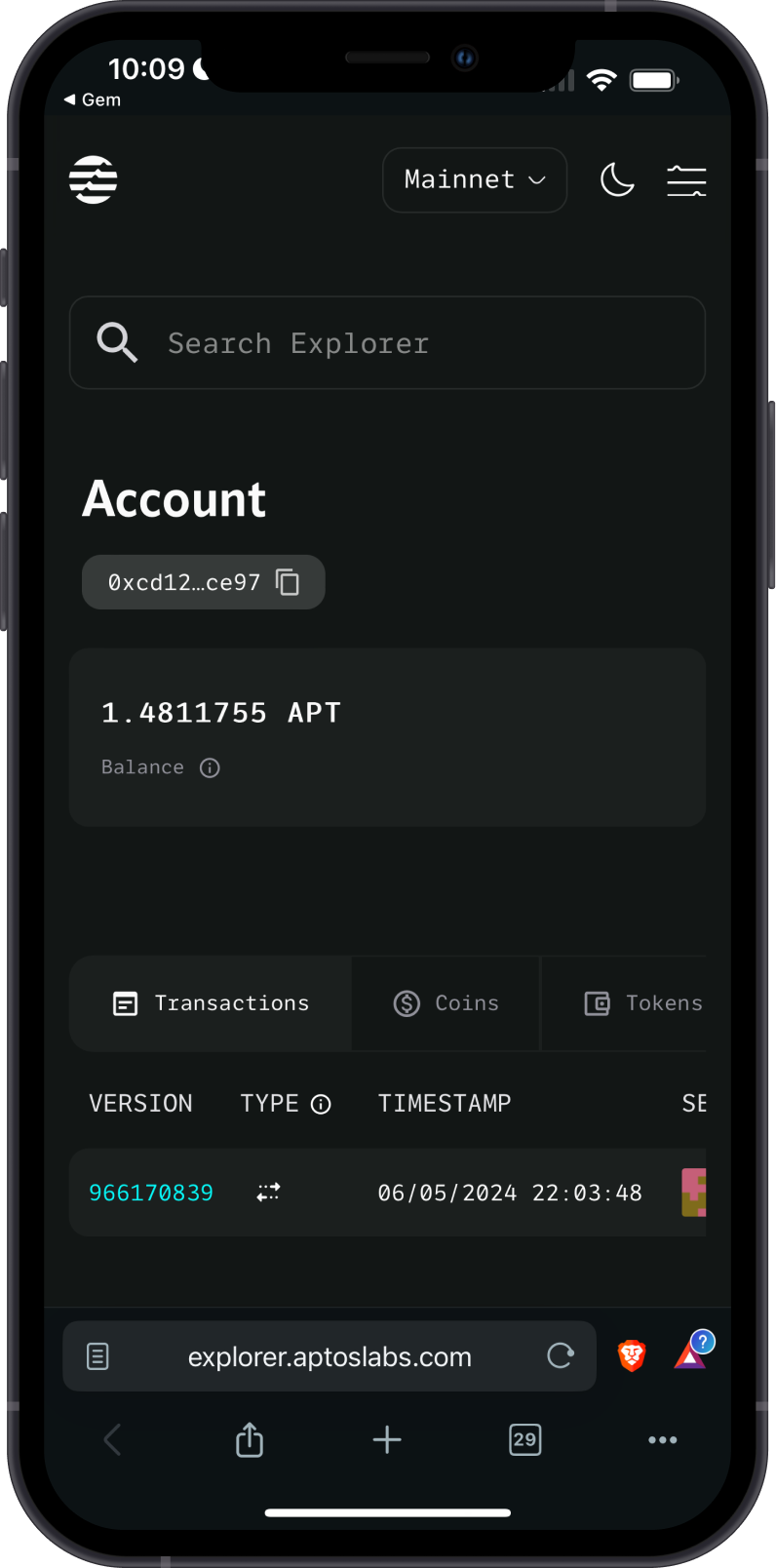
AptosScan is the default Aptos explorer in Gem Wallet. You can switch to the Aptos Explorer under Settings > Preferences > Networks > Aptos.