TRON (TRX)
What is TRON?
TRON is a high-throughput blockchain built for payments, smart contracts, decentralized applications, and TRC20 tokens. Its native asset is TRX, which is used for transaction fees, staking, and network resources.
Here are 5 key points about TRON:
-
TRX is the native asset used to pay network fees and interact with the TRON network.
-
TRON supports TRC20 tokens, including widely used stablecoins such as USDT on TRON.
-
TRON uses a Delegated Proof of Stake model, where users can stake TRX and vote for validators.
-
TRON uses Bandwidth and Energy resources, which can help reduce transaction costs when moving TRX or TRC20 tokens.
-
TRON is commonly used for fast token transfers, stablecoin payments, swaps, and low-cost wallet activity.
Learn more about TRON by reading the Gem Wallet Learn article: What Is The TRON Blockchain?
TRON on Gem Wallet
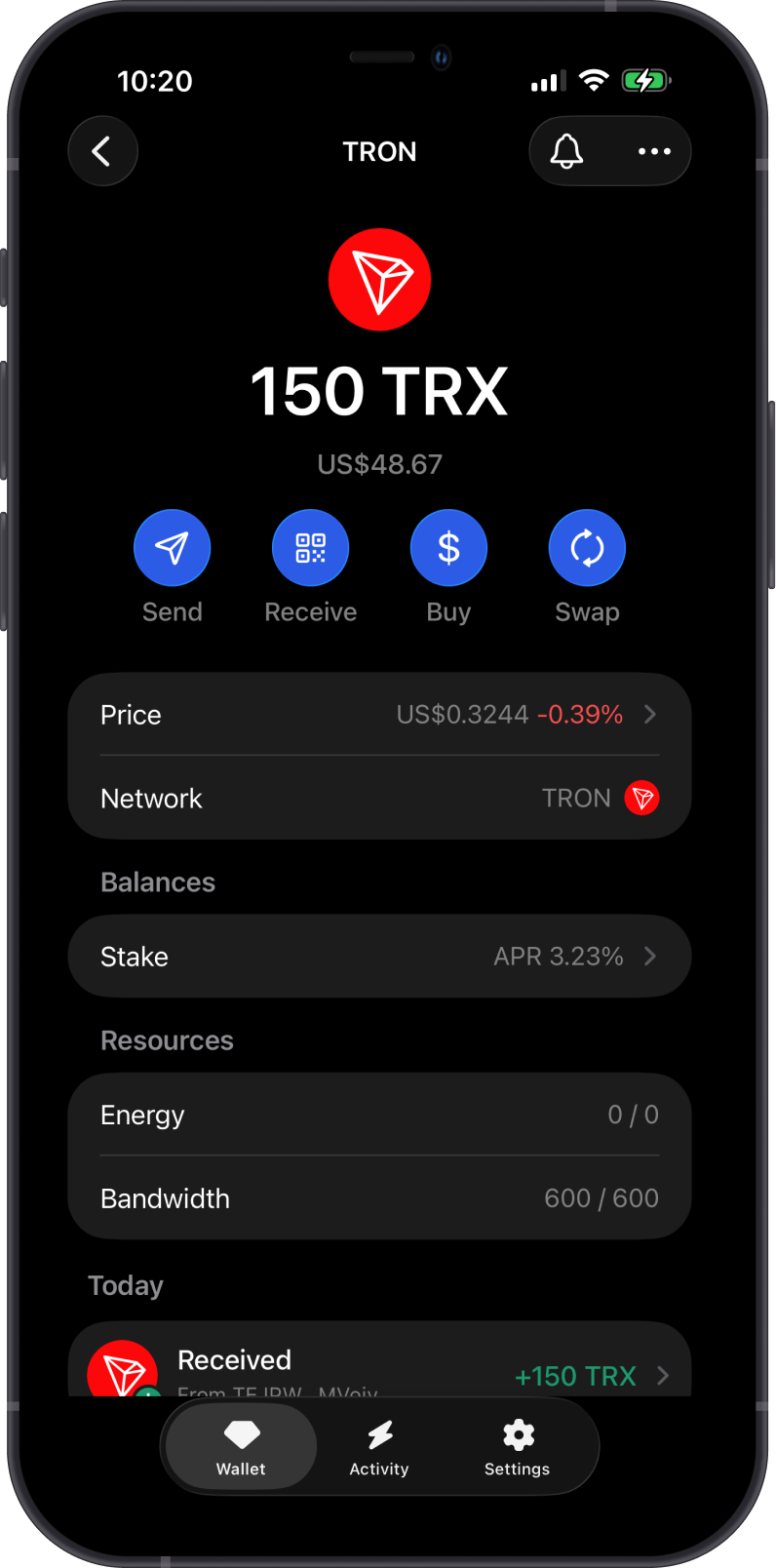
Gem Wallet has the following features enabled for TRON:
- Store TRON (TRX) securely.
- Send and receive TRX and supported TRC20 tokens.
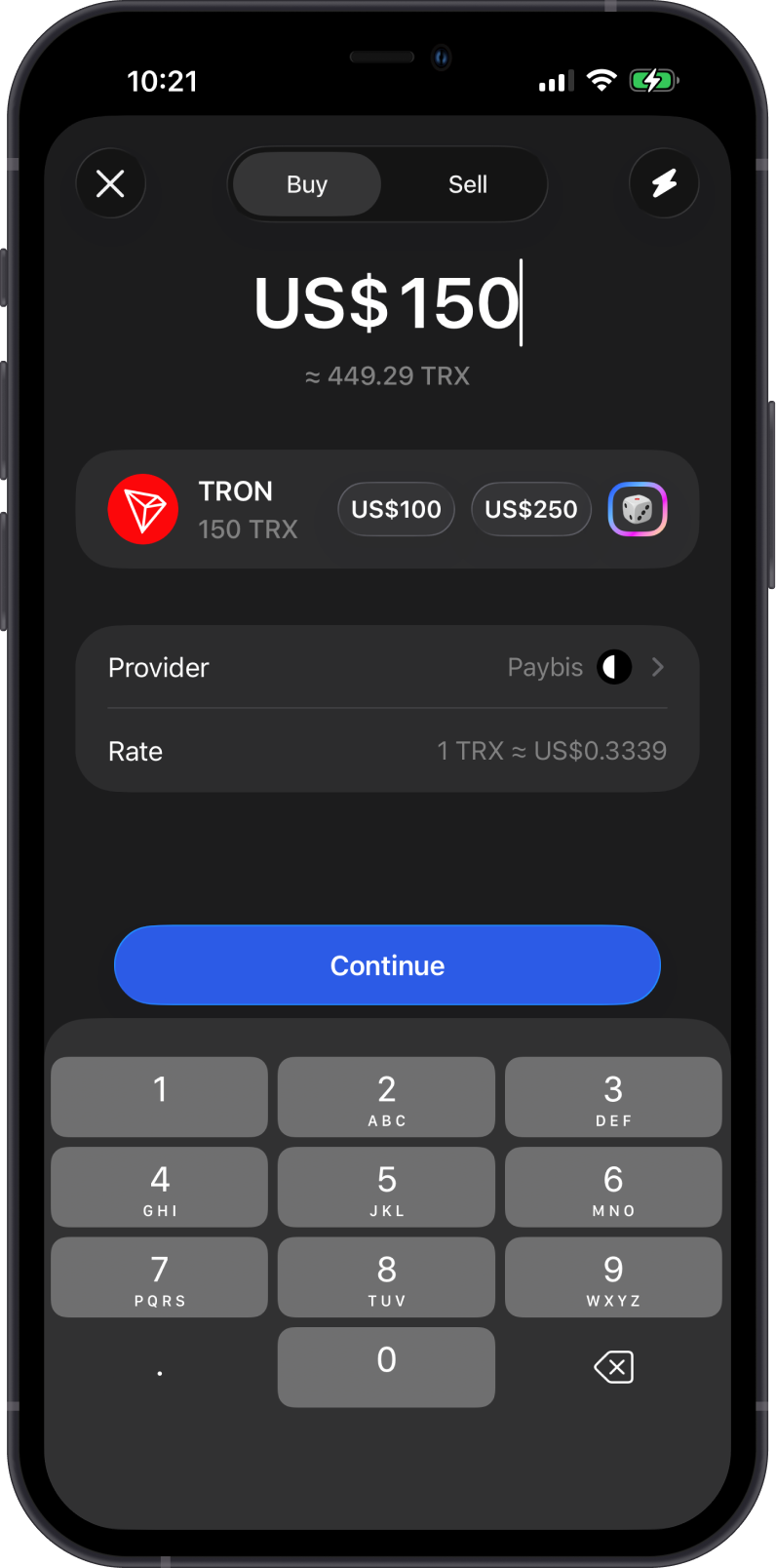
- Buy TRX directly in the app.
- Manage supported TRC20 tokens.
- Swap TRX and supported TRC20 tokens directly in the app.
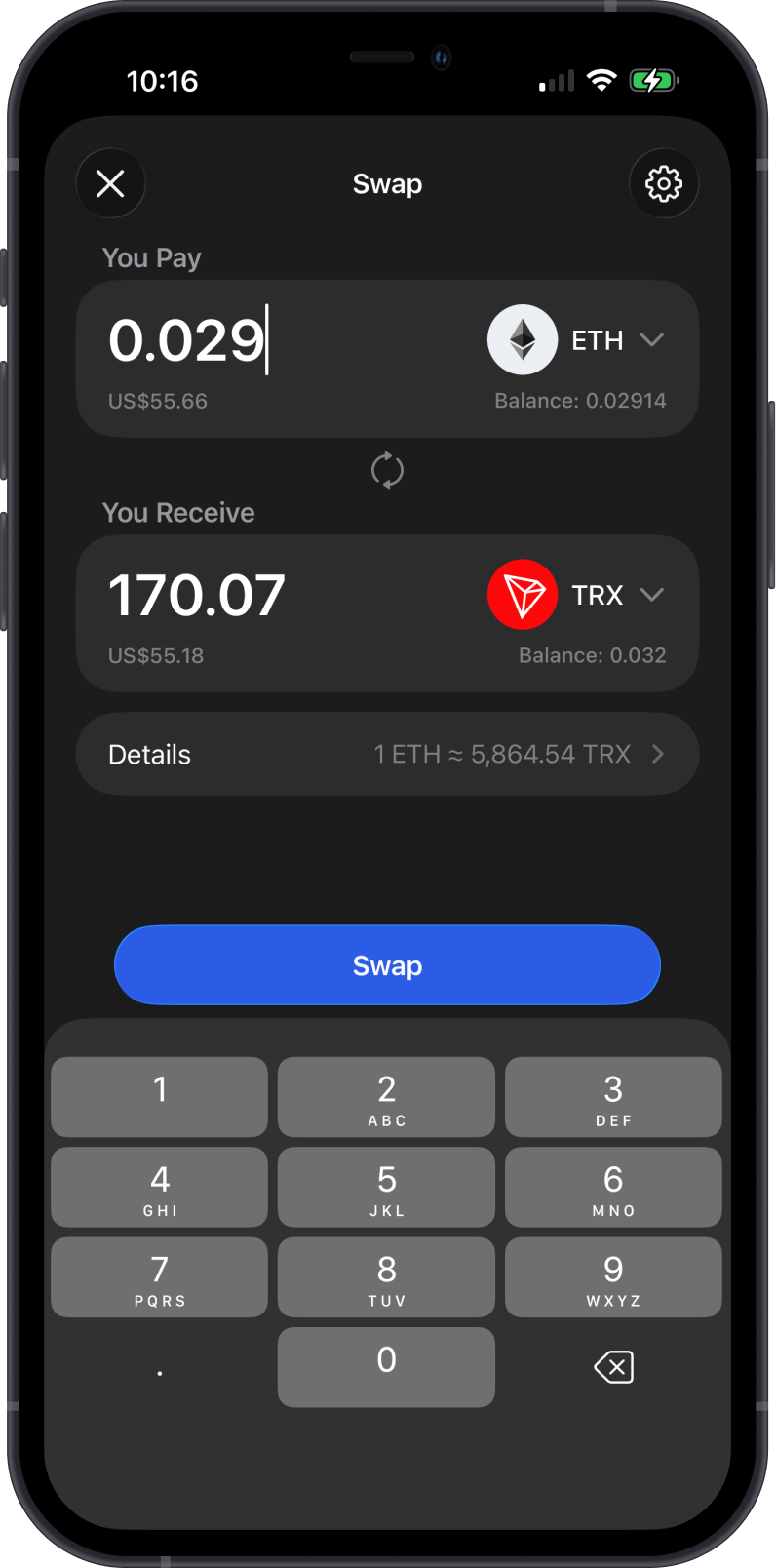
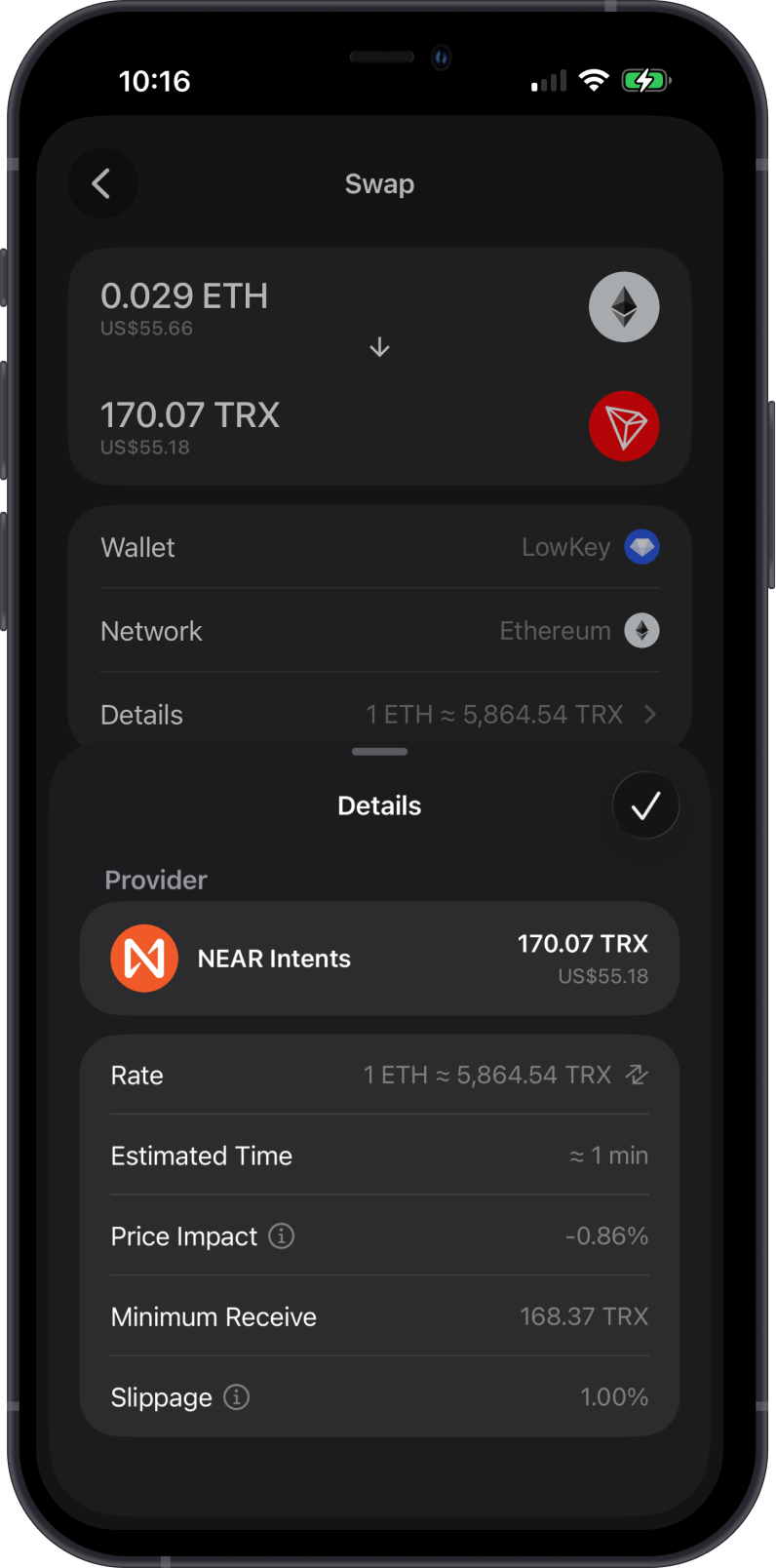
- Cross-chain swap supported assets into TRX.
- Stake TRX and view TRON resources such as Energy and Bandwidth.
- Connect to TRON dApps with WalletConnect.
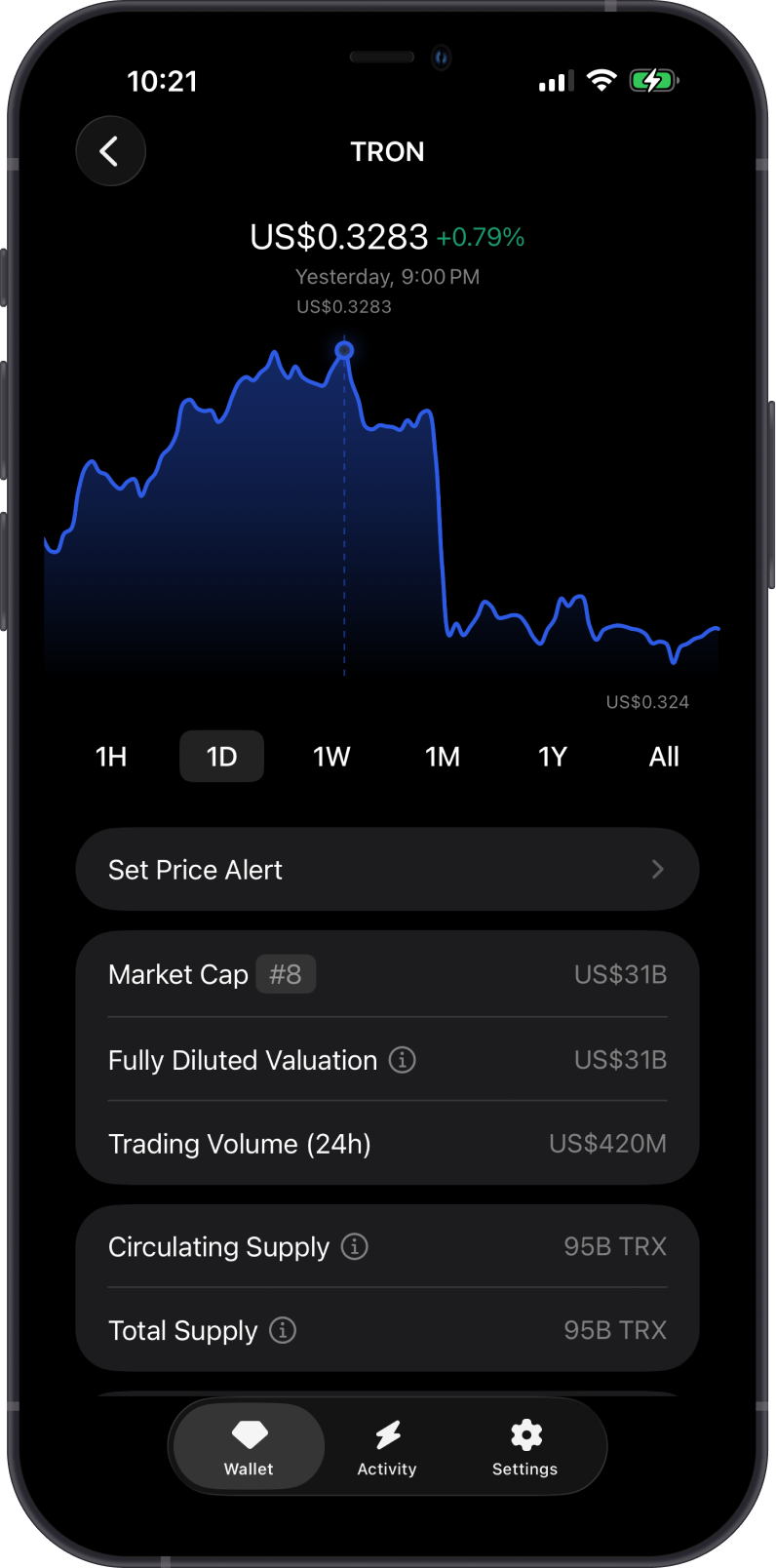
TRX is the native utility asset of TRON and is used for:
-
Transaction fees: TRX pays fees for sending assets and interacting with TRON.
-
TRC20 transfers: TRX is needed when sending TRC20 tokens.
-
Staking and resources: TRX can be staked or frozen to support the network and gain Energy or Bandwidth.
How to Get TRON (TRX)?
Here are some ways to get TRON (TRX):
- Buy TRON (TRX) directly on the Gem Wallet app.
- Receive TRX with your TRON address in Gem Wallet.
- Swap supported assets into TRX using Gem Wallet.
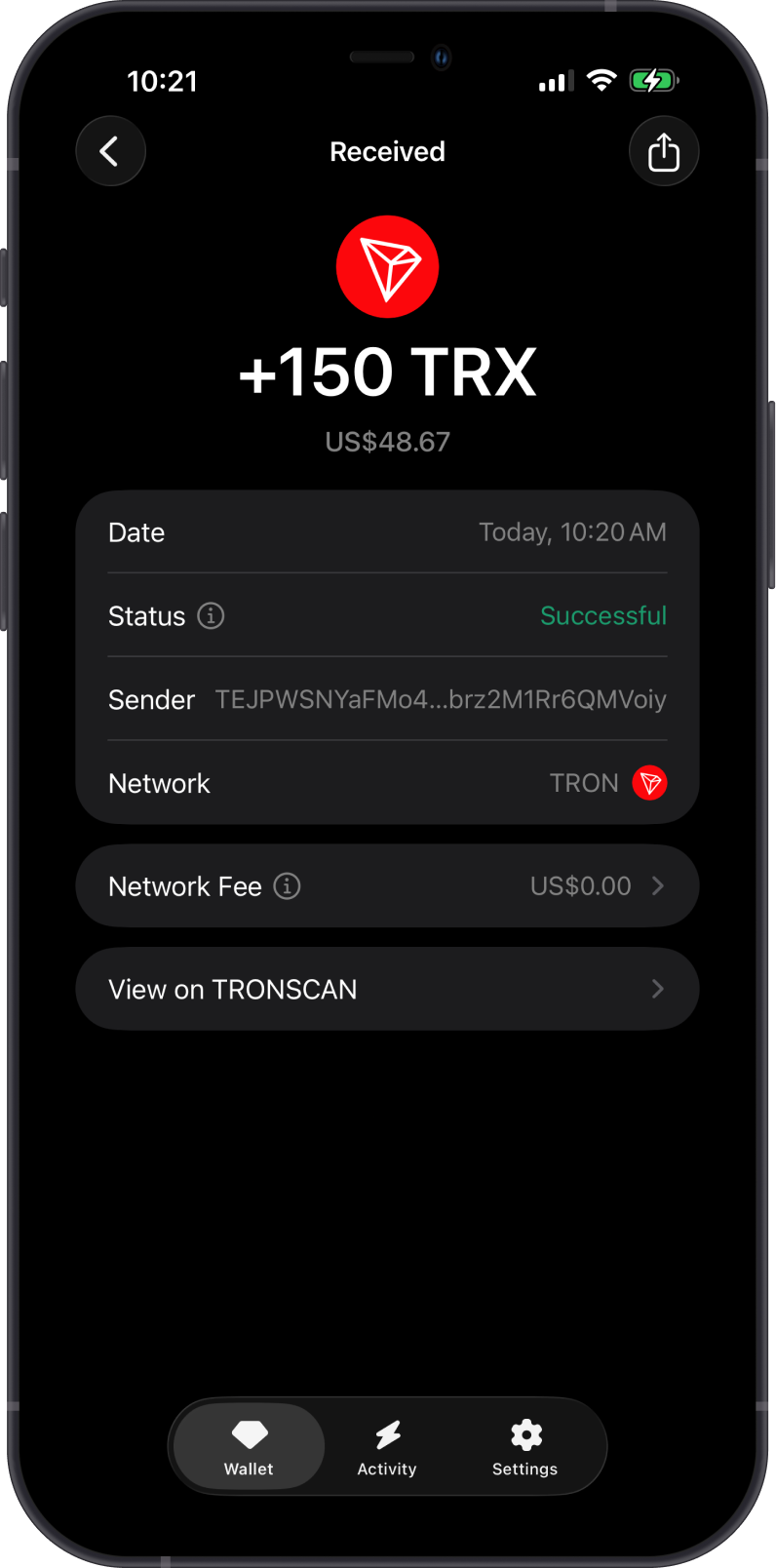
Send only TRON network assets to your TRON address. Assets sent on the wrong chain may not appear in your wallet.
What are TRC20 Tokens on the TRON Network?
TRC20 tokens are tokens issued on TRON. They work similarly to ERC20 tokens on Ethereum, but use the TRON network for transfers and fees.
-
Supported TRC20 tokens can be enabled from Manage Tokens in Gem Wallet.
-
Your TRON address is used for both TRX and supported TRC20 tokens.
-
You need enough TRX to pay network fees when sending TRC20 tokens.
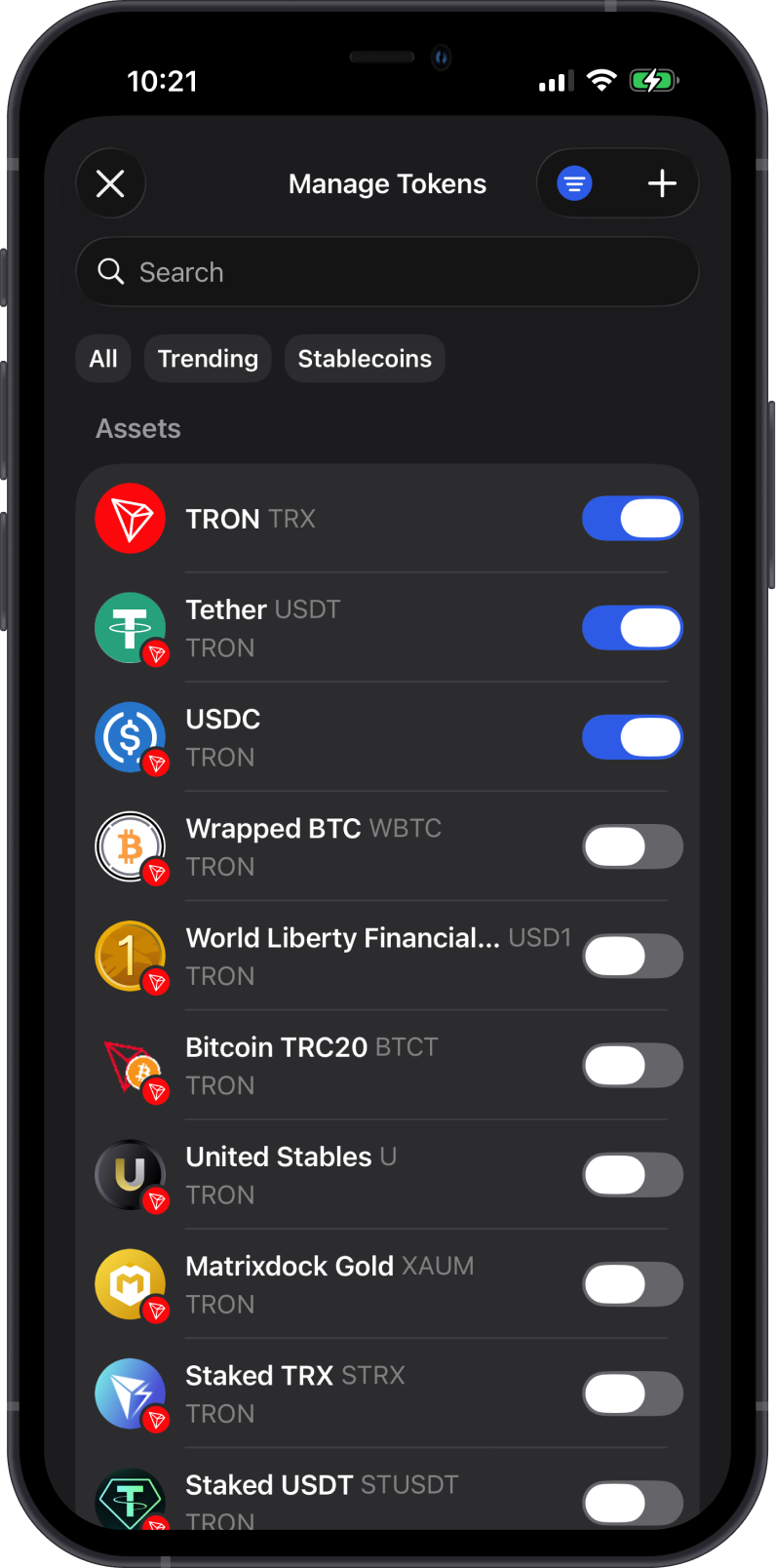
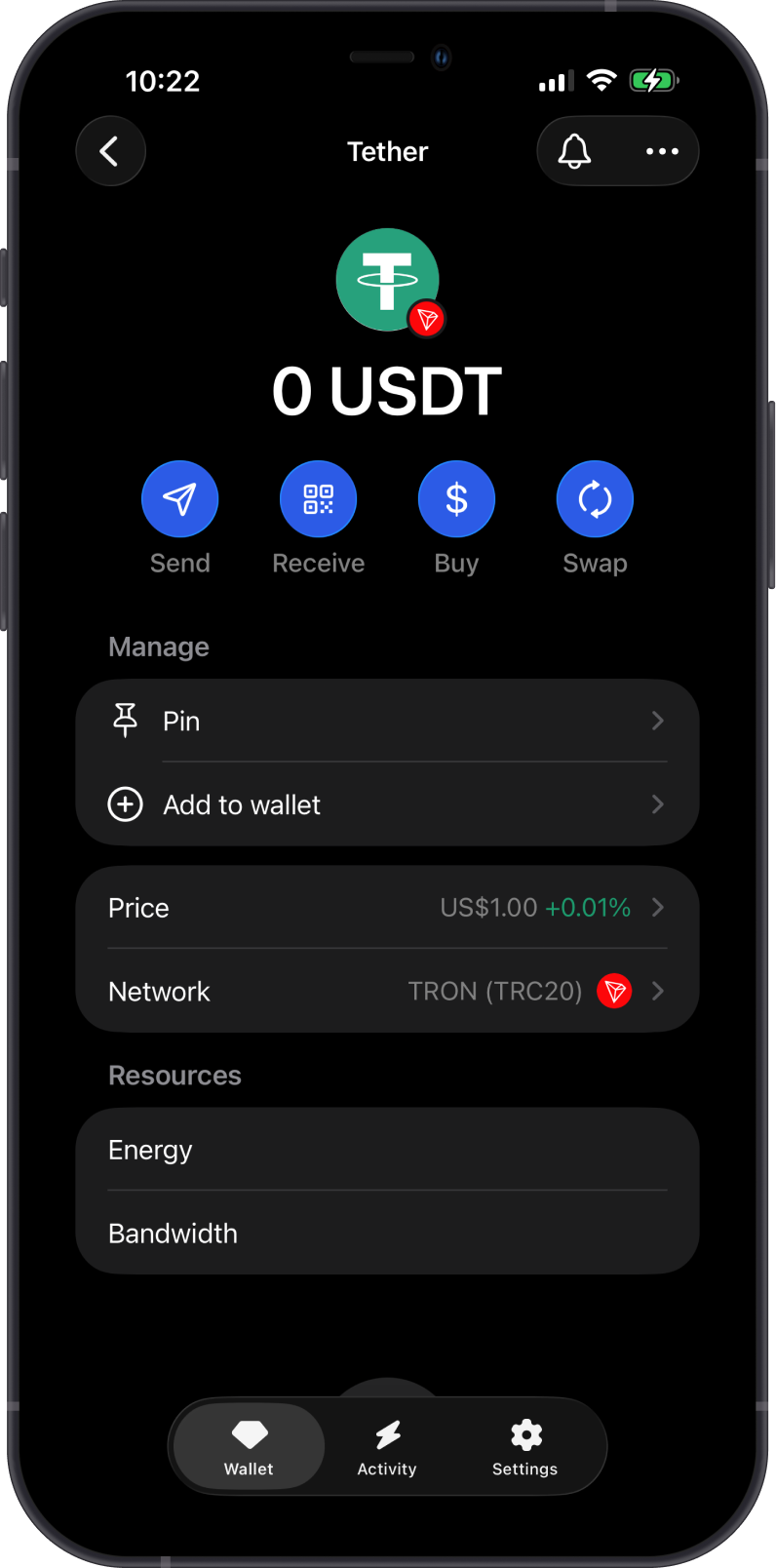
Learn more about TRC20 tokens from this Gem Wallet Learn article: What Is TRC20 and What You Need to Know About Tokens on the Tron Blockchain
Transaction Fees and Resources on TRON
The fees on TRON are summarized as follows:
-
TRON transactions require fees paid in TRX.
-
TRC20 token transfers also require TRX for network fees.
-
TRON uses Energy and Bandwidth resources. These resources can be shown in Gem Wallet and may reduce the amount of TRX spent on fees.
-
Freezing TRX can provide Energy or Bandwidth, depending on the resource selected.
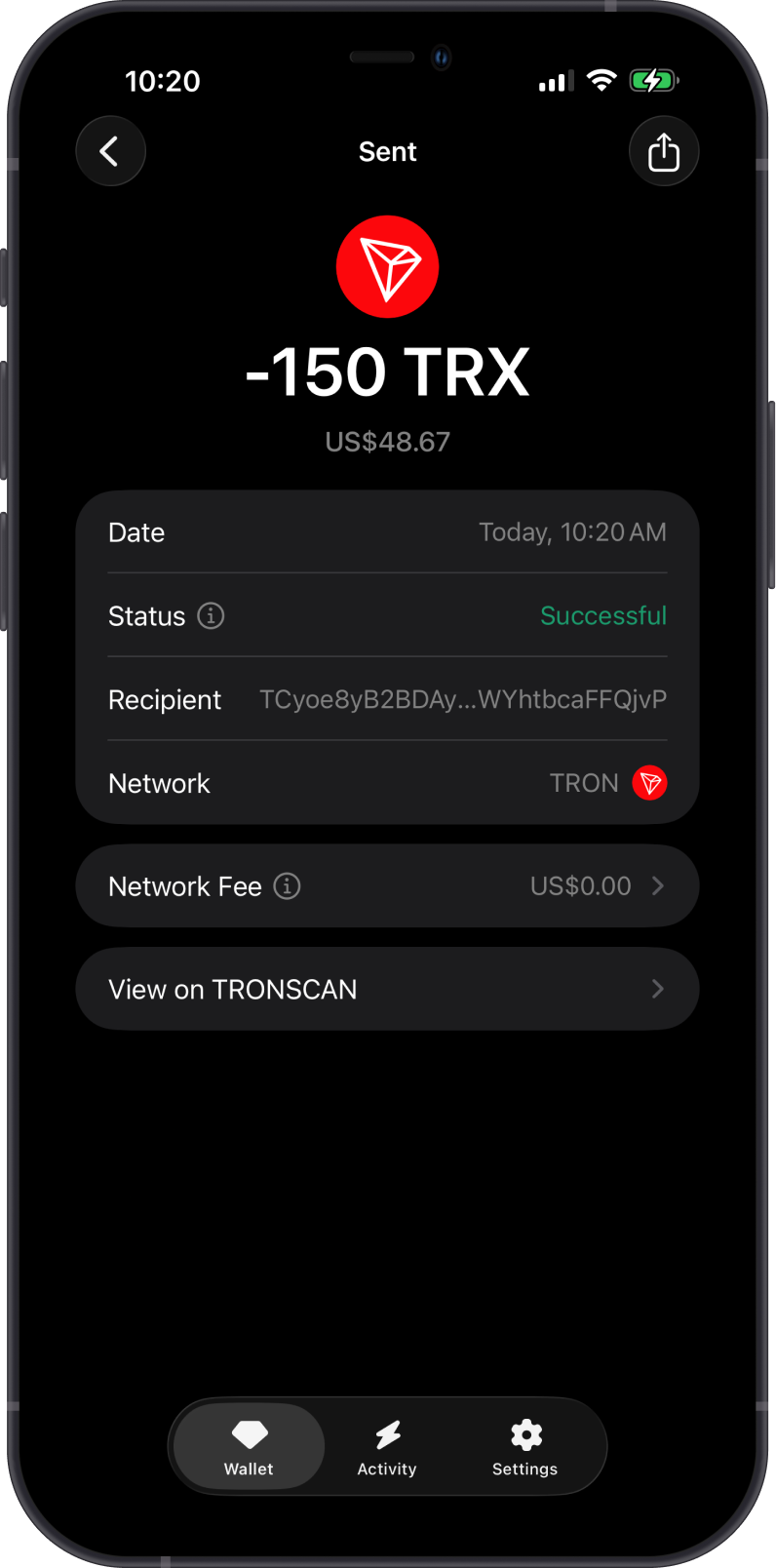
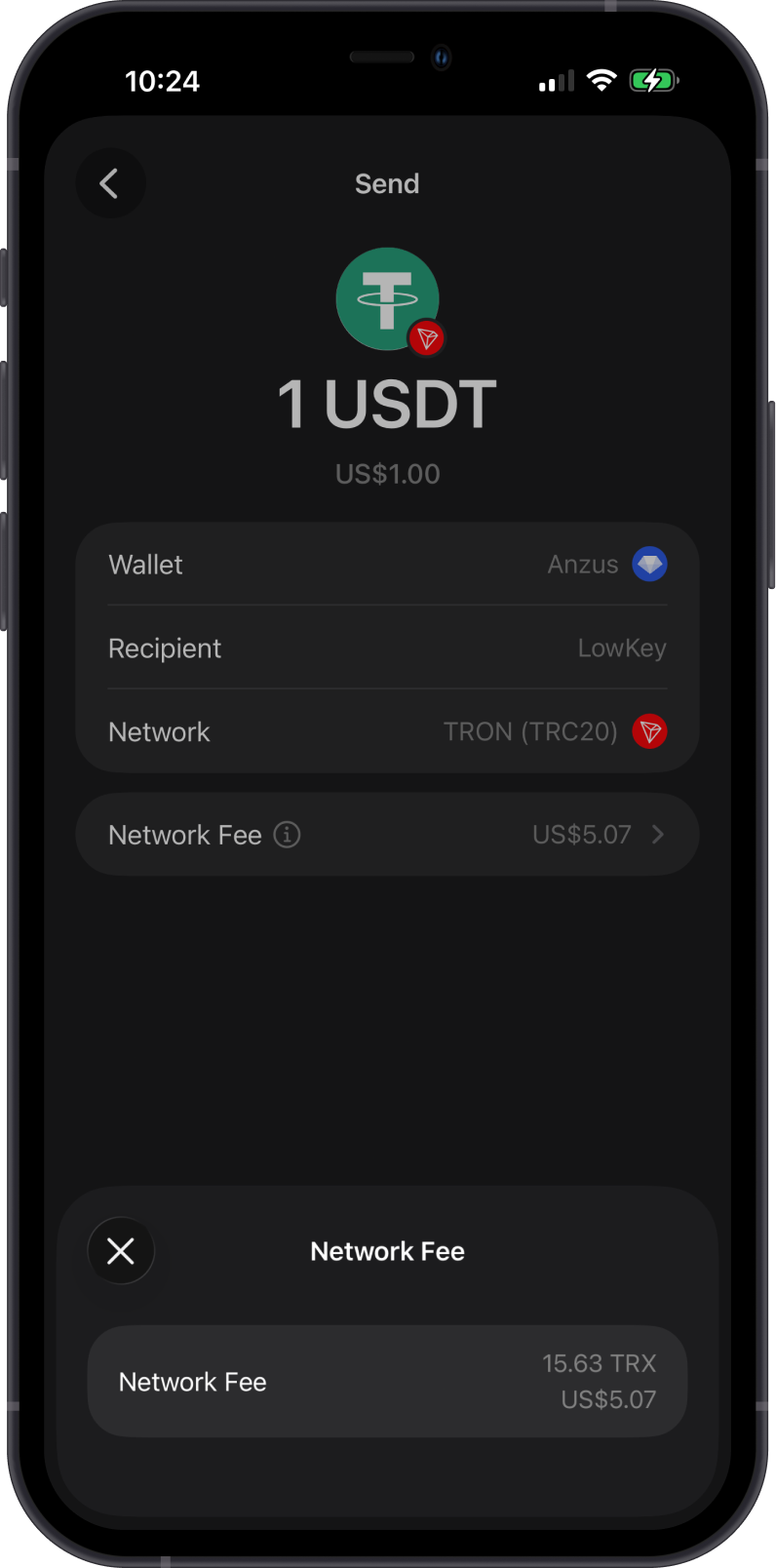
Can I Swap TRX and TRC20 Tokens on Gem Wallet?
Yes. Gem Wallet supports swaps for TRON network assets:
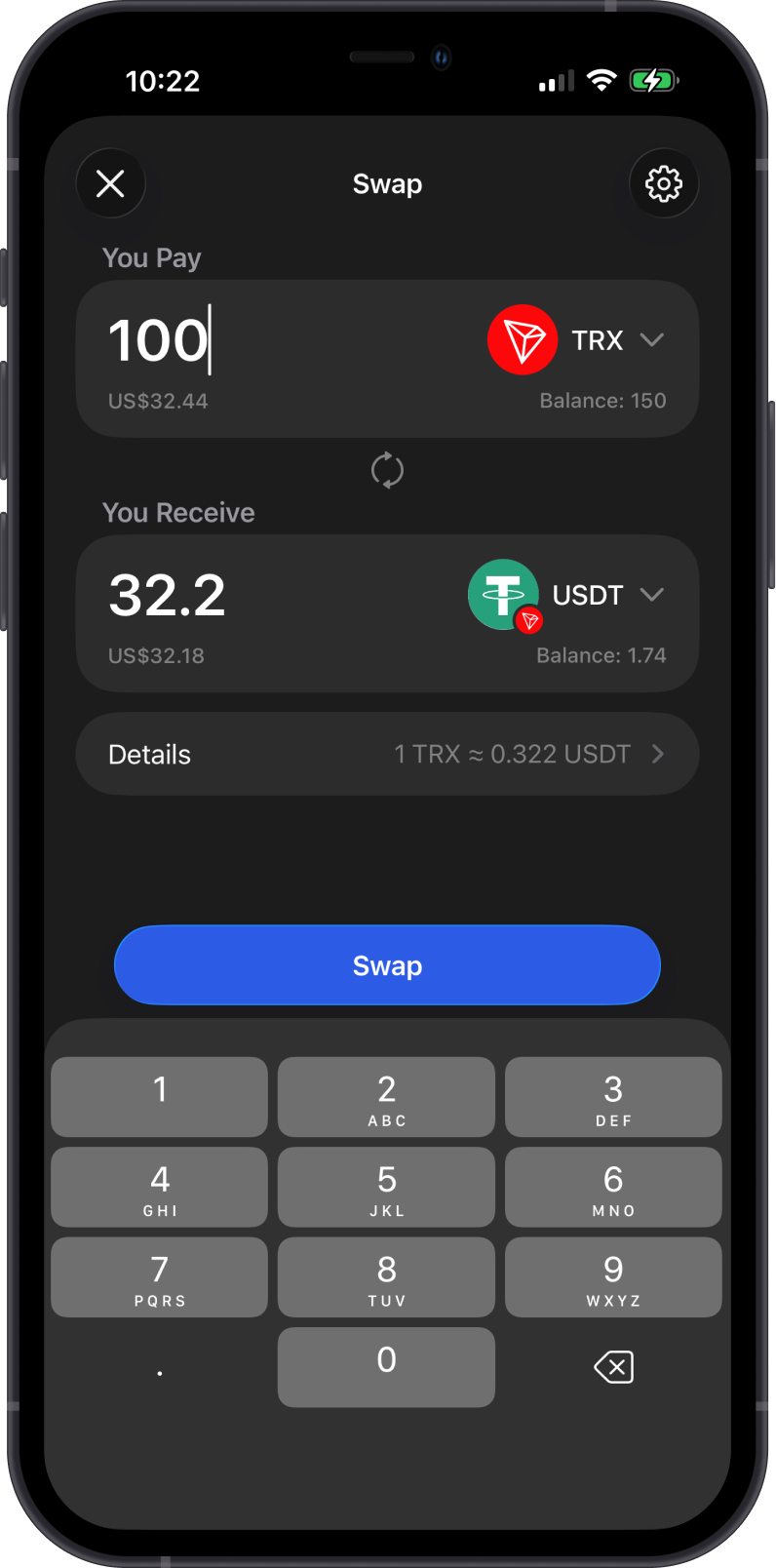
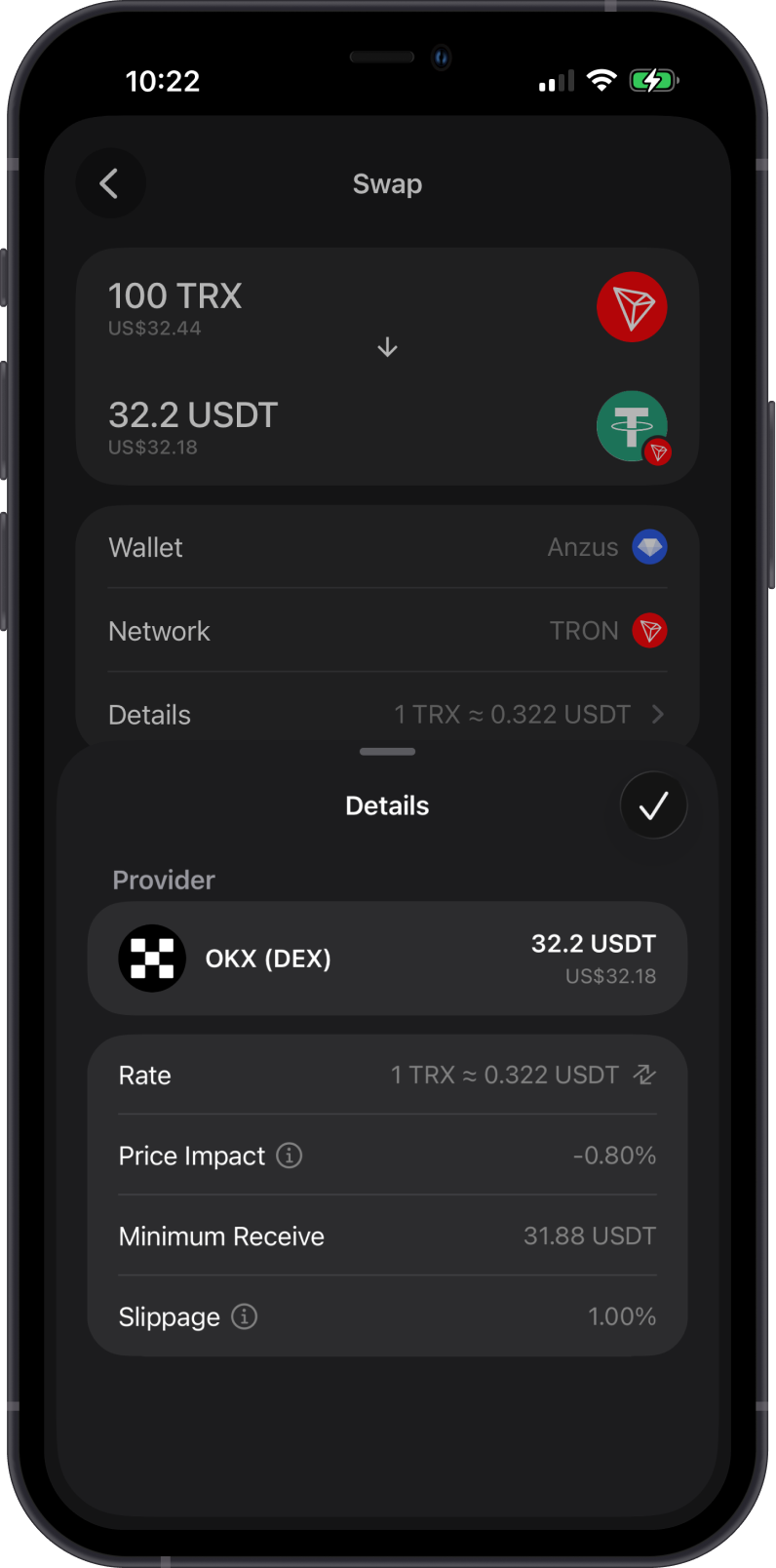
- Swap TRX for supported TRC20 tokens, and swap supported TRC20 tokens back to TRX. Same-network swaps go through SunSwap, which pays almost all of the energy, so a swap usually costs well under 1 TRX.
- Use Cross-Chain Swap to swap supported assets from other blockchains into TRX.
You need enough TRX to pay network fees when swapping on TRON.
Can I Stake TRON on Gem Wallet?
Yes. Gem Wallet supports TRX staking.
-
Stake TRX to earn rewards and support the TRON network.
-
TRON staking uses validators. You can choose a validator before confirming the stake transaction.
-
TRON resources such as Energy and Bandwidth are shown in the TRON wallet screen.
-
You can learn more in the TRON staking guide.
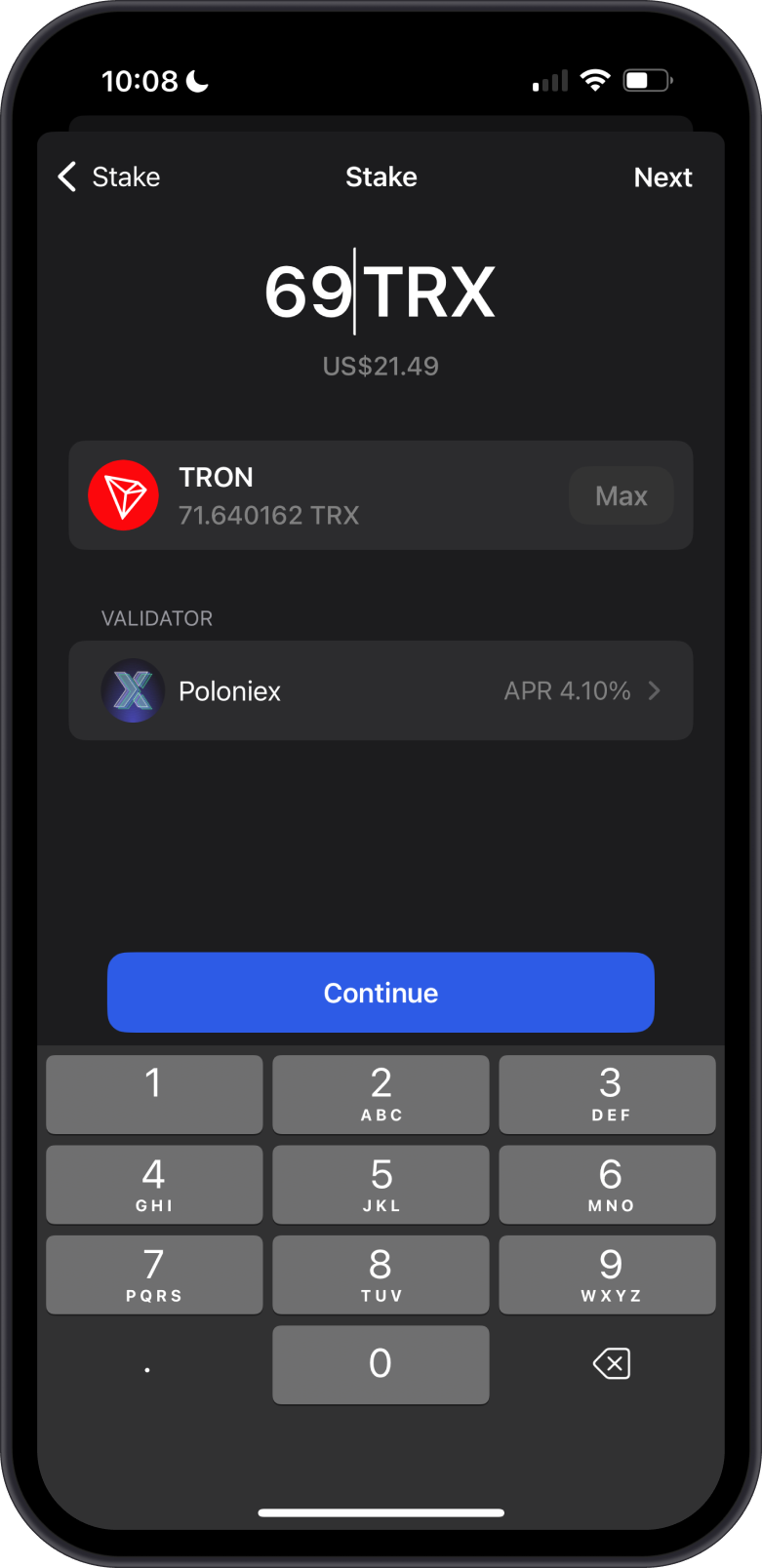
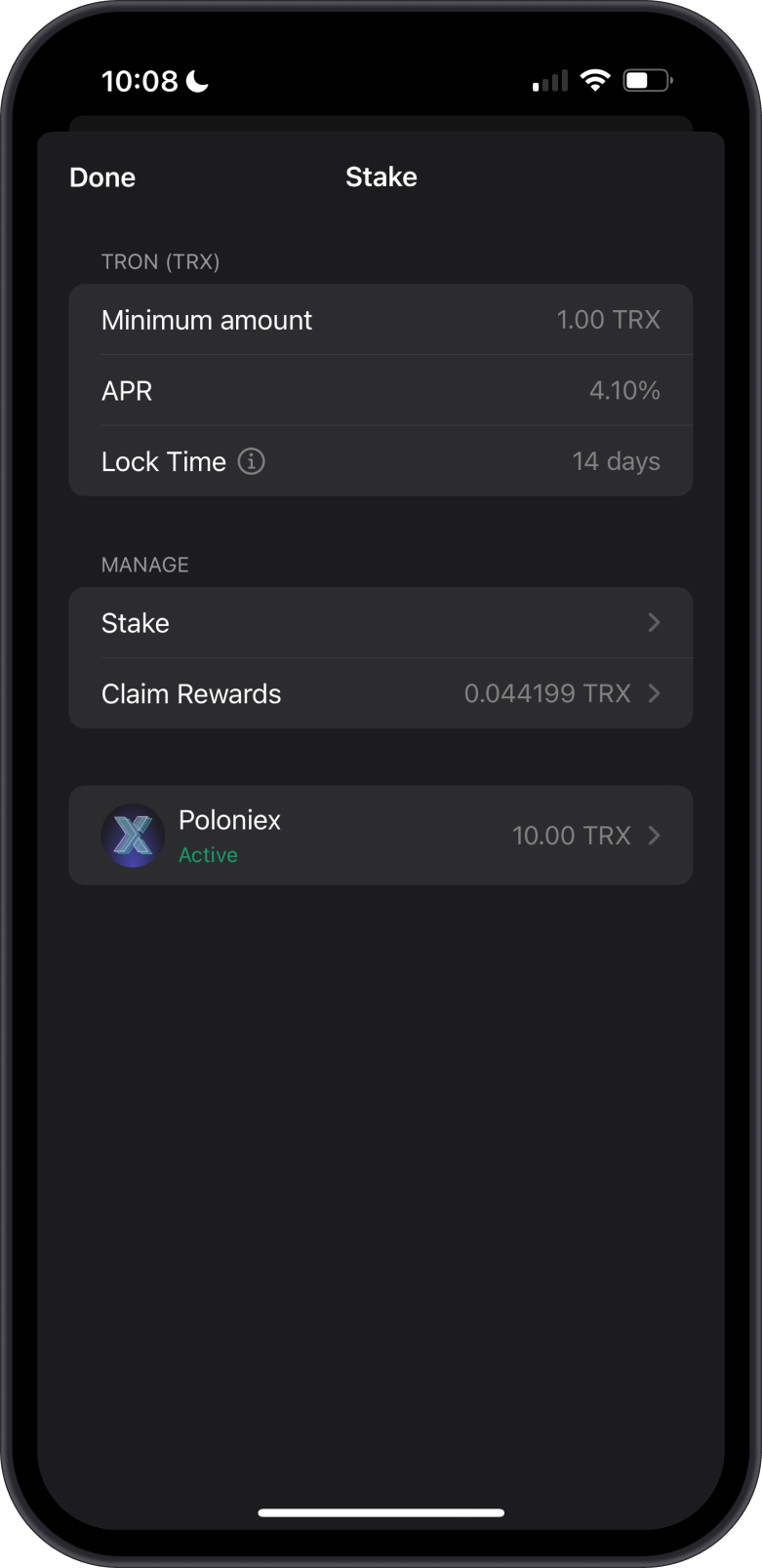
Unfreezing TRX takes 14 days before the funds become available again.
How to Check TRON (TRX) Balance?
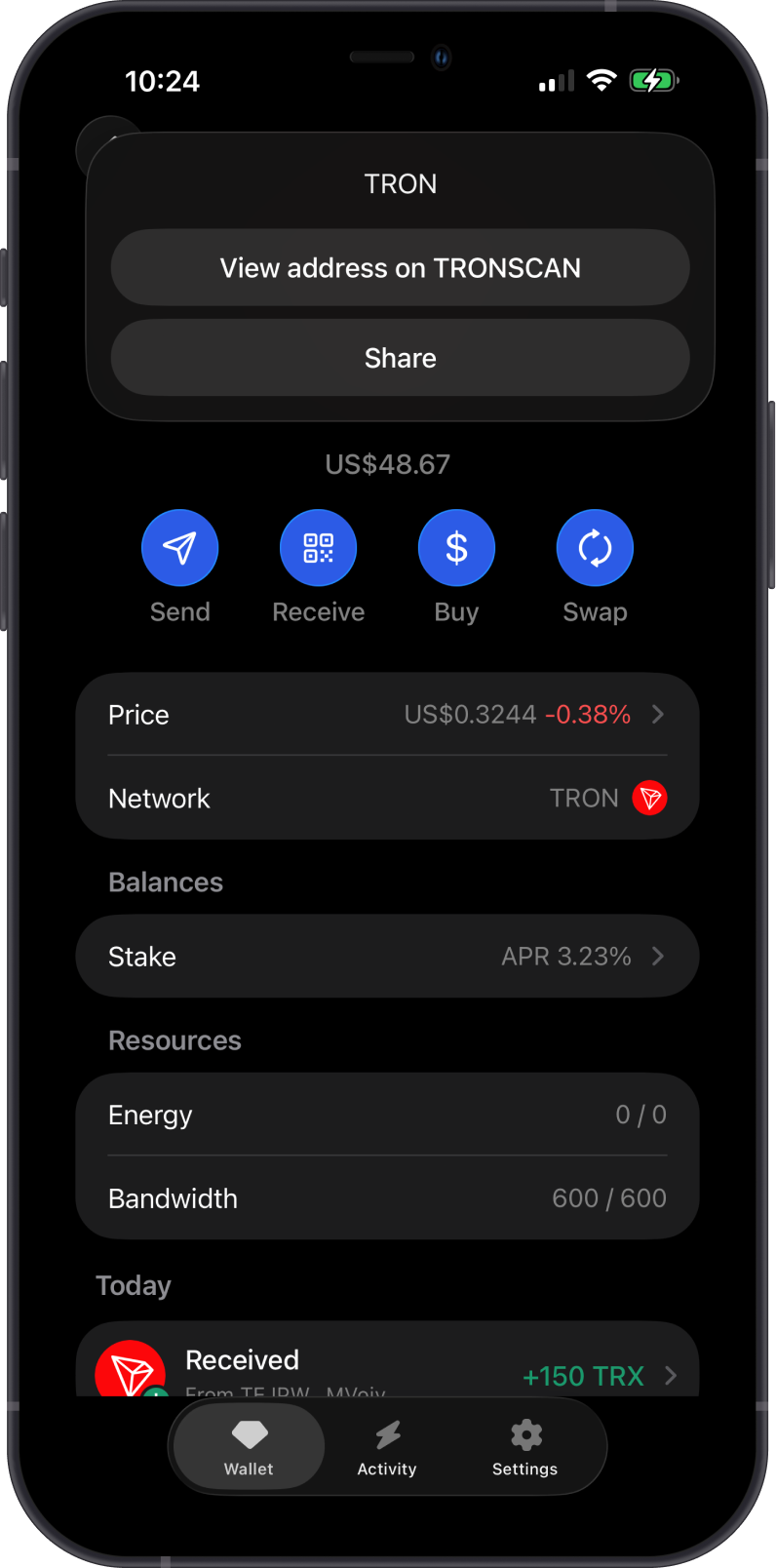
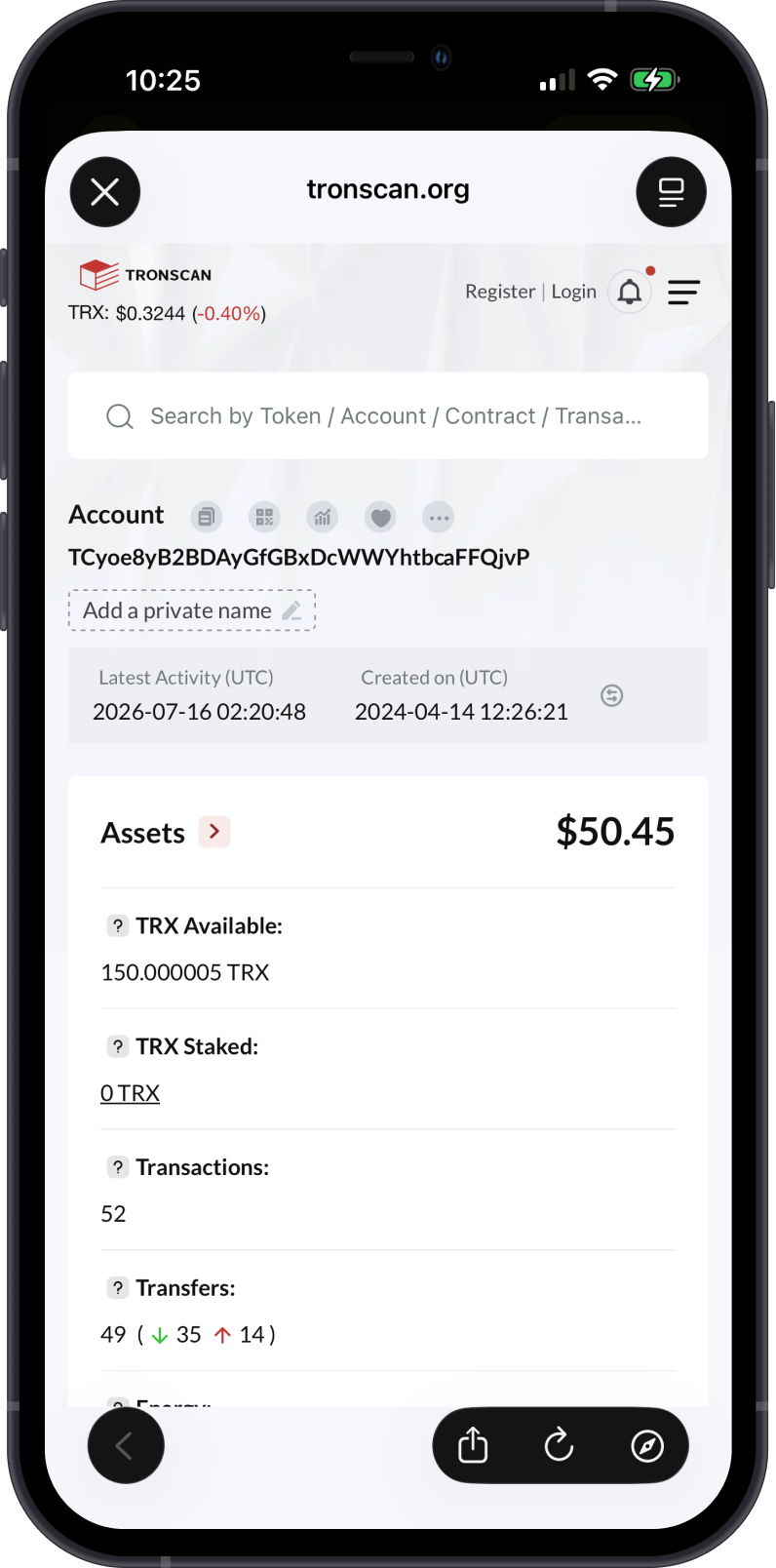
Gem Wallet connects to TRON to show your TRX balance. Tap on the 3 dots at the upper right corner, then tap View address on TRONScan.
TRONScan is the default TRON explorer of Gem Wallet. You can manually check balances and transactions by going to TRONScan and searching for your TRON address.
Why Choose Gem Wallet for TRON?
-
Self-Custody & Security: Gem Wallet gives you full control over your private keys and TRON assets.
-
TRX and TRC20 Support: Send, receive, buy, swap, and manage TRX and supported TRC20 tokens.
-
Swap and Cross-Chain Support: Gem Wallet supports TRON token swaps and cross-chain swaps into TRX.
-
Staking and Resources: Stake TRX, manage TRON staking actions, and view Energy and Bandwidth resources directly in the app.
Conclusion
TRON is a fast blockchain for TRX, TRC20 tokens, stablecoin transfers, swaps, and staking. In Gem Wallet, users can buy, store, send, receive, swap, and stake TRX while managing supported TRC20 tokens in a self-custody wallet.