Sei (SEI)
Under SIP-03, Sei is deprecating native Cosmos transactions, CosmWasm, and IBC functionality in favor of its EVM environment. If you use a native sei1... address, stake SEI, or hold IBC assets on Sei, review the migration steps below. Failure to migrate affected assets may result in loss of access.
What is Sei?
Here are 5 key points about Sei (SEI):
-
High Scalability: Sei is built to handle a large number of transactions per second (TPS), making it highly scalable and suitable for applications that require high performance.
-
Interoperability: Sei supports interoperability with other blockchains, enabling seamless asset transfers and interactions across different networks, enhancing liquidity and usability.
-
Optimized for Trading: Sei is designed specifically for decentralized finance (DeFi) applications, with features that optimize for high-frequency trading, ensuring low latency and high throughput.
-
Order Matching Engine: It includes a built-in order matching engine that enhances the efficiency of trade execution and reduces the chances of front-running, providing a fair trading environment.
-
SEI Token: Used for governance within the Sei blockchain ecosystem, allowing holders to vote on proposals and decisions that affect the network. Additionally, it serves as a utility token for transaction fees and staking, incentivizing network participation and security.
Learn more about the Sei Blockchain by reading the Gem Wallet Learn article: What Is The Sei Blockchain?
Migrating from Native Sei to Sei EVM
Sei and Sei EVM are two environments on the same blockchain. Native Sei uses sei1... addresses, while Sei EVM uses Ethereum-style 0x... addresses. Gem Wallet displays them as separate network entries so you can select the correct address and transaction format.
Before native Cosmos functionality is retired:
- Identify where your assets are held. Check your native Sei (
sei1...) and Sei EVM (0x...) accounts separately in Gem Wallet. - Prepare an EVM-compatible address. Use your Sei EVM address for future Sei deposits, withdrawals, and EVM applications. Always confirm that the sending platform supports Sei EVM before withdrawing.
- Check staked SEI. An existing delegation remains accessible through EVM only when the corresponding native and EVM addresses are associated on-chain. Follow Sei's official guide to check the association. If they are not associated, complete the official association or unbonding process while native transactions remain available. The SEI unbonding period is 21 days.
- Migrate affected IBC assets. Assets such as USDC.n, USDT.kava, ATOM, WBTC, and listed Wormhole-bridged tokens must be swapped, migrated, or bridged out using a route in Sei's official migration table. Native USDC on Sei EVM is different from the deprecated USDC.n asset.
- Verify before sending. Confirm the destination network and address format, and send a small test amount first. Do not assume that a platform accepting native Sei also accepts Sei EVM deposits.
Use the official SIP-03 Migration Guide for the current migration status, affected-asset list, address-association instructions, and supported migration tools. Migration dates and available routes can change, so check the official guide immediately before taking action.
Sei on Gem Wallet
Gem Wallet has the following features enabled for Sei:
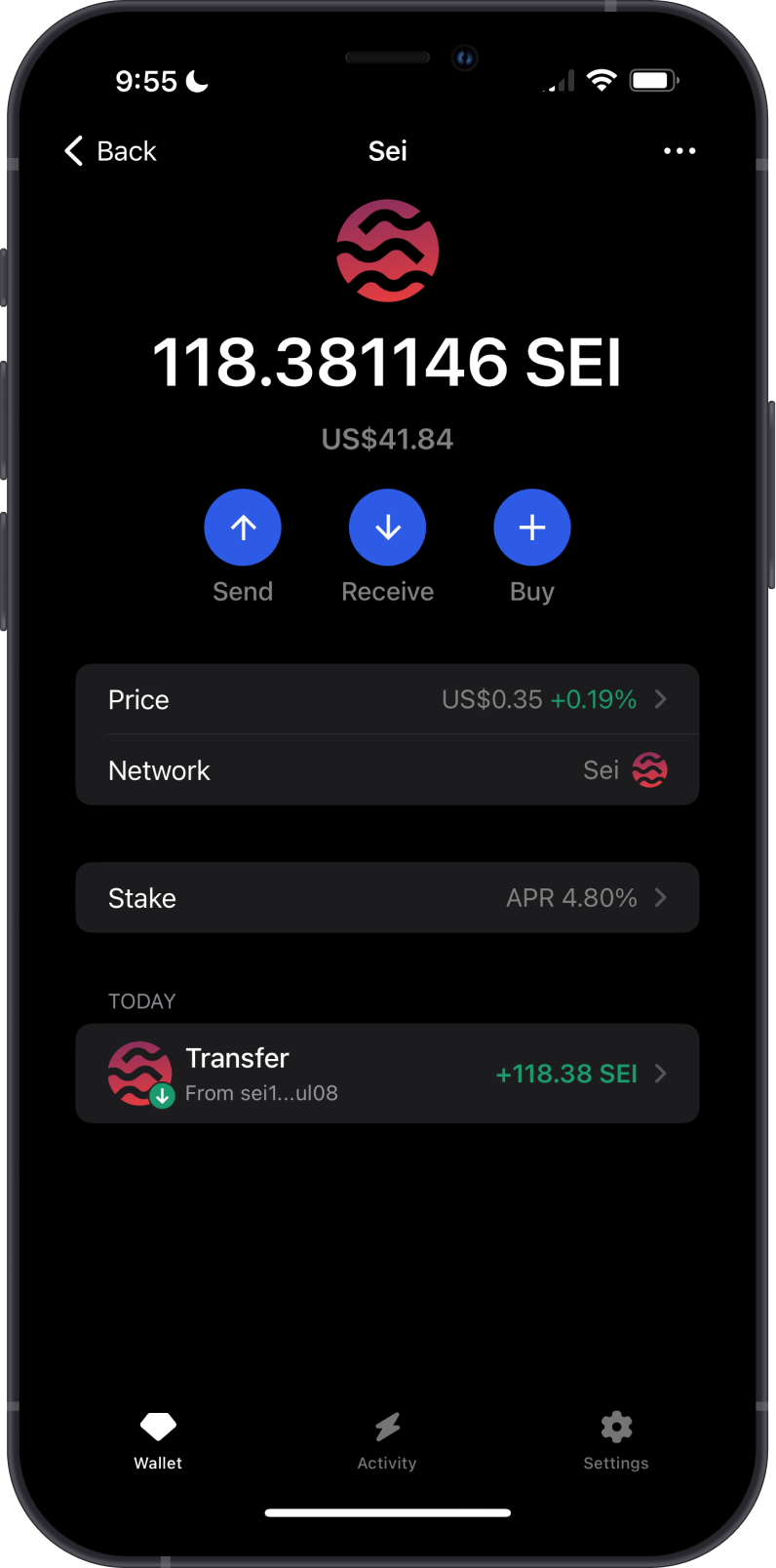
- Buy Sei (SEI) with fiat using debit or credit cards.
- Store SEI tokens securely.
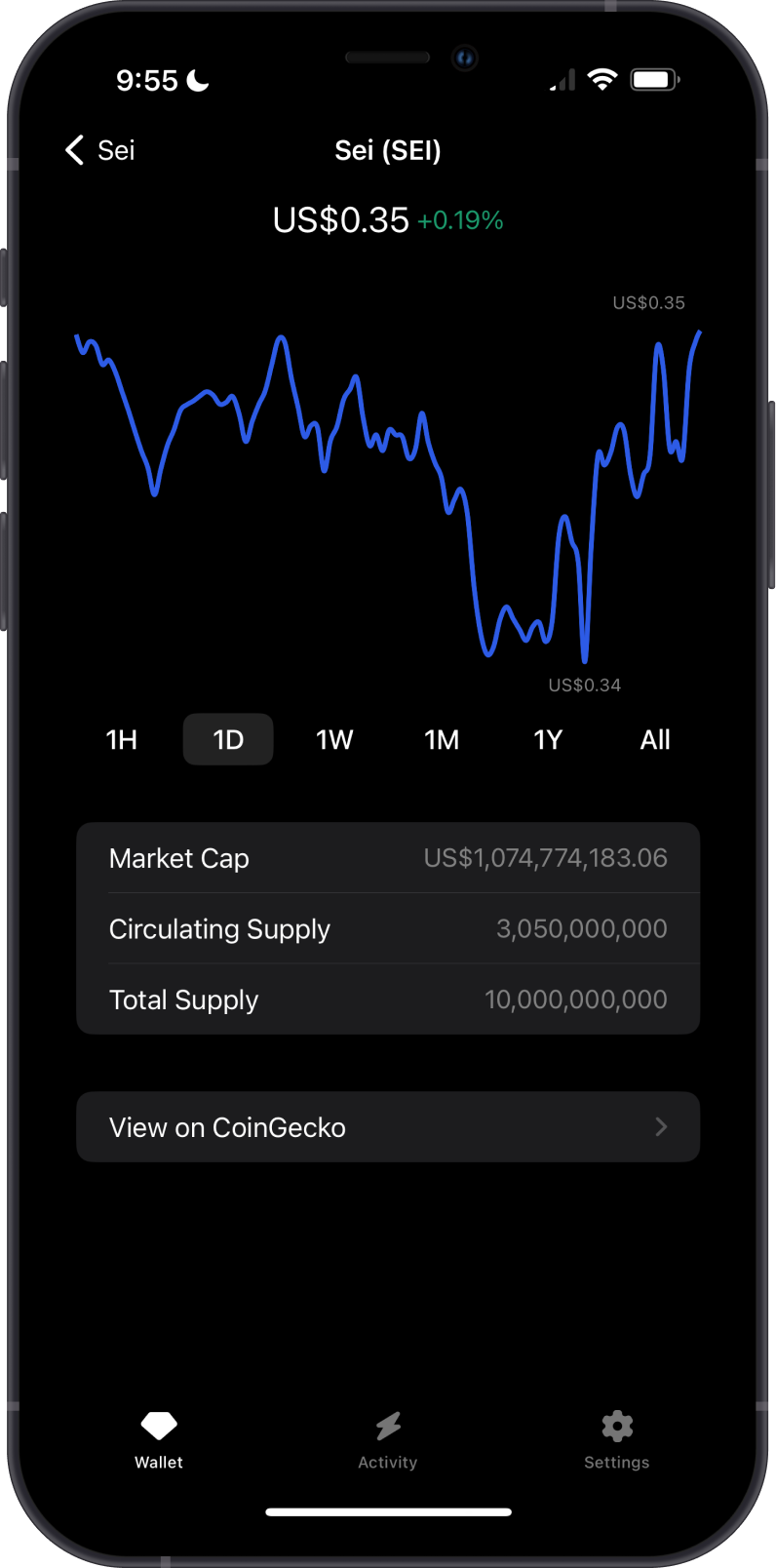
- Monitor SEI price movement with the built-in charts.
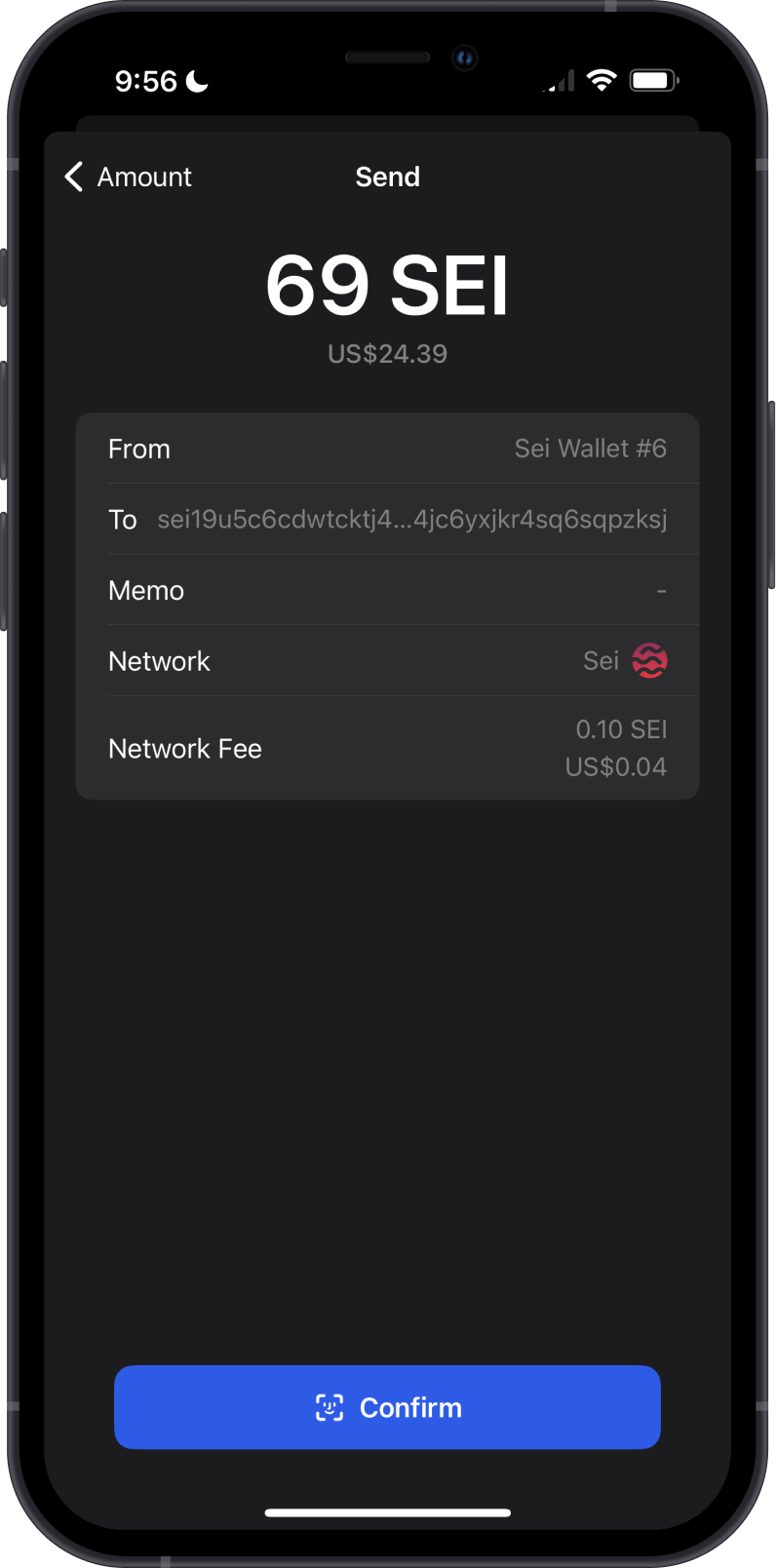
- Send and Receive SEI tokens natively.
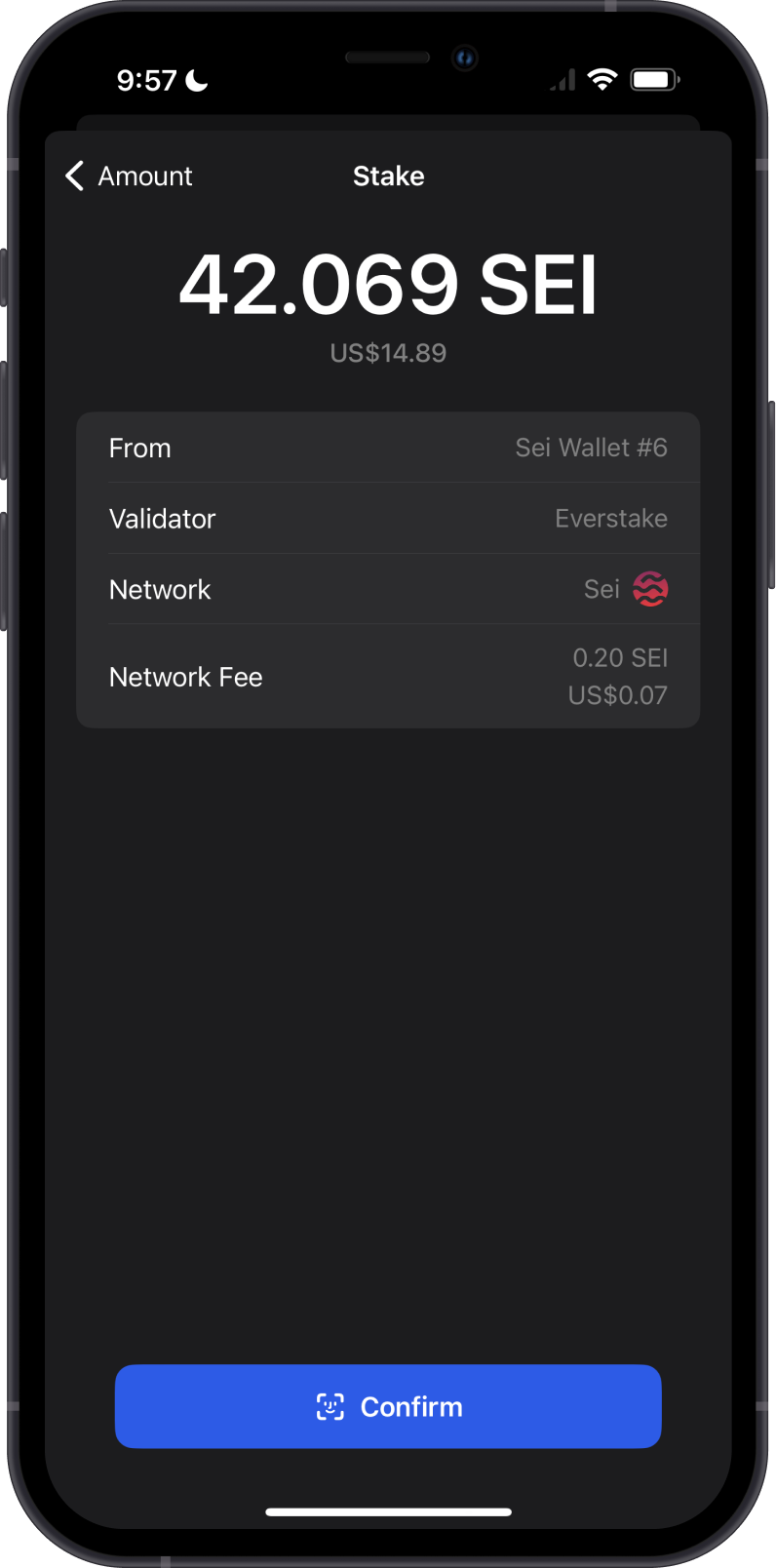
- Stake SEI to earn more SEI.
How to Get Sei?
Here are some ways to acquire some Sei (SEI) on Gem Wallet:
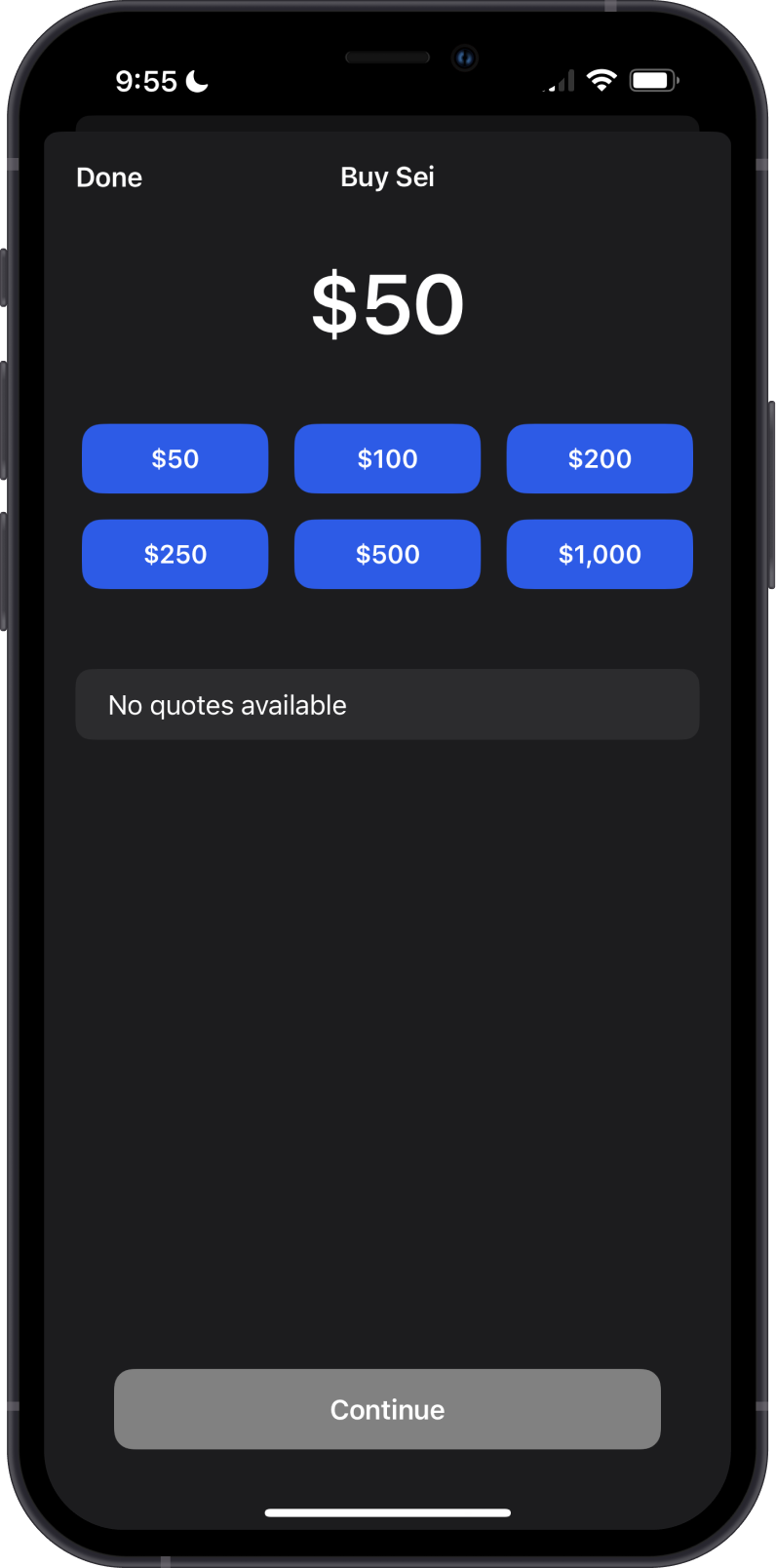
- Buy Sei (SEI) directly on the Gem Wallet app.
- Receive SEI with the unique Sei address on the Gem Wallet app.
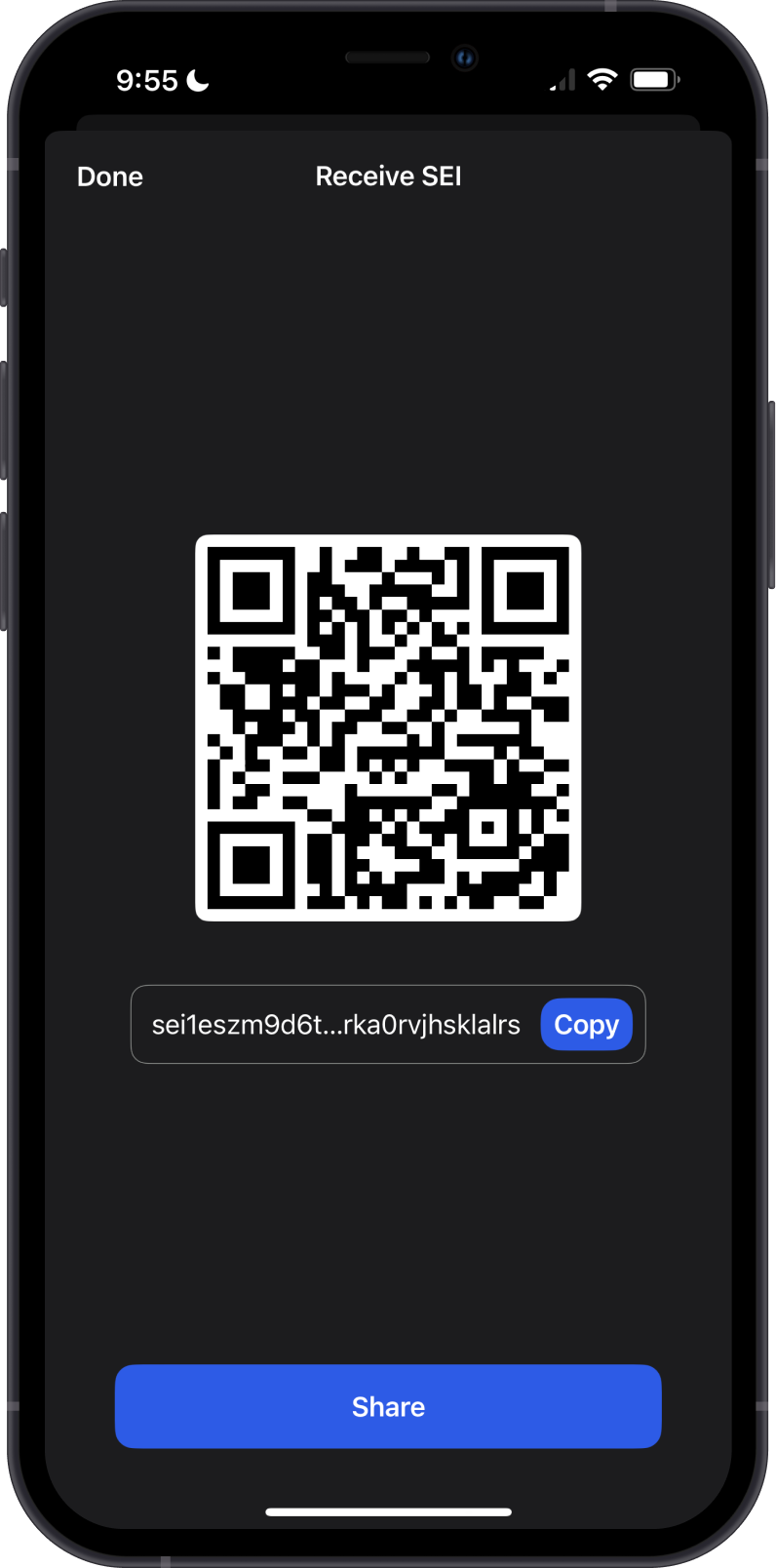
Memo is not required in receiving SEI on Gem Wallet.
Transaction Fees on the Sei Blockchain
The fees on Sei Blockchain are summarized as follows:
-
Low Transaction Fees: Sei Blockchain is designed to offer low transaction fees, making it cost-effective for users to perform trades and other transactions, especially in decentralized finance (DeFi) applications.
-
Dynamic Fee Adjustment: The network employs a dynamic fee adjustment mechanism that adapts to the current network load and transaction complexity, ensuring efficient and fair fee distribution among users.
-
Incentivizing Validators: A portion of the transaction fees collected on the SEI Blockchain is used to incentivize validators and network participants, promoting security and stability by rewarding those who contribute to network maintenance and consensus.
How to Check Sei (SEI) Balance?
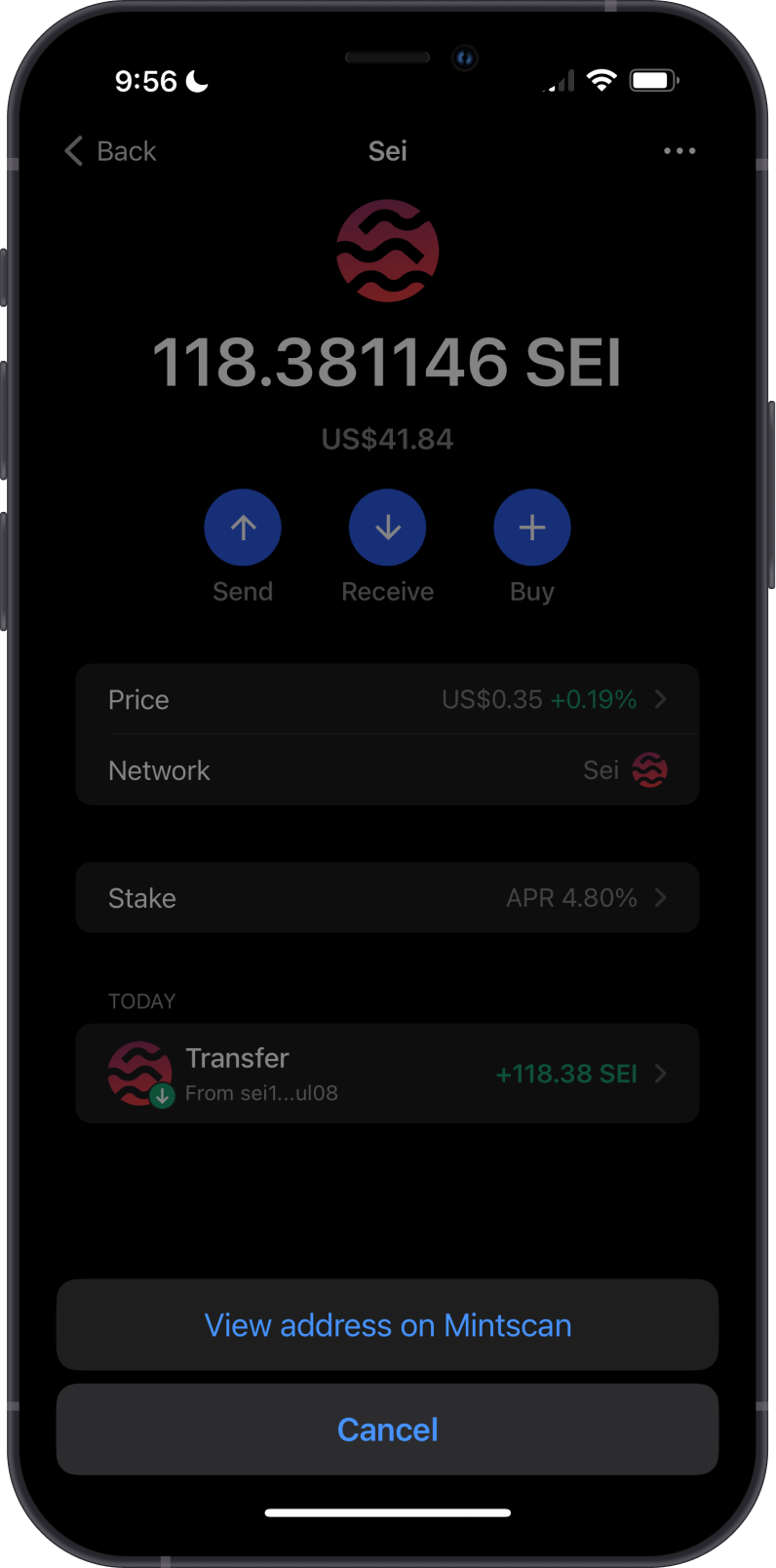
Gem Wallet app connects to the Sei Blockchain to show the SEI balance on your wallet. Tap on the 3 dots at the upper right corner, then tap on View address on MintScan.
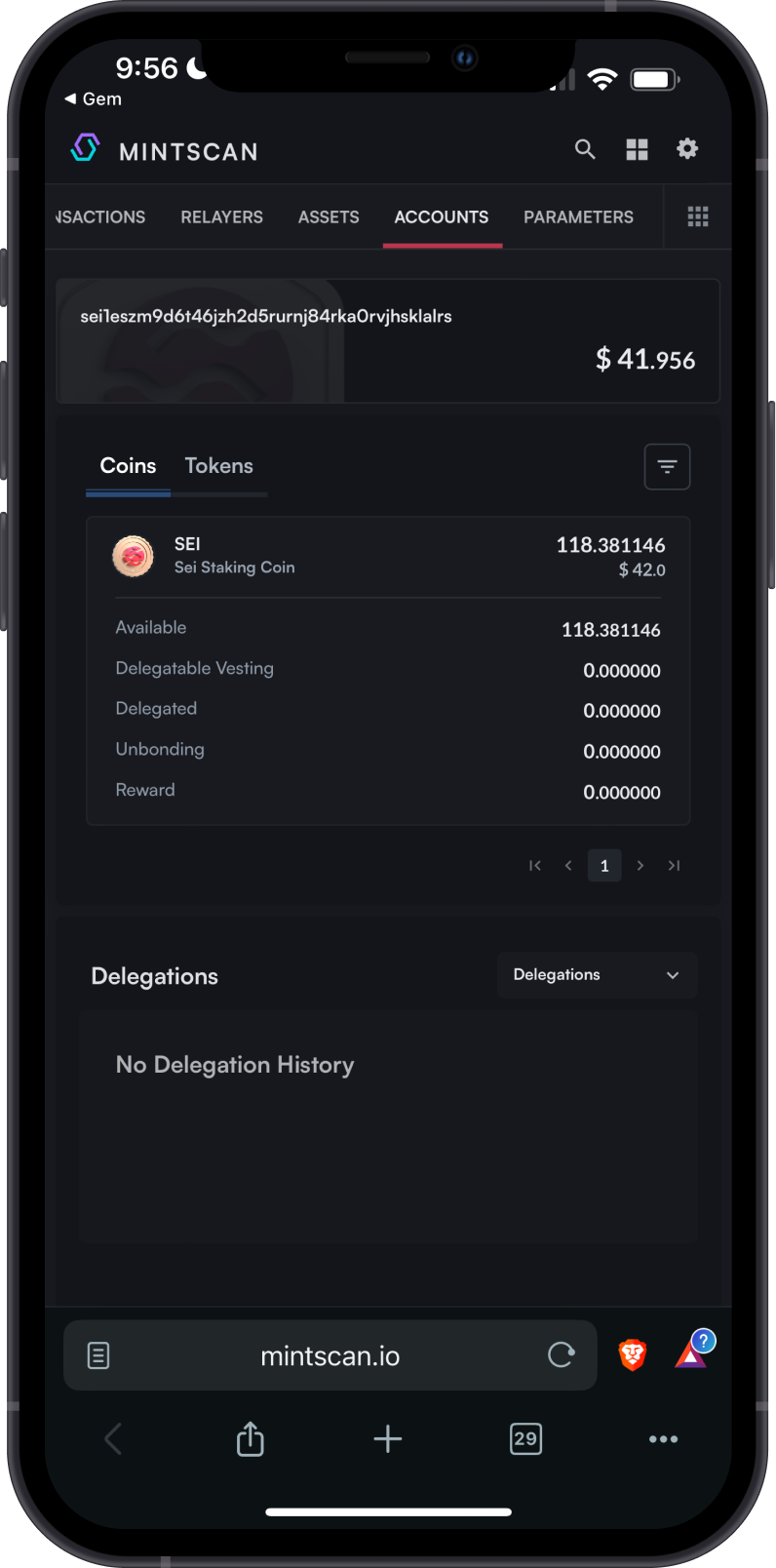
MintScan is the default SEI explorer of Gem Wallet. You can manually check balances and transactions by going to MintScan and search for your SEI address.
Why Choose Gem Wallet for Sei?
Here are three reasons why you should use Gem Wallet for your SEI tokens:
-
Enhanced Security: Gem Wallet employs robust security measures, including advanced encryption and secure key management, to protect your SEI tokens from unauthorized access and potential threats.
-
Open-Source Transparency: As an open-source wallet, Gem Wallet allows for community review and audits of its code. This transparency ensures that there are no hidden vulnerabilities and builds trust among users.
-
Multi-Currency Support: Gem Wallet supports a wide range of cryptocurrencies, including SEI tokens. This multi-currency support allows users to manage various assets in one secure and convenient platform.