Berachain (BERA)
What is Berachain?
Berachain is an EVM-compatible Layer 1 blockchain built around Proof-of-Liquidity (PoL), a consensus design that rewards users for providing liquidity to on-chain applications. It launched on mainnet in February 2025.
Here are 5 key points about Berachain:
- EVM-identical: Berachain runs the Ethereum Virtual Machine without changes, so Ethereum addresses, tokens, and smart contracts work on it as they do on Ethereum.
- BeaconKit: Berachain's consensus layer is built with BeaconKit, a modular framework that separates consensus from the EVM execution client.
- Proof-of-Liquidity: Validators stake BERA to produce blocks. They then direct BGT rewards to "reward vaults", where users earn BGT by depositing liquidity-pool tokens and other supported assets.
- Three tokens: BERA pays gas and is staked by validators; BGT is a non-transferable governance and reward token; and HONEY is Berachain's native stablecoin.
- DeFi focus: PoL is designed to reward liquidity providers and the applications they use, so much of the network's activity is in decentralized finance.
Learn more about Berachain by reading the Gem Wallet Learn article: What Is The Berachain Blockchain?
Berachain Support in Gem Wallet
Gem Wallet can be used to:
- Hold, send, and receive BERA and ERC-20 tokens on Berachain.
- Swap to or from Berachain across networks with providers such as NEAR Intents and Relay, depending on the pair.
- Connect to Berachain dApps with WalletConnect.
Gem Wallet doesn't support BGT delegation or depositing into reward vaults in the app. Use a Berachain dApp through WalletConnect for those.
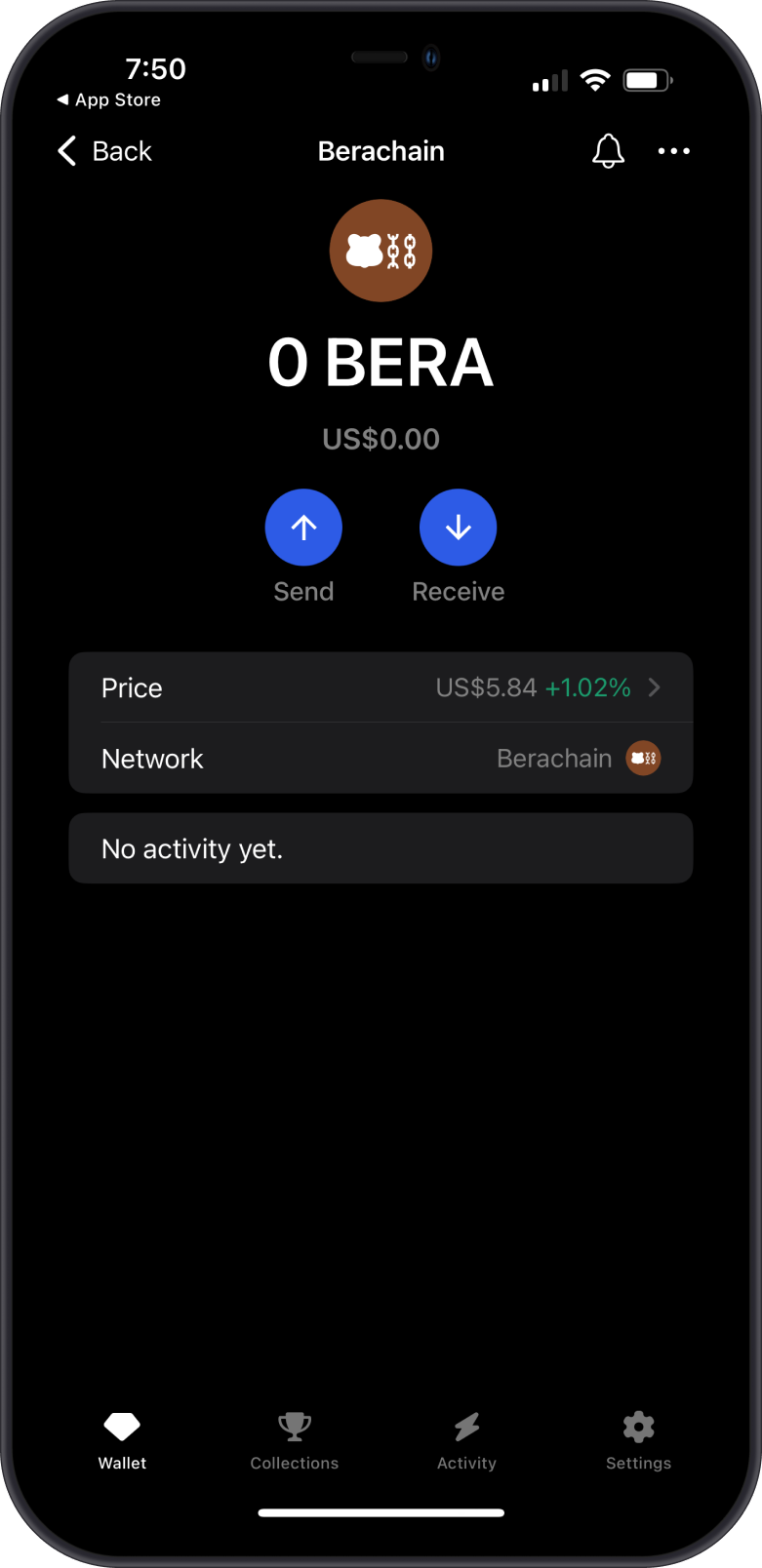
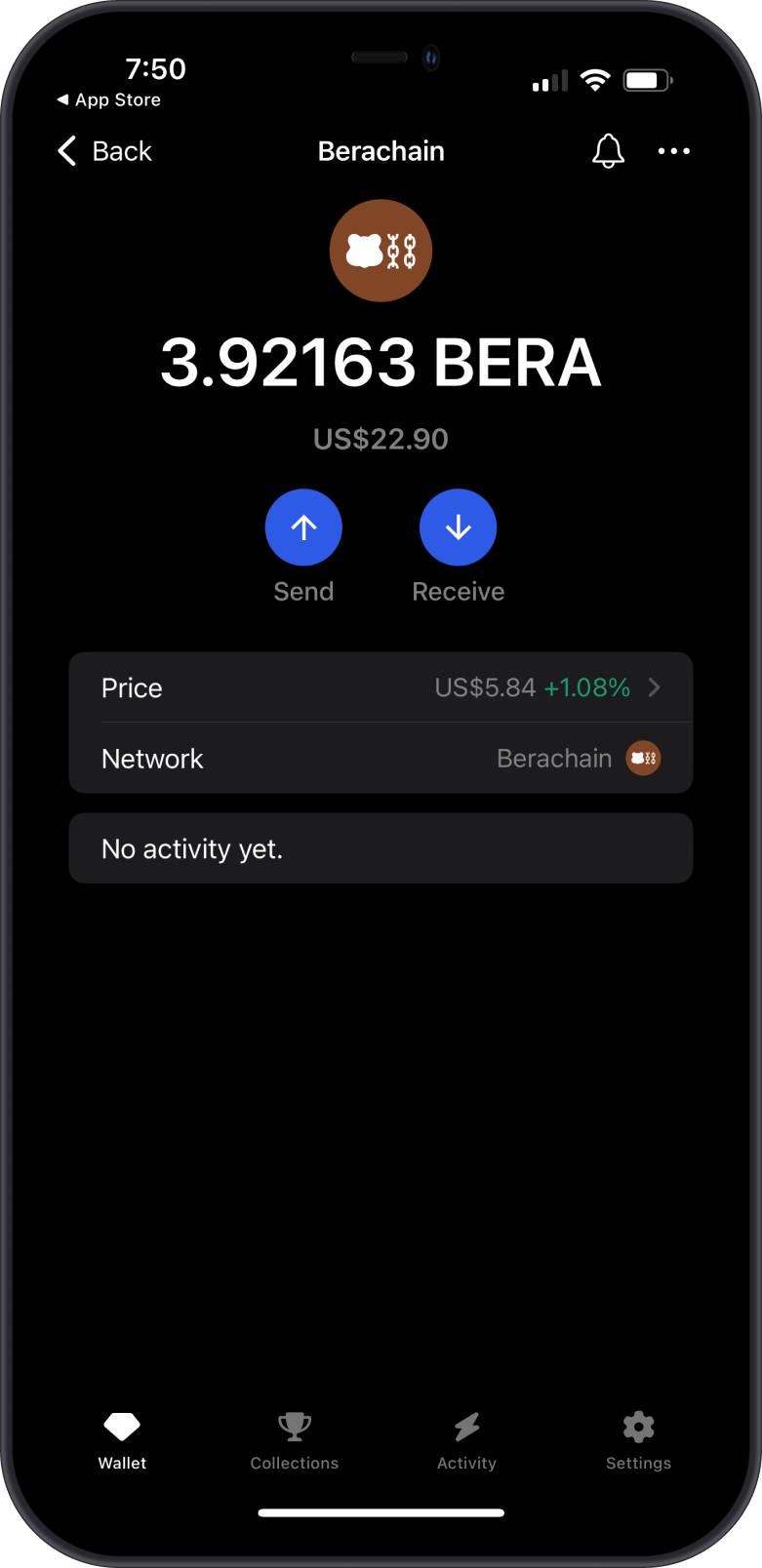
What are ERC-20 Tokens on Berachain?
- ERC-20 is the token standard first used on Ethereum. Because Berachain runs the EVM, its tokens follow the same standard.
- Your BERA and Berachain tokens share one address, which is the same format as an Ethereum address.
- Fees for sending tokens on Berachain are paid in BERA, so keep a little BERA in your wallet.
How to Get Berachain (BERA)?
- Buy BERA in Gem Wallet when a fiat provider offers it in your region: open the Berachain asset and tap Buy.
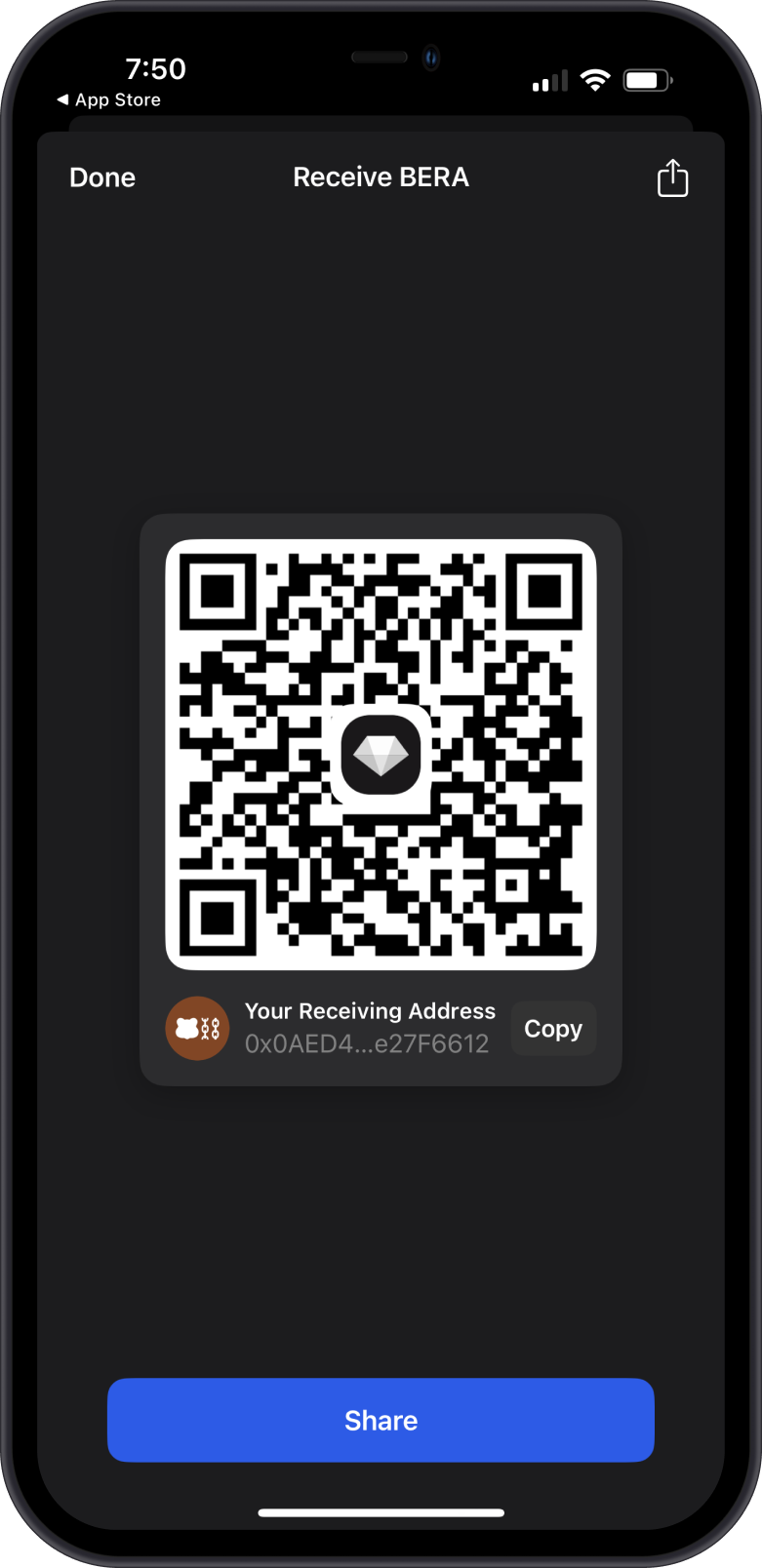
- Receive BERA: open the asset, tap Receive, and share your Berachain address. Make sure the sender uses the Berachain network.
- Swap another asset to BERA with a cross-chain swap.
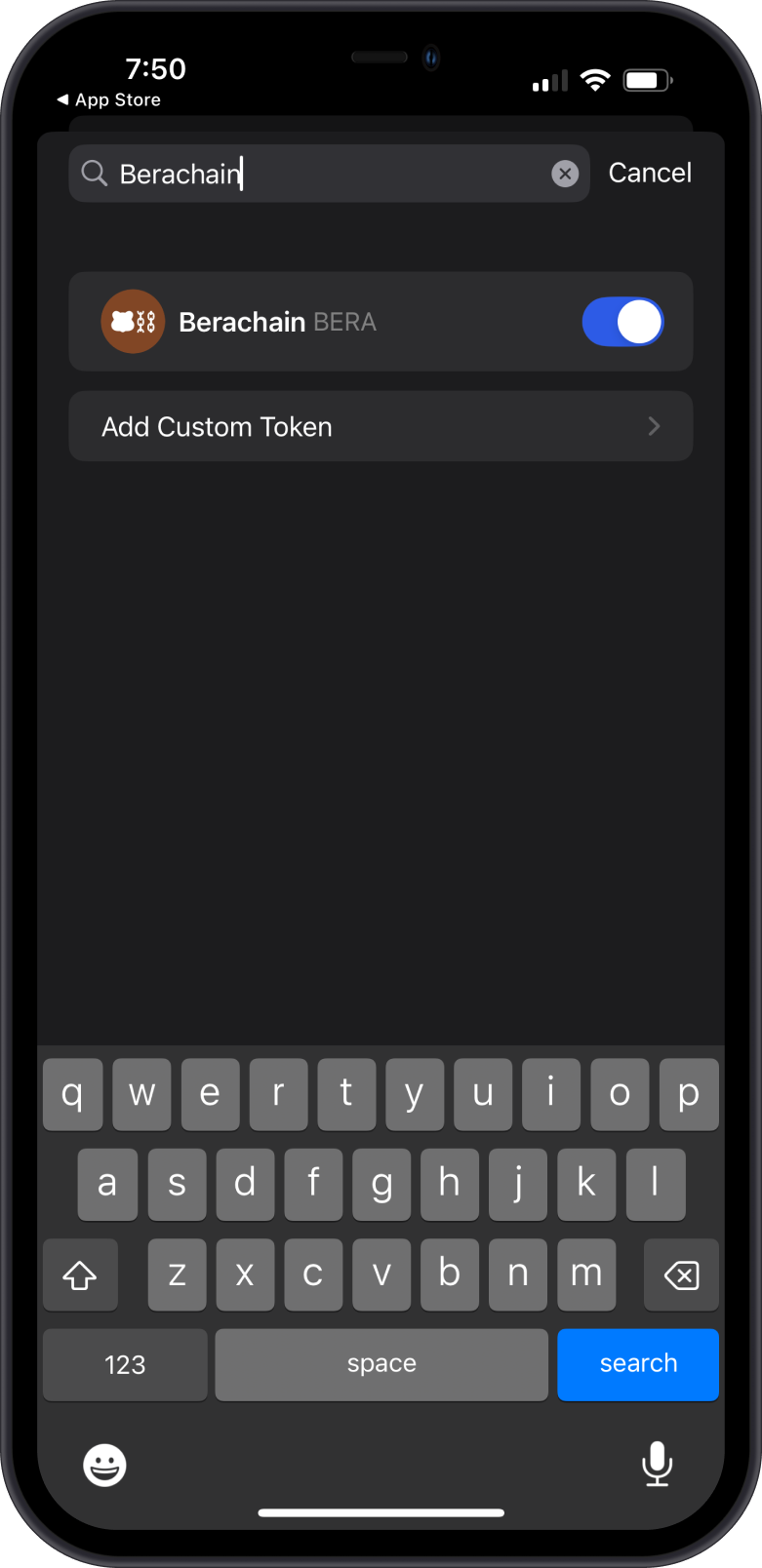
If Berachain isn't on your wallet screen, add it by searching for Berachain with the search button on the main wallet screen, or from Manage Tokens.
Transaction Fees on Berachain
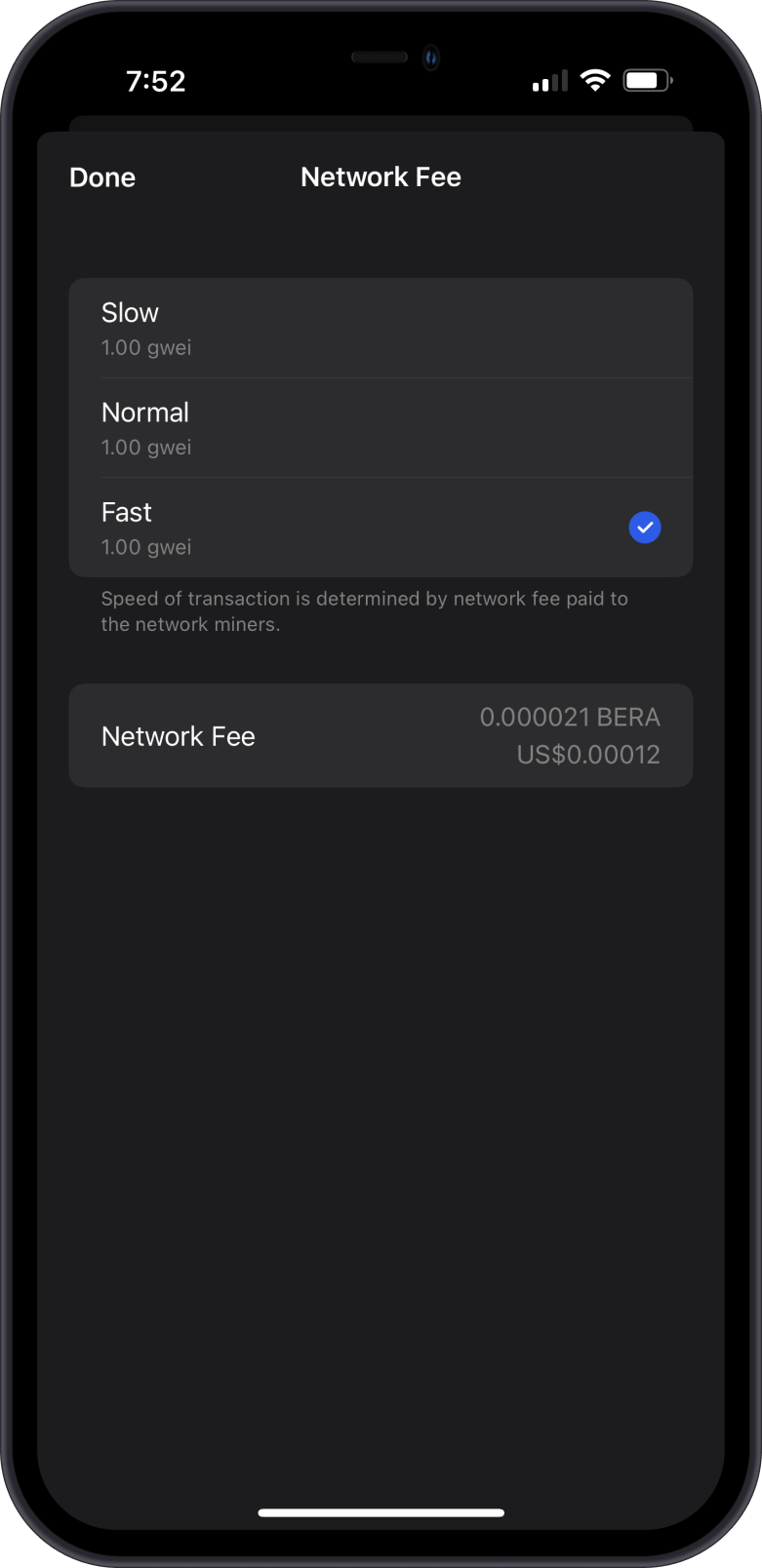
- Fees on Berachain are paid in BERA.
- Berachain uses the same fee model as Ethereum: a base fee that rises and falls with demand, plus a priority fee.
- Berachain fees are usually far lower than on the Ethereum mainnet.
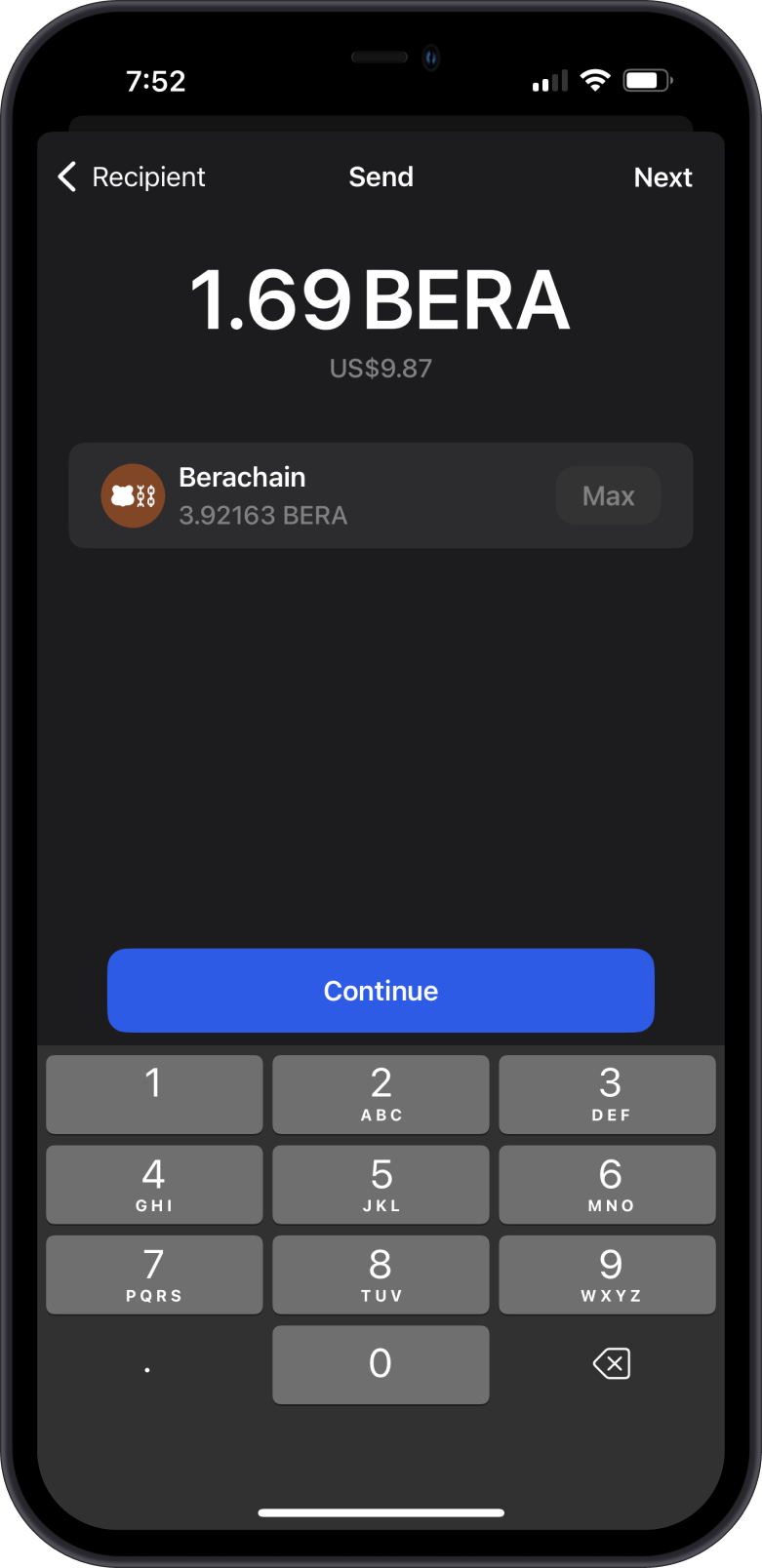
- Gem Wallet shows the network fee before you confirm, and lets you set a custom fee. See How to Set Custom Network Fees on EVM Networks.
How to Check Berachain (BERA) Balance?
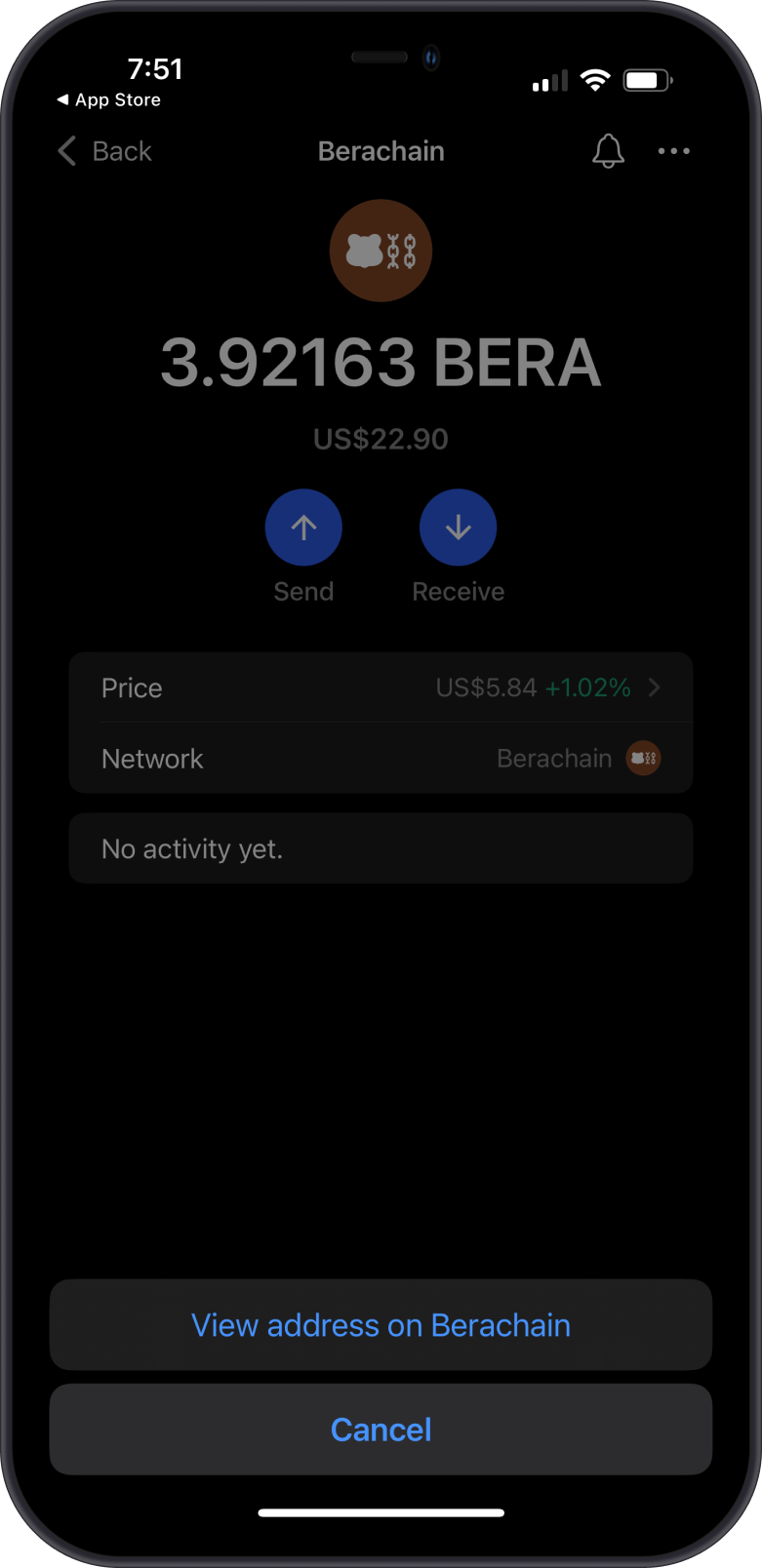
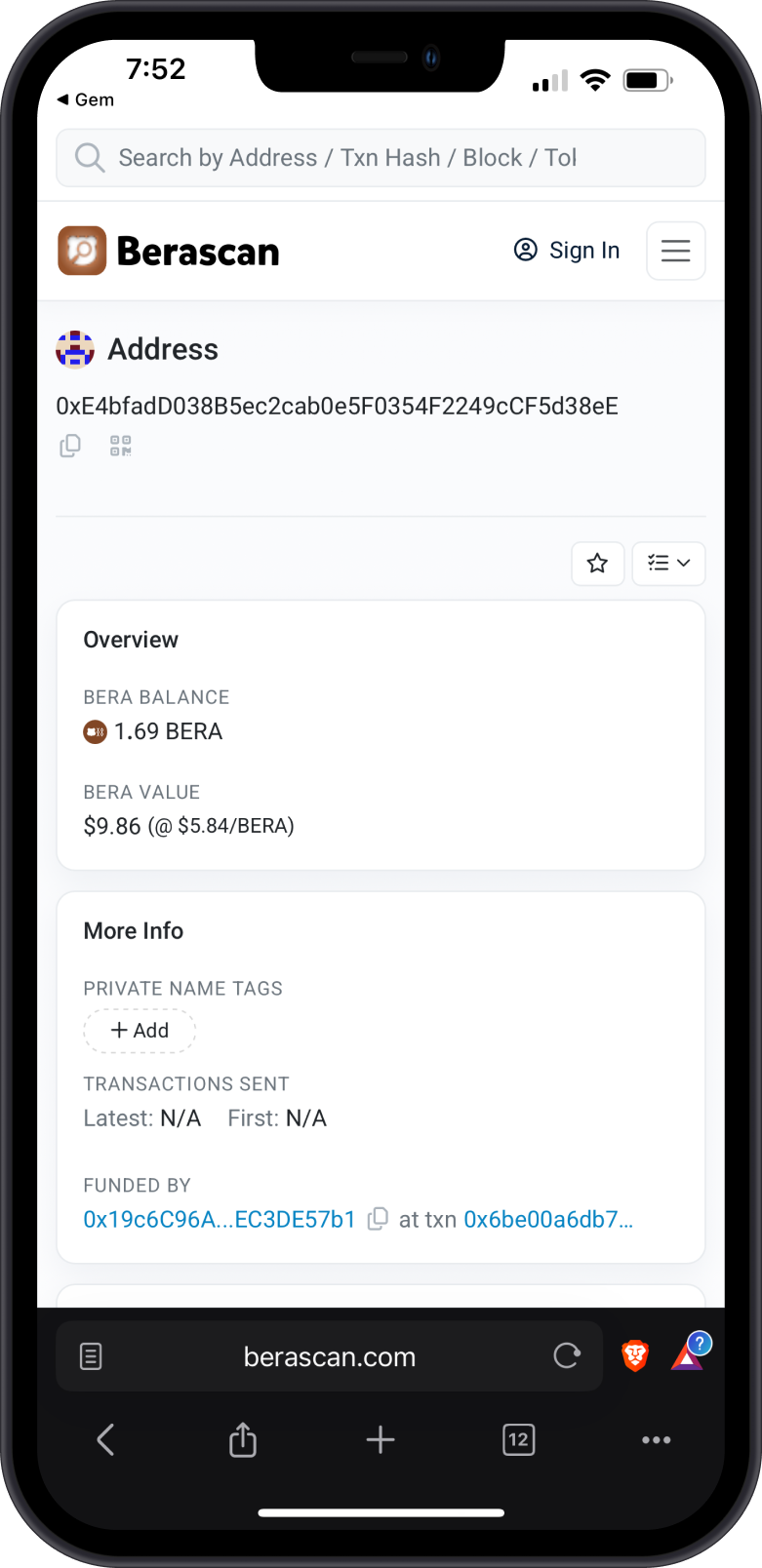
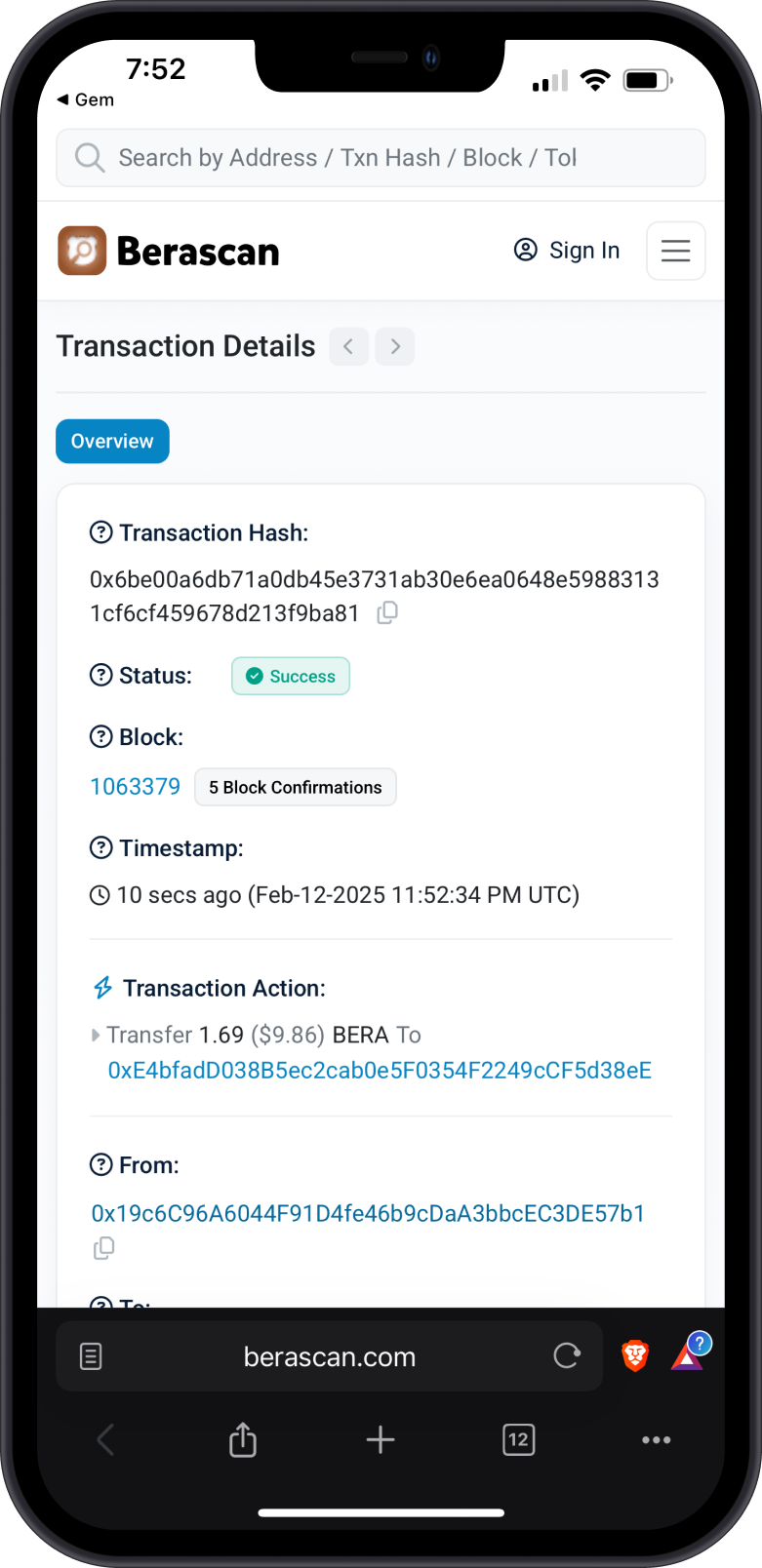
Gem Wallet shows your BERA and token balances and activity. To view your address in an explorer, tap the three dots in the upper-right corner of the Berachain asset, then select View address.
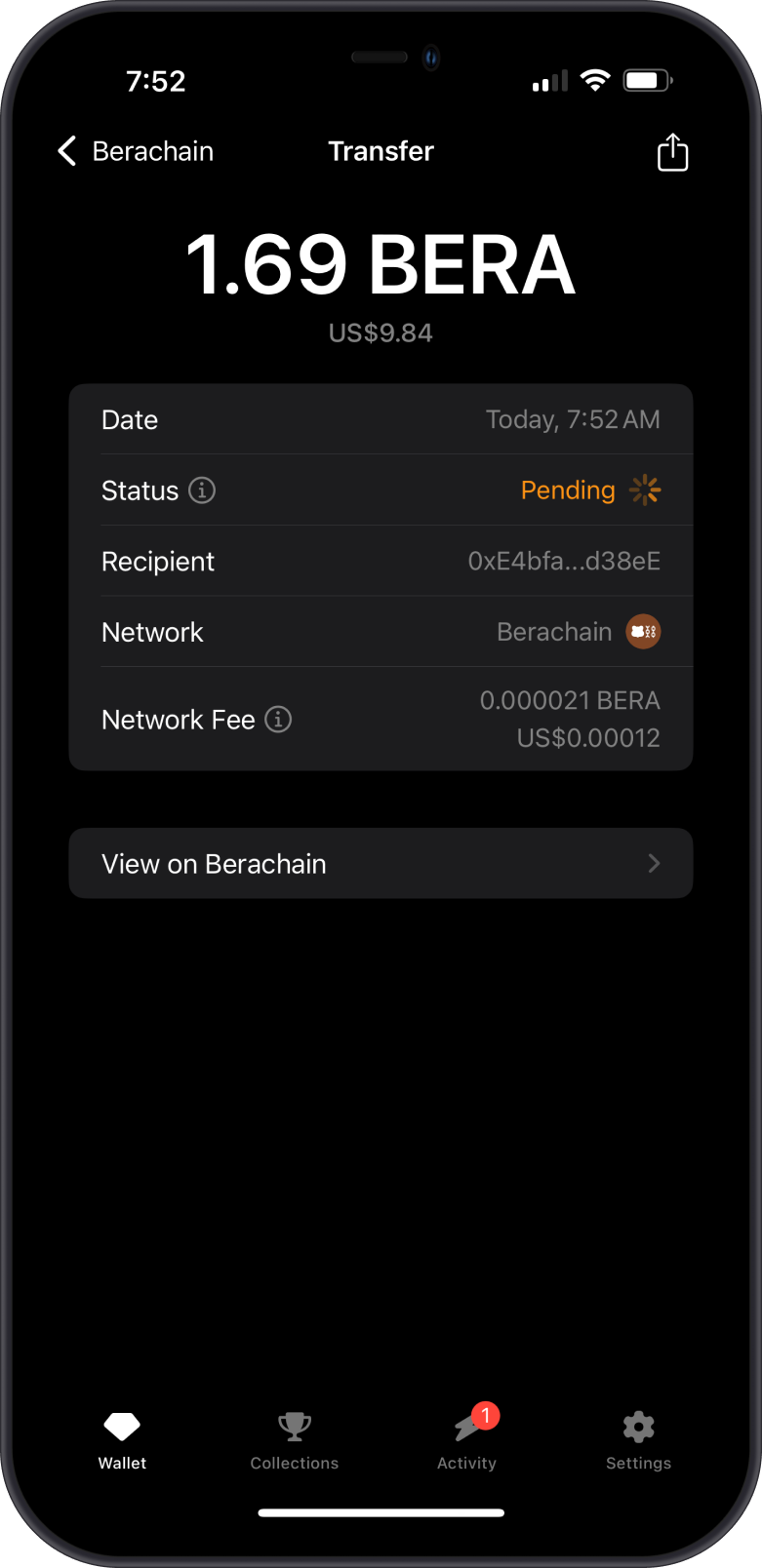
Berascan is the default Berachain explorer in Gem Wallet. Search for your address or transaction ID there to check balances and transfers.
Why Choose Gem Wallet for Berachain?
- Self-Custody: You control your private keys and your BERA.
- EVM Compatibility: Use the same wallet for Berachain and other EVM networks, and connect to Berachain dApps through WalletConnect.
- Cross-Chain Swaps: Compare quotes from several providers to move assets to or from Berachain.