Monad (MON)
What is Monad?
Monad is a high-performance, EVM-compatible Layer 1 blockchain launched on November 24, 2025. Its key innovations include optimistic parallel execution for concurrent transaction processing and MonadDB, a custom state database for efficient storage. Backed by $244M in funding from Paradigm and Coinbase Ventures, it features full bytecode compatibility, enabling seamless dApp migrations from Ethereum. The native MON token (100B total supply) powers gas fees, staking, and governance, with an airdrop distributed in October 2025 and a public sale via Coinbase.
Here are 5 key points about the Monad:
-
Extreme Performance: Monad is a fully EVM-compatible Layer-1 blockchain that targets 10,000 transactions per second (TPS) with 1-second block times and sub-centimeter finality (typically ~0.5 seconds), representing roughly 100–1,000× improvement over current Ethereum L1 performance.
-
Parallel Execution: The core innovation is “parallel execution” (sometimes called optimistic parallel execution). Instead of executing transactions sequentially like Ethereum, Monad executes transactions in parallel across multiple cores while deferring full validation until after optimistic execution, dramatically increasing throughput without sacrificing correctness.
-
Superscalar Pipelining: Monad introduces a technique called superscalar transaction pipelining, where different stages of transaction processing (consensus, execution, and state storage) are heavily pipelined and parallelized across custom high-performance components (MonadBFT consensus, deferred execution engine, and MonadDb – a custom state backend).
-
Full Ethereum Compatibility: It is 1:1 bytecode compatible with the Ethereum Virtual Machine (EVM). Any Ethereum smart contract or tool (MetaMask, Foundry, Hardhat, etc.) works on Monad without modification, making porting dApps trivial.
-
Monolithic Architecture with Optimizations: Unlike modular rollups, Monad is a monolithic L1 that reimplements the entire stack (consensus, execution, data availability, P2P) from scratch in C++ and Rust for maximum performance, while keeping the same client architecture as Ethereum (separation of consensus and execution layers, but both highly optimized).
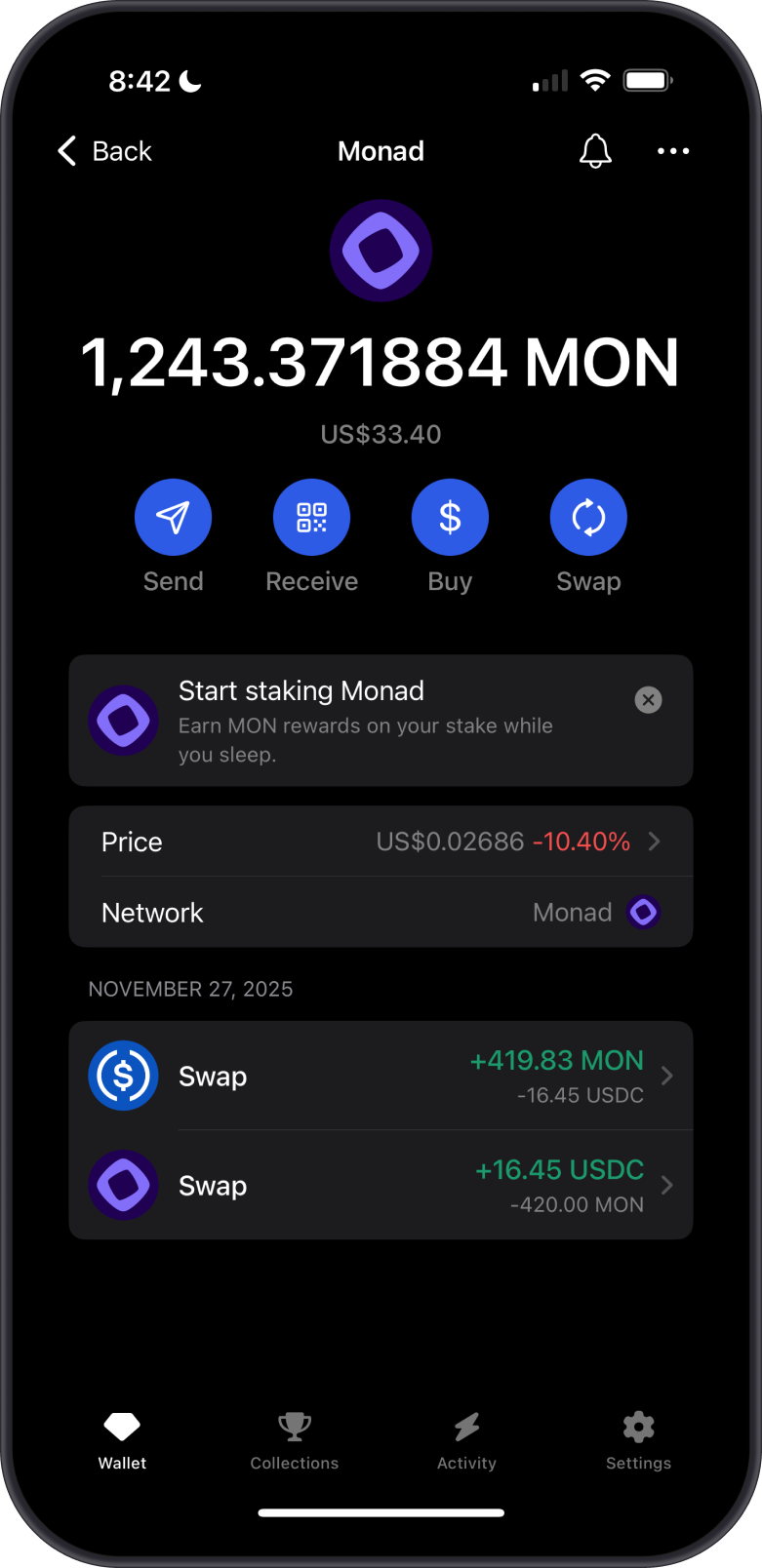

Learn more about Monad by reading the Gem Wallet Learn article:
What Is The Monad Blockchain?
Monad is Fully Supported by Gem Wallet
Gem Wallet provides a user-friendly interface for interacting with the Monad blockchain.
Gem Wallet can be used to:
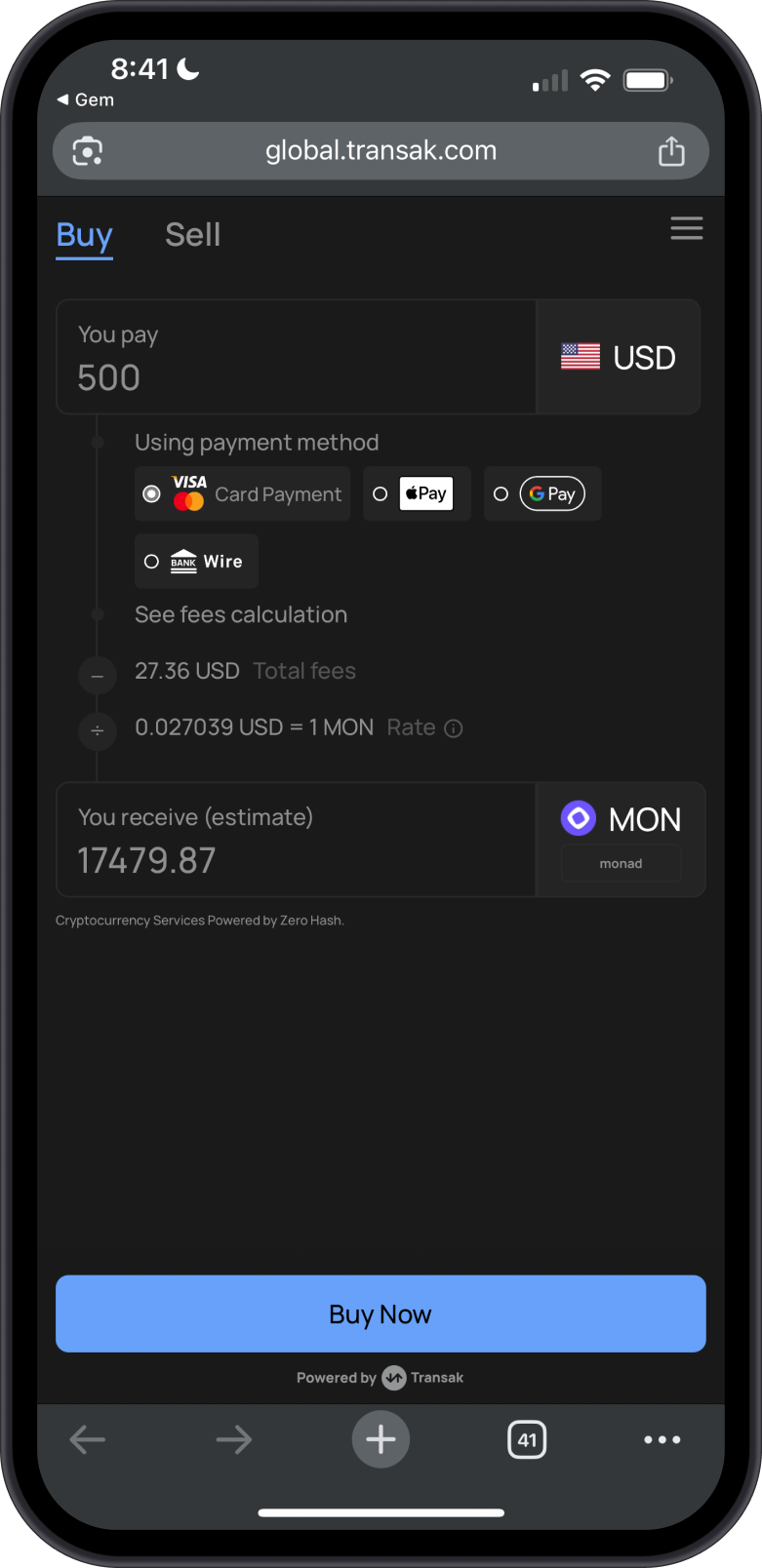
- Buy Monad (MON) with fiat using debit/credit cards.
- Store Monad (MON) and Monad ERC20 tokens securely. Private keys are encrypted, giving you full control over your assets.
- Send and Receive MON and Monad ERC20 tokens natively. Customize transactions fees based on your preference.
- Swap MON to Monad ERC20 tokens and vice versa.
- Stake MON to earn more MON.
- Swap Monad to another crypto via Cross-Chain Swap.
What are ERC20 tokens on Monad?
- ERC20 tokens on the Monad blockchain are tokens that adhere to the ERC20 standard but are deployed and operate within the Monad ecosystem.
- These tokens retain the same properties and functionalities as ERC20 tokens on Ethereum, thanks to Monad's compatibility with the Ethereum Virtual Machine (EVM).
- Transactions involving ERC20 tokens on Monad incur significantly lower fees compared to those on the Ethereum network.
How to Receive Monad with Gem Wallet?
Here are some ways to acquire some Monad (MON):
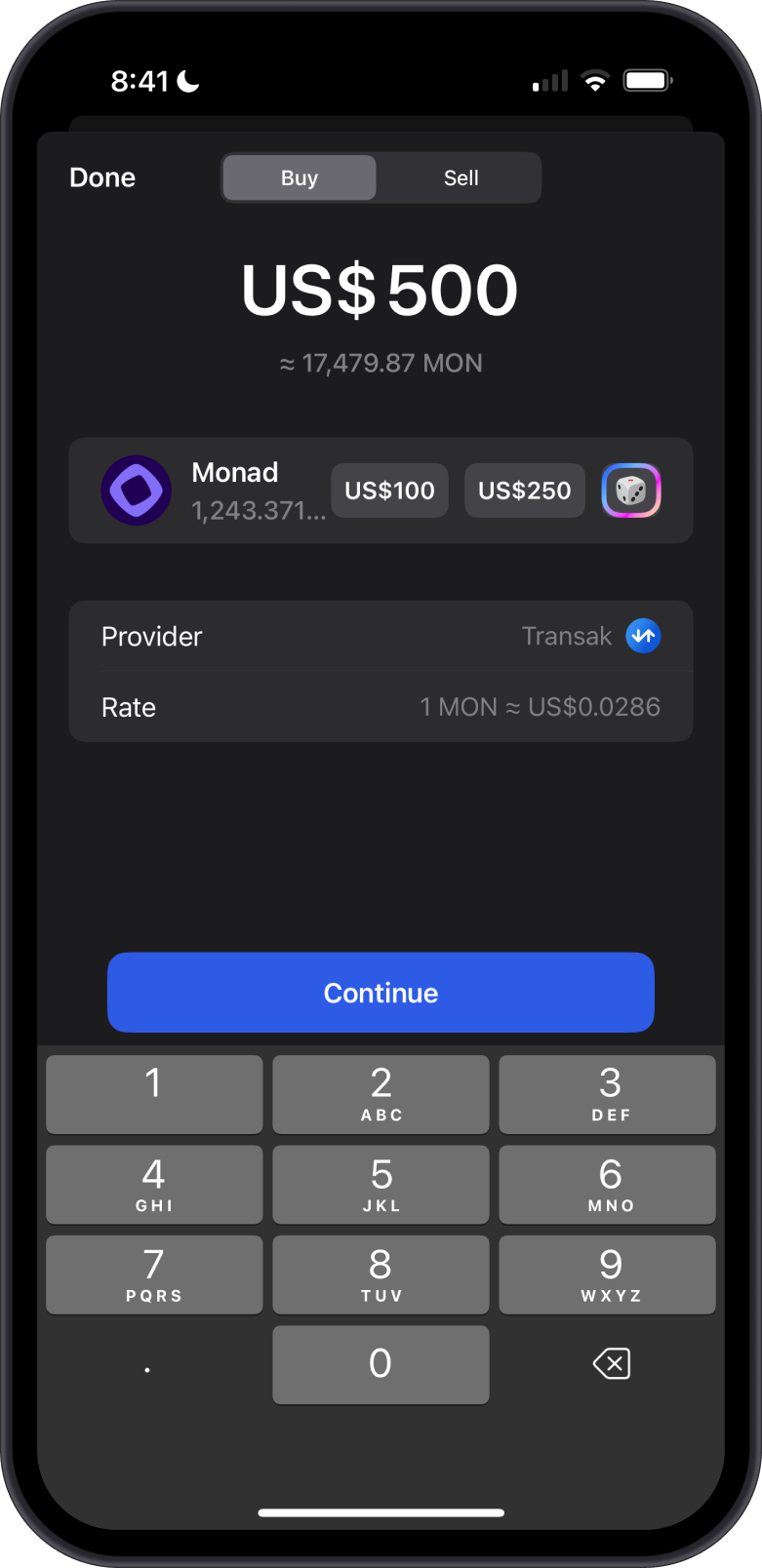
- Buy Monad (MON) directly on the Gem Wallet app.
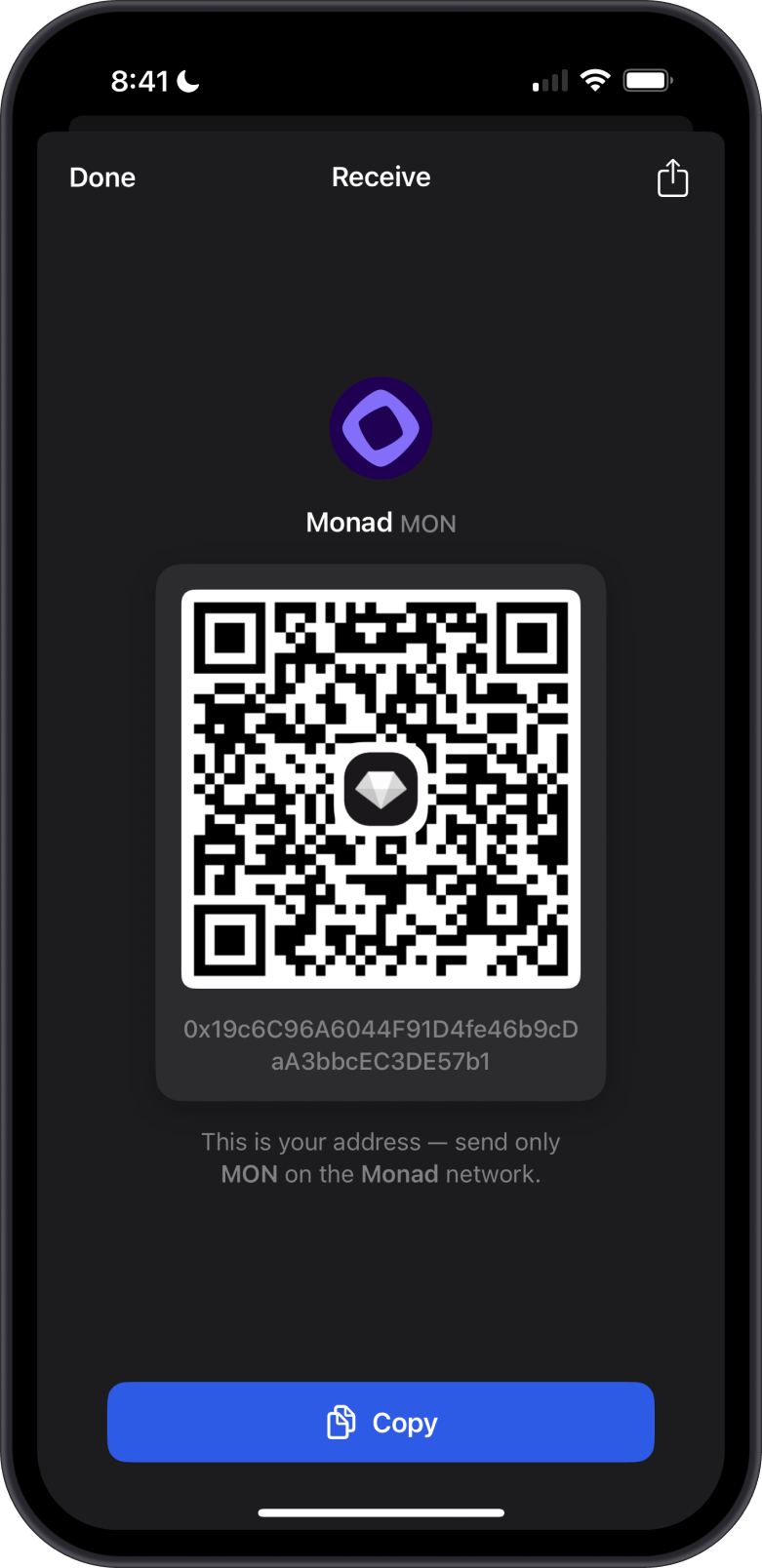
- Receive MON with the unique Monad address on the Gem Wallet app.
How to Receive Monad ERC20 Tokens with Gem Wallet?
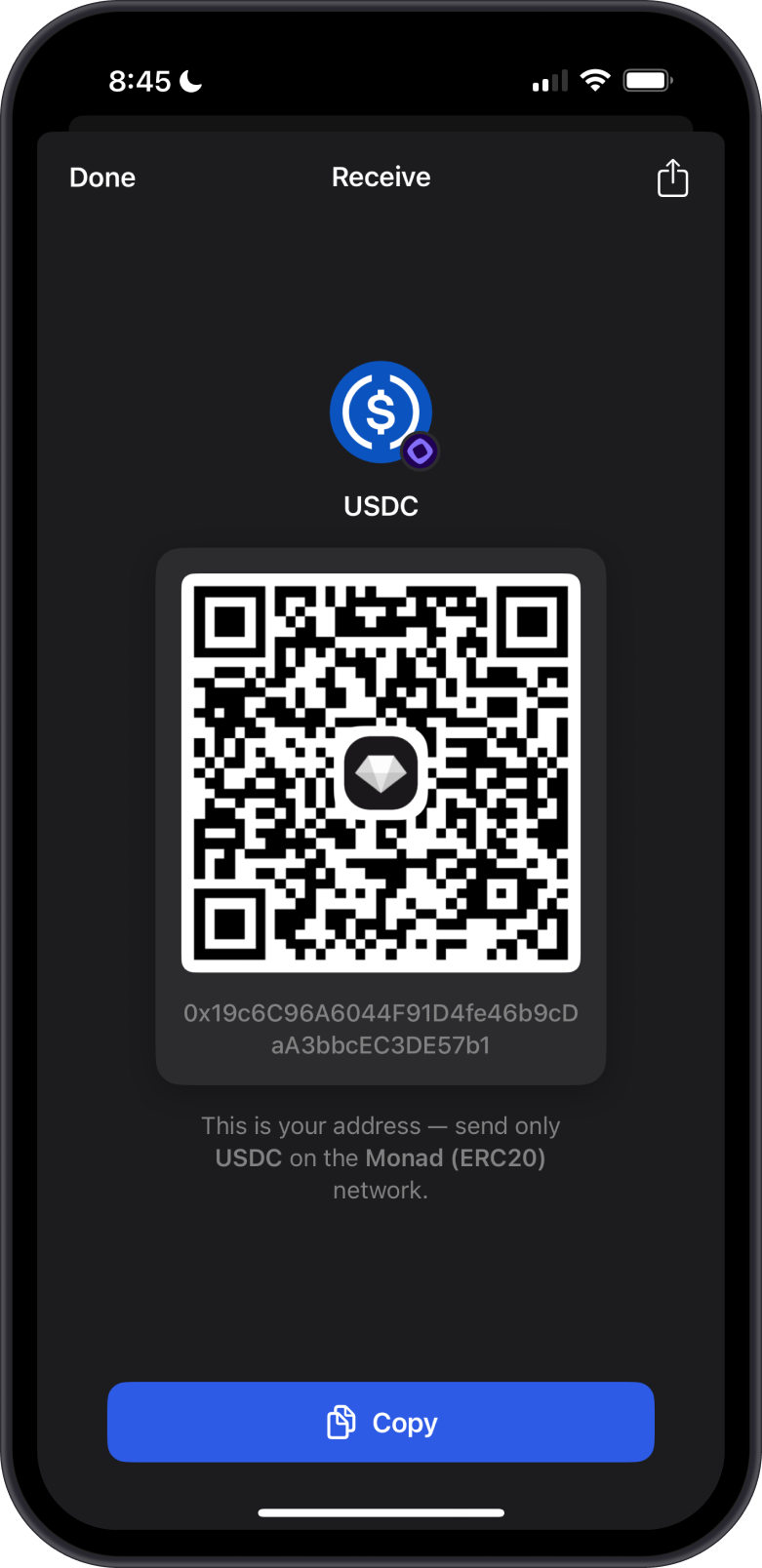
- Your Monad (MON) address in Gem Wallet also serves as the unified address for all your Monad ERC20 tokens, simplifying management and transactions.
- As an example, after adding USDC-Monad ERC20 to your Gem Wallet, tap "Receive" to see your USDC address, which is the same as your Monad address.
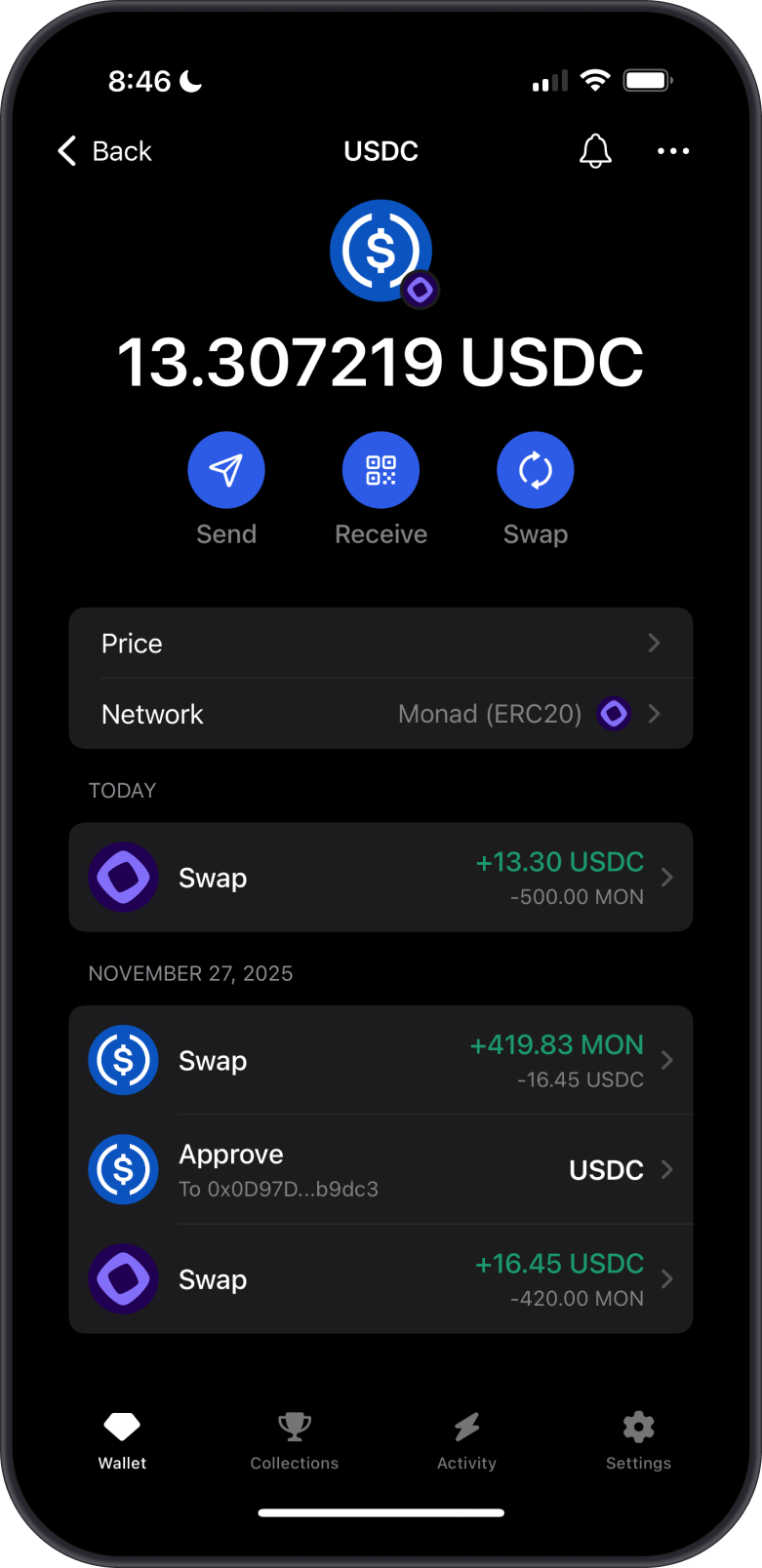
How to Send Monad with Gem Wallet?
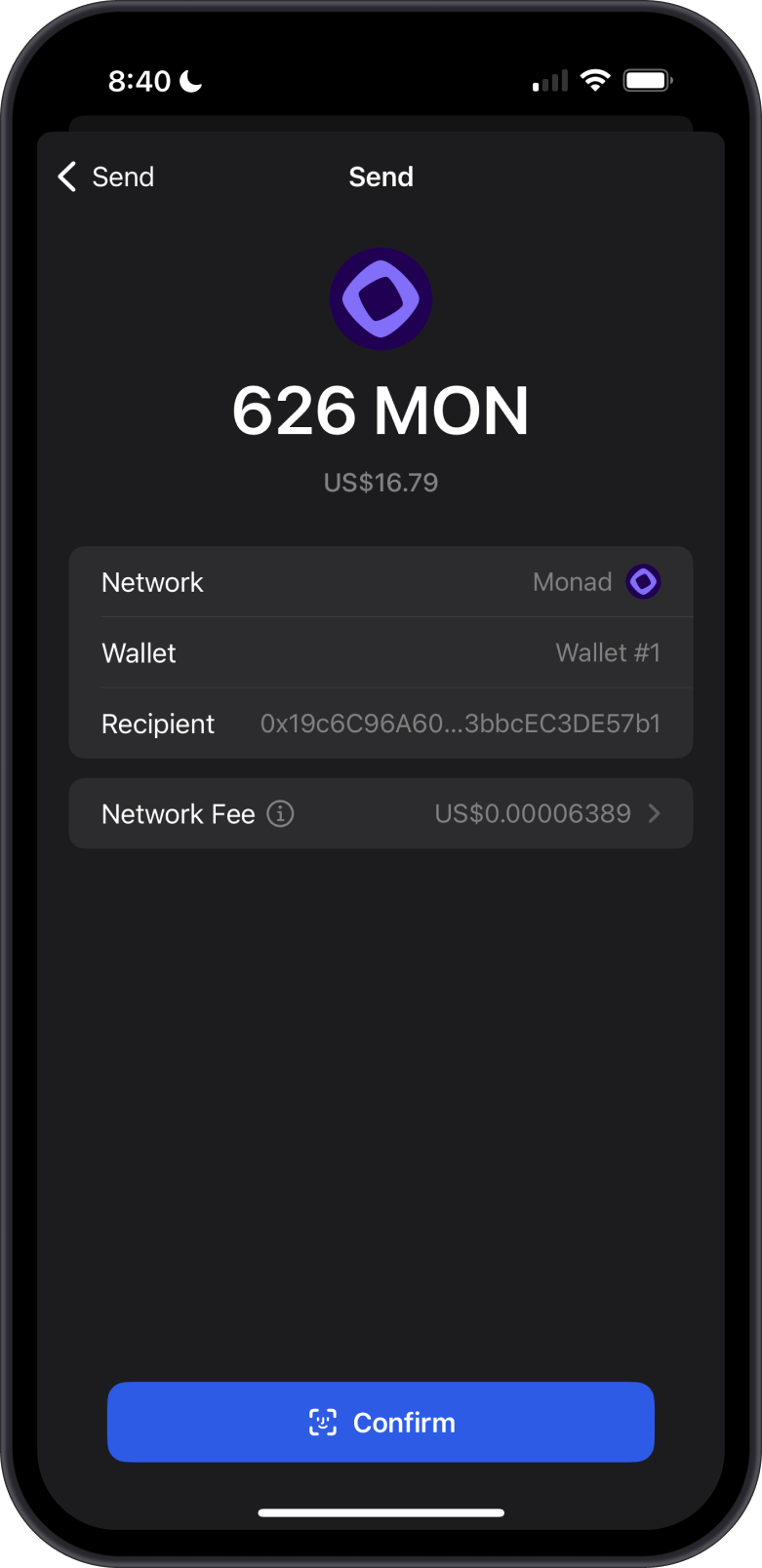
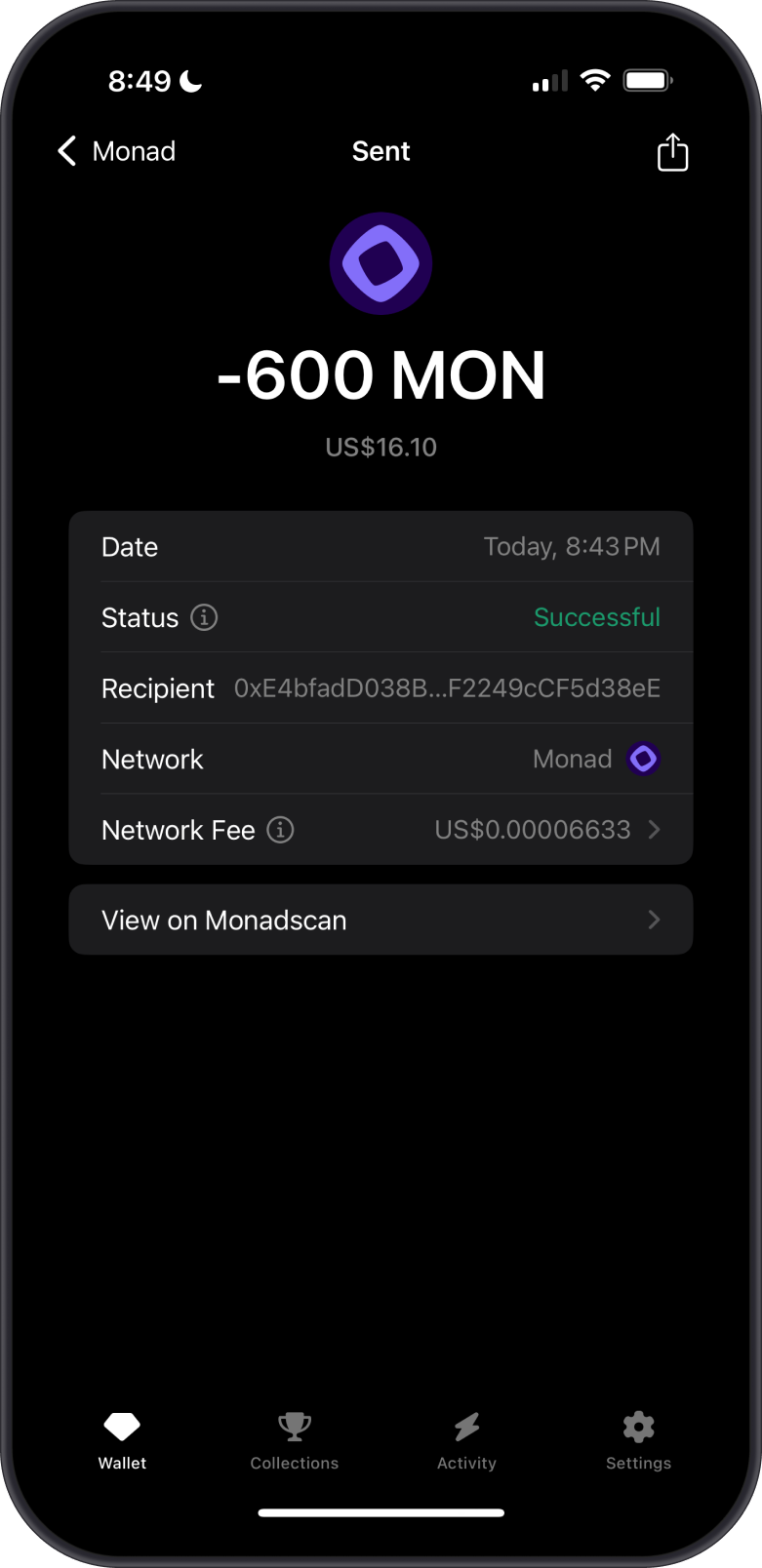
Tap on Send, then input the Recipient Address manually or use the QR Code Scanner. Next, set the amount of Monad you want to send.
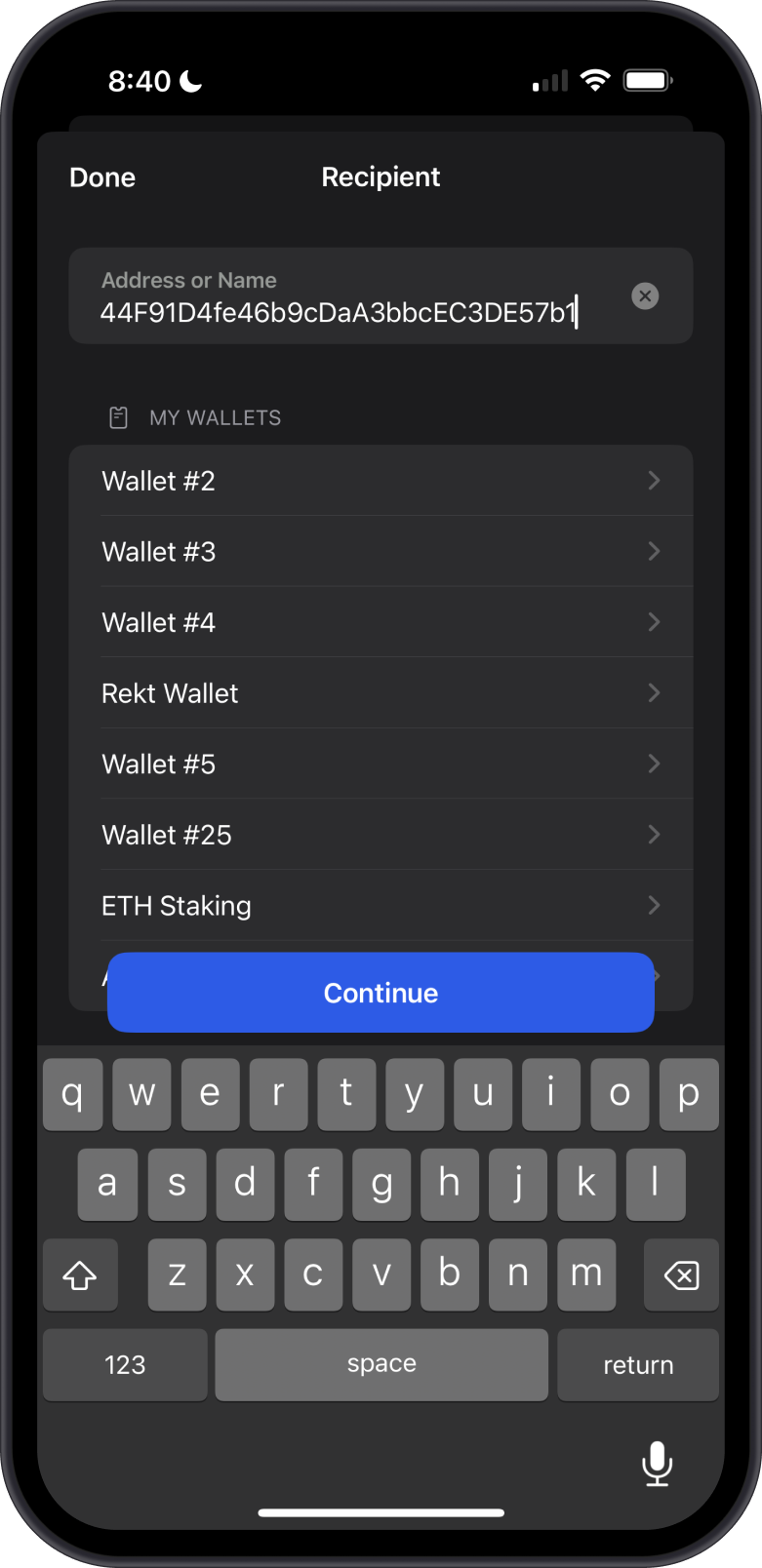
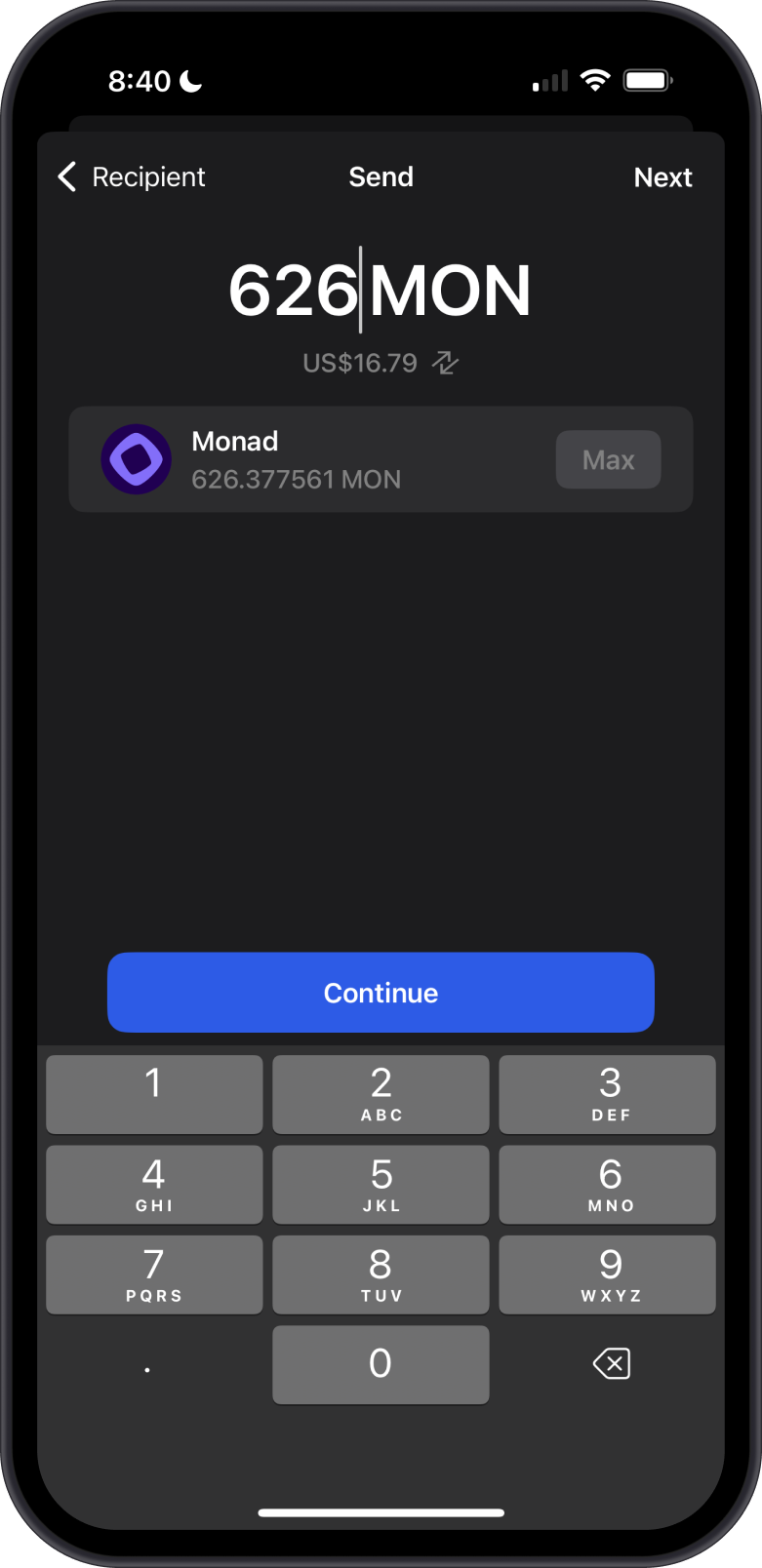
When sending Monad, ensure you have sufficient MON in your wallet to cover the network fees. Adjust the Network Fee based on your desired transaction speed. Once ready, Confirm the transaction.
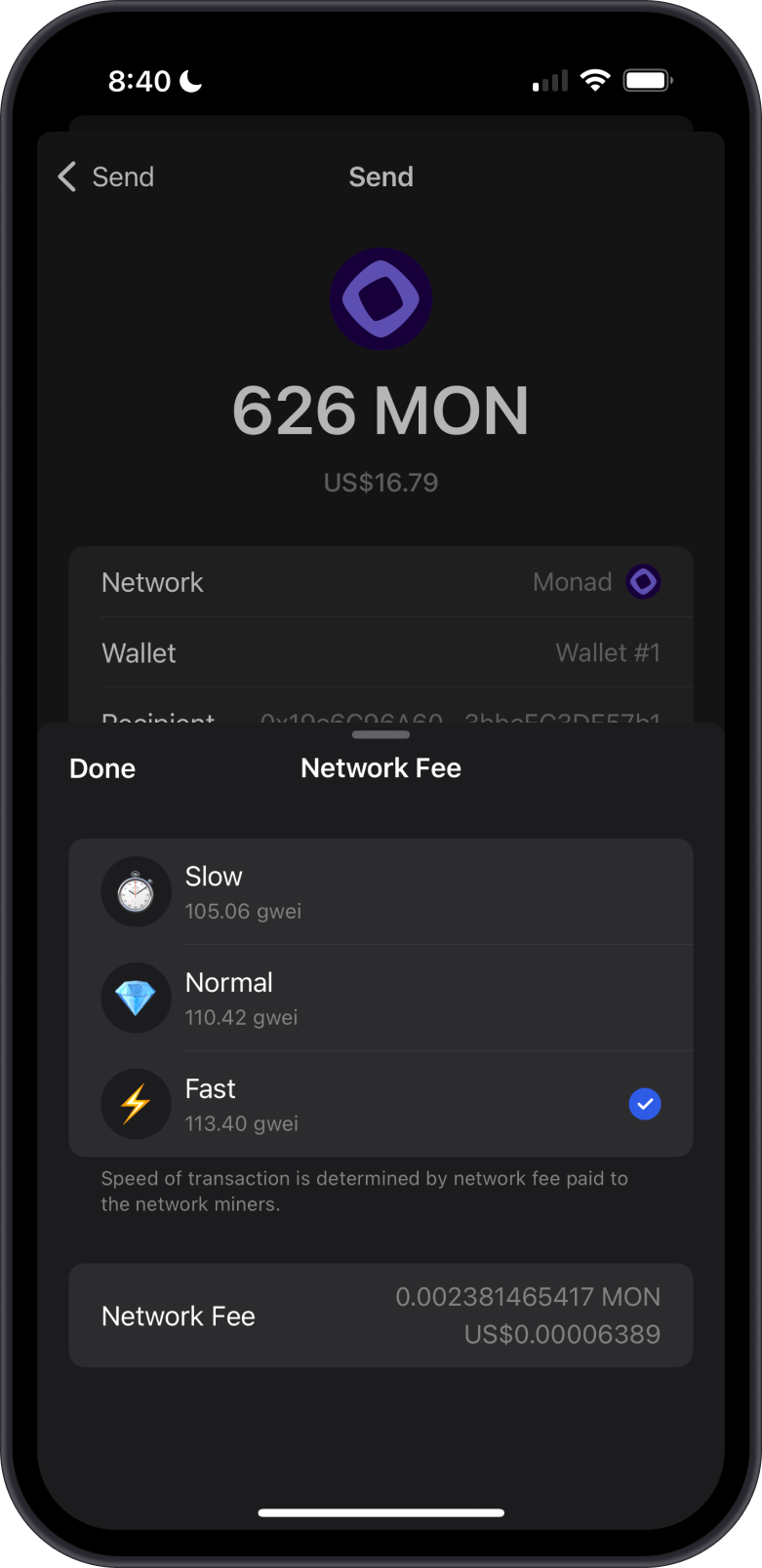
How to Send Monad ERC20 Tokens with Gem Wallet?
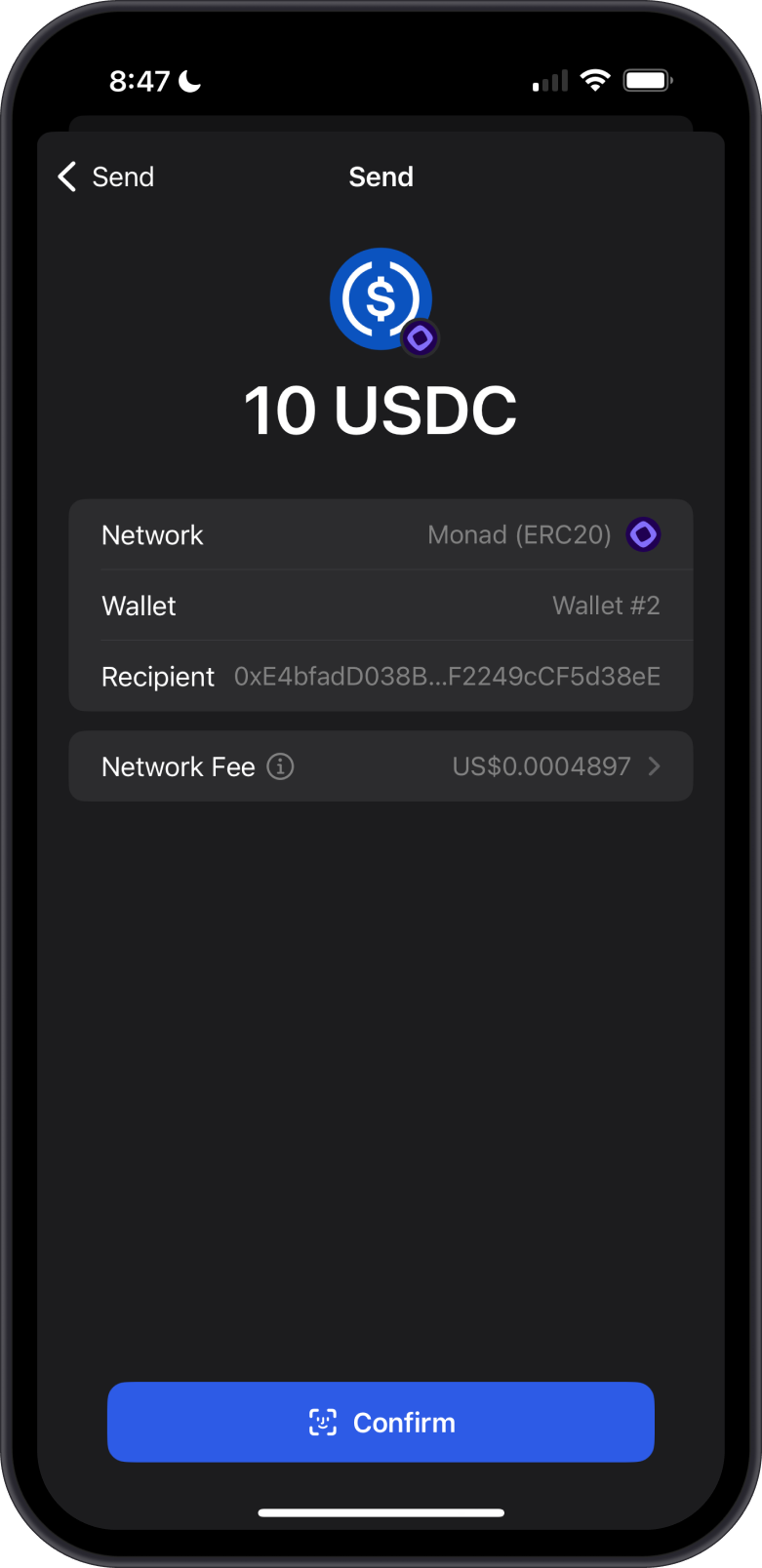
Tap on Send, then input the Recipient Address manually or use the QR Code Scanner. Next, set the amount of USDC you want to send.
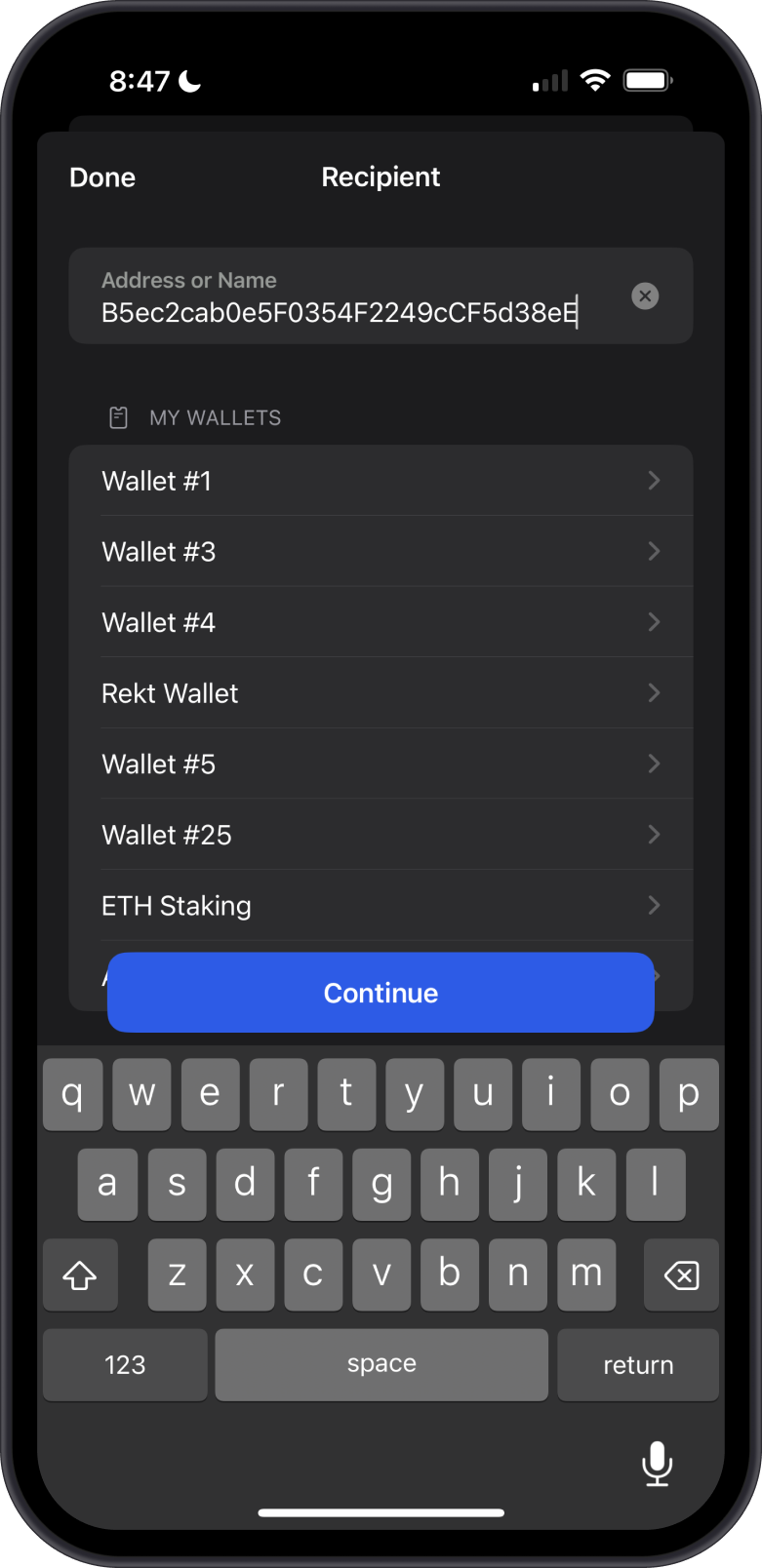
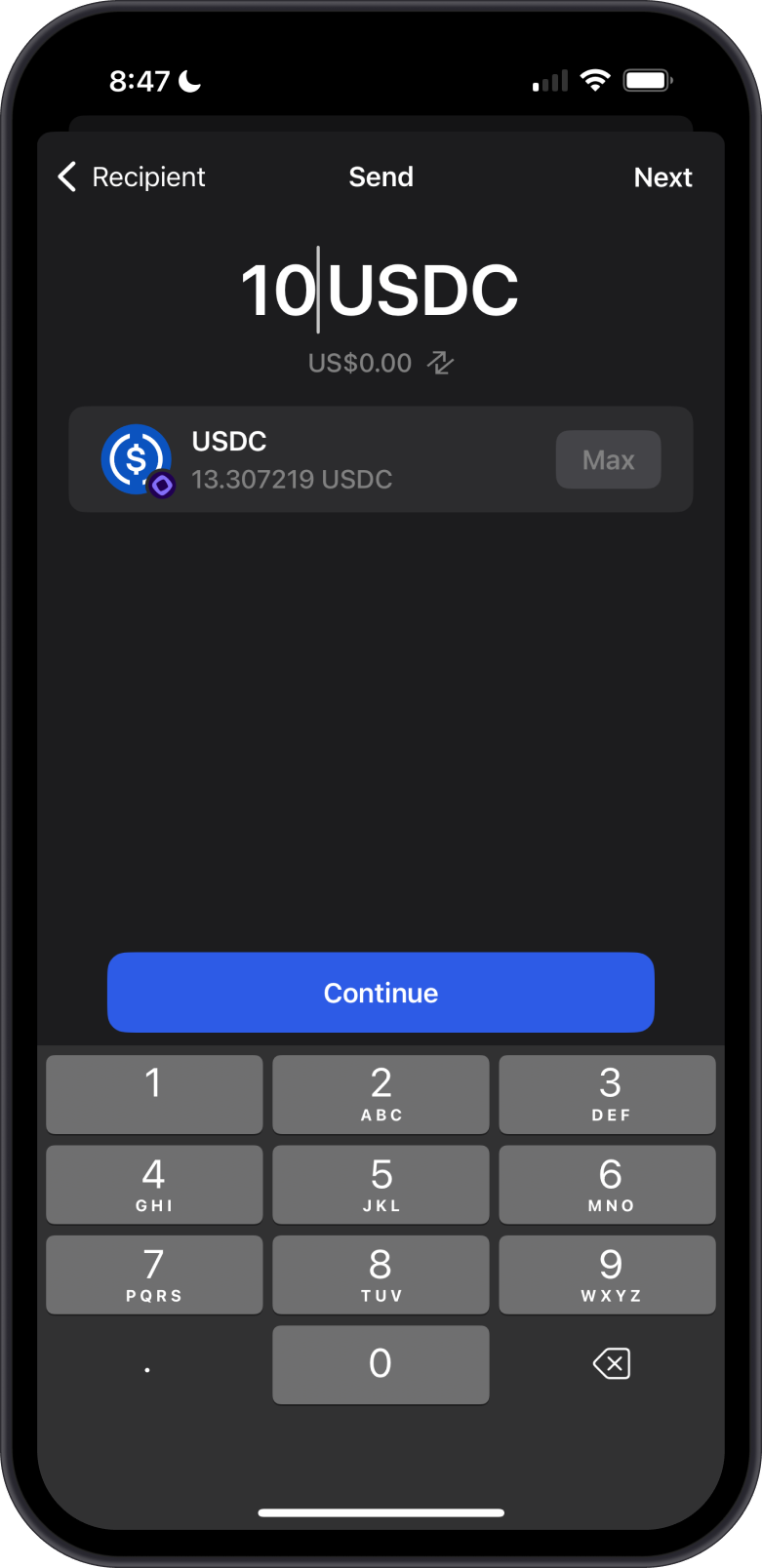
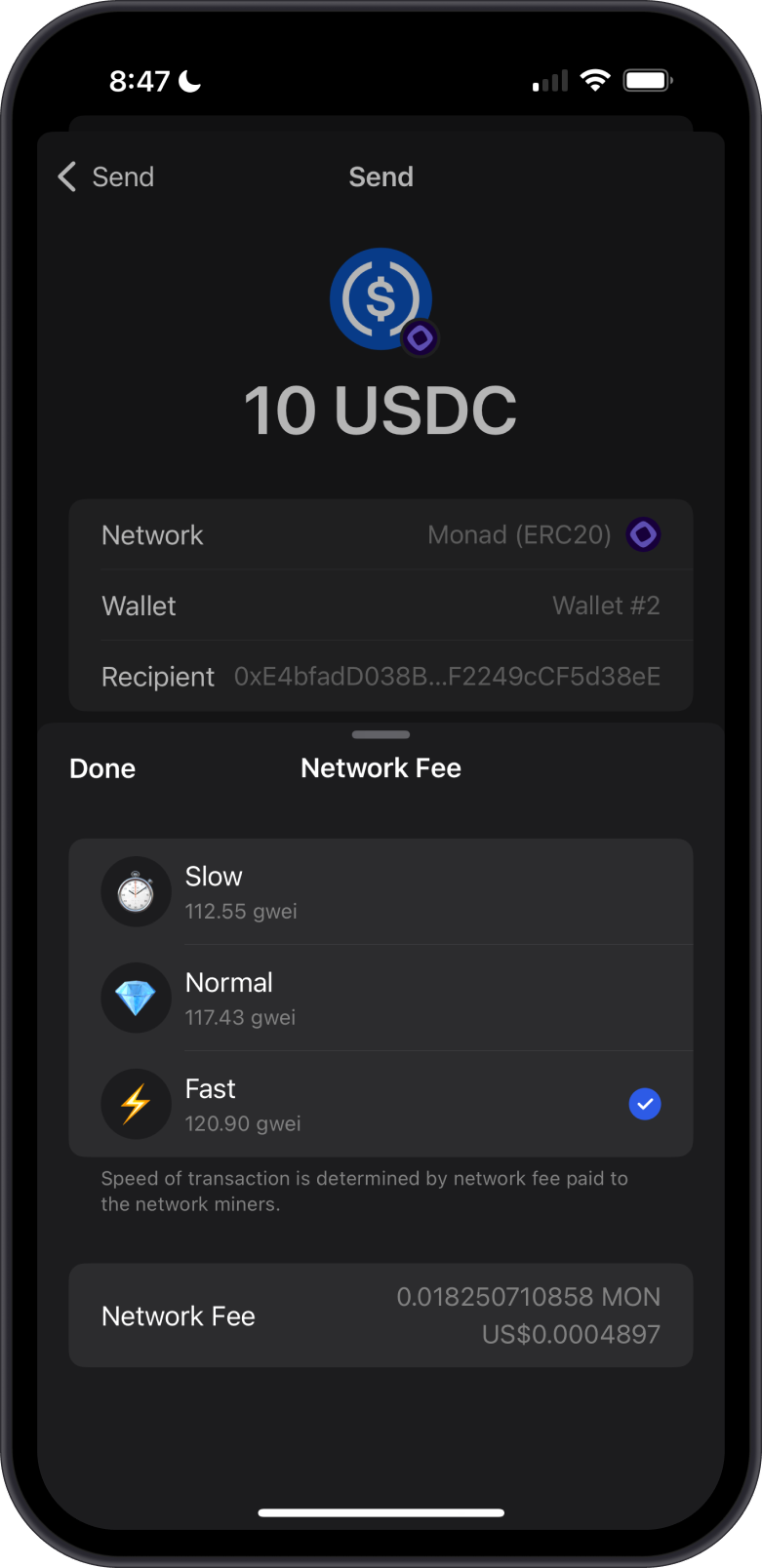
When sending Monad ERC20 Tokens, ensure you have sufficient MON in your wallet to cover the network fees. Adjust the Network Fee based on your desired transaction speed. Once ready, Confirm the transaction.
Transaction Fees on the Monad Blockchain
The fees on Monad are summarized as follows:
-
Compared to Ethereum’s Layer 1, Monad reduces transaction costs by leveraging Layer 2 solutions.
-
Designed for efficiency, Monad offers low fees even during high activity, dynamically adjusted based on demand.
-
Transaction fees on the Monad are paid in MON.
Can I Swap Monad and Monad ERC20 tokens on Gem Wallet?
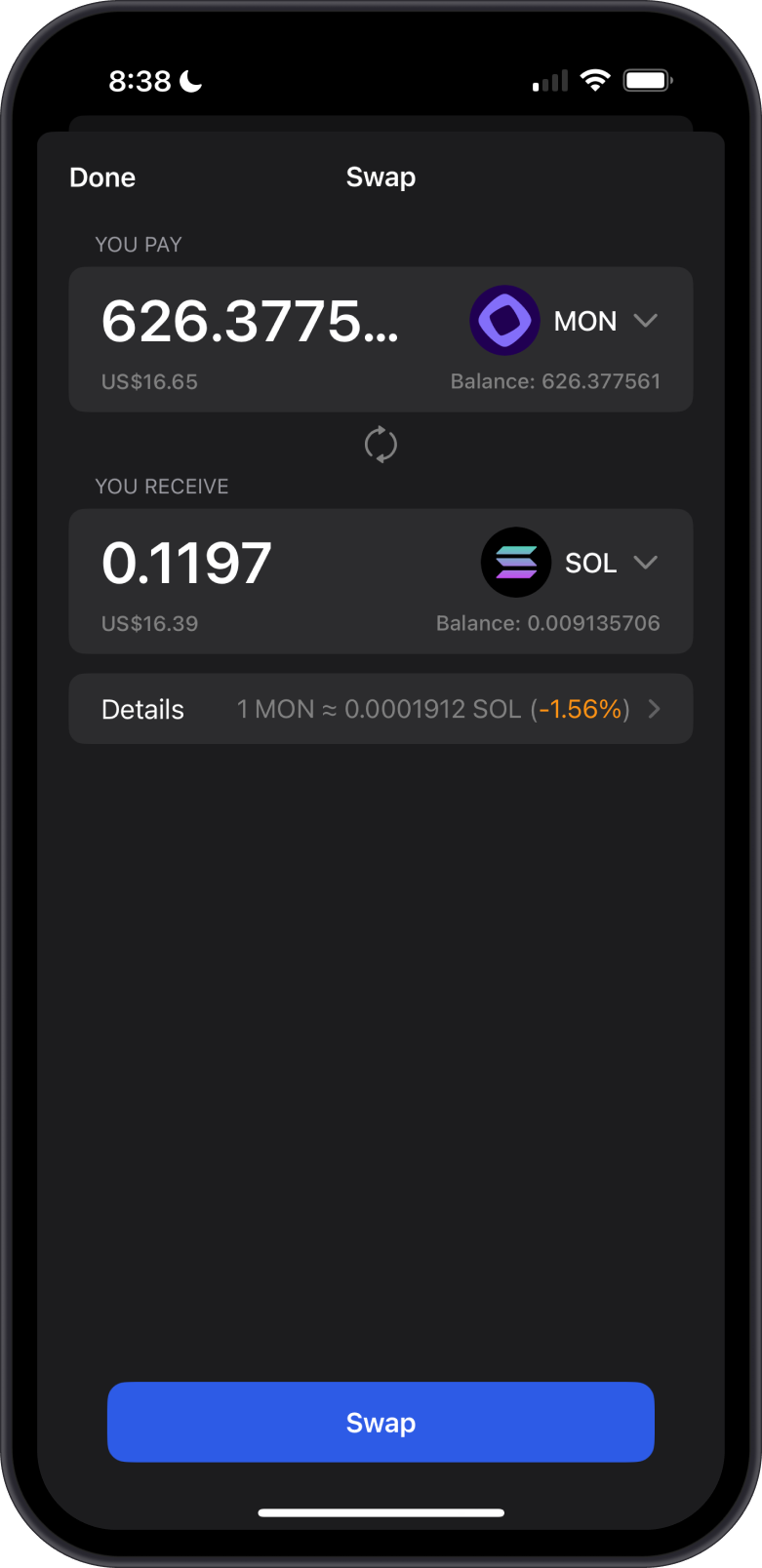
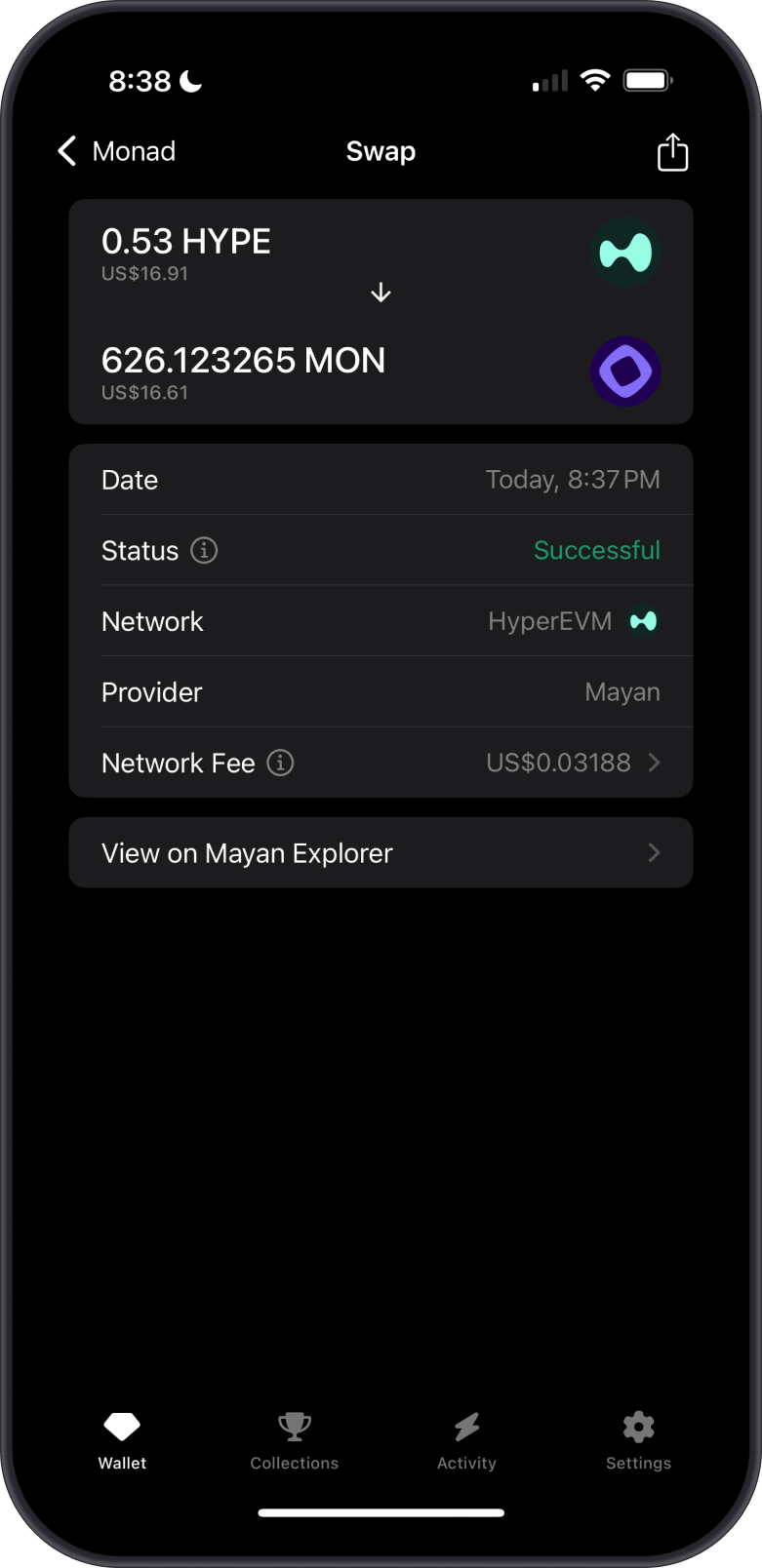
- You can seamlessly swap Monad for any cryptocurrency supported by cross-chain swaps, and vice versa, allowing flexible conversions between Monad and other compatible cryptocurrencies.
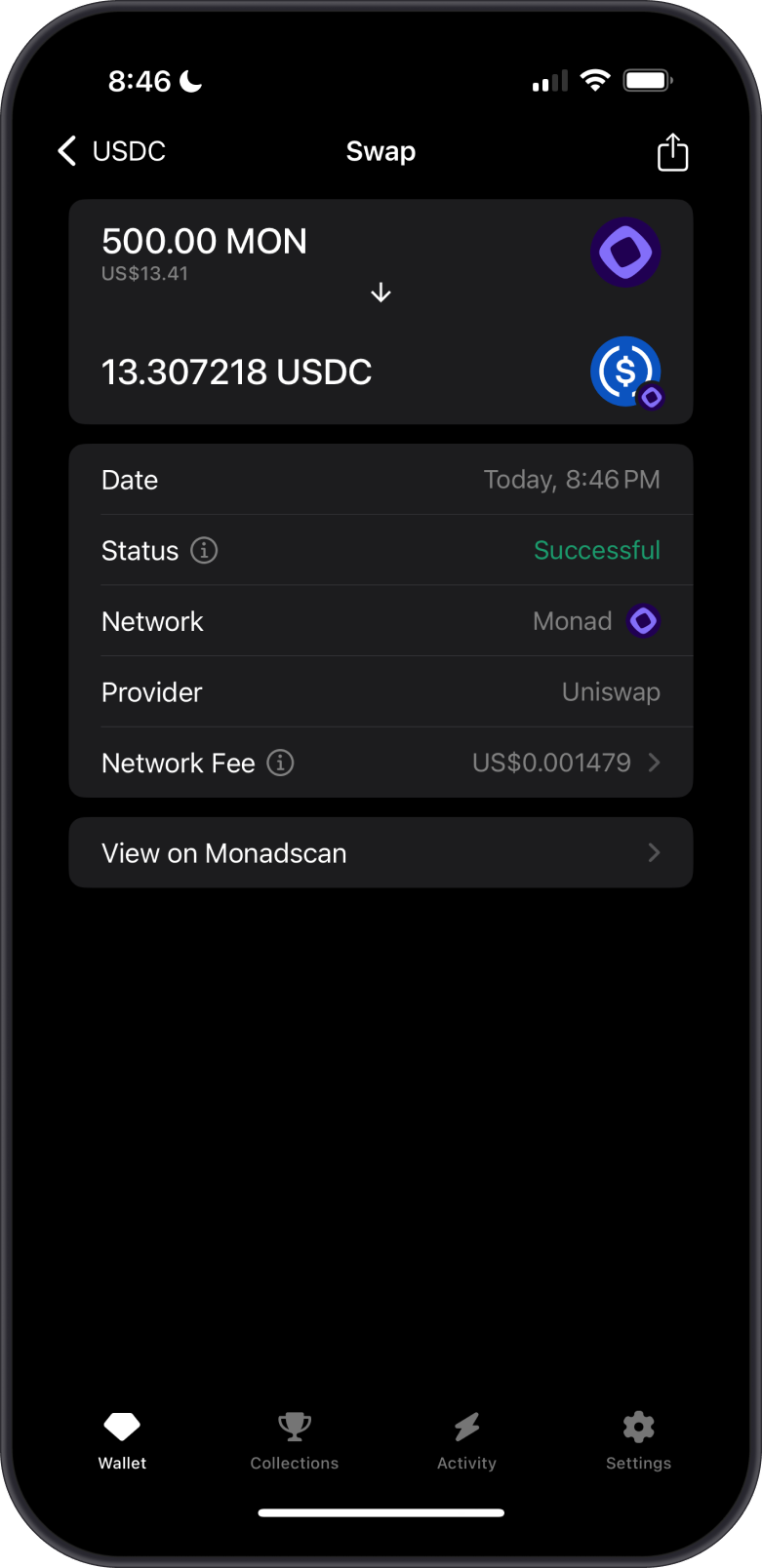
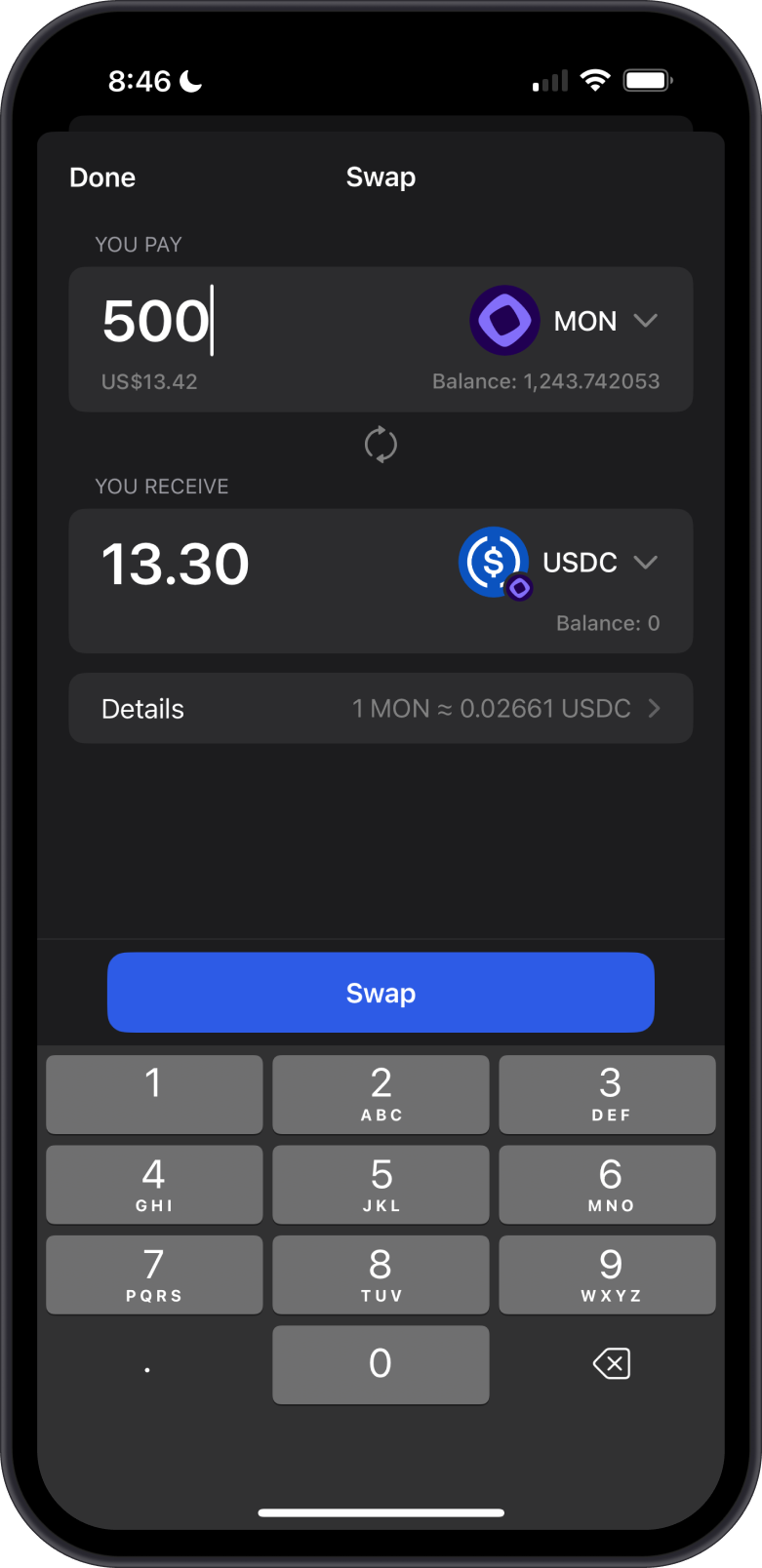
- Effortlessly swap Monad (MON) for Monad ERC20 tokens using integrated Decentralized Exchanges (DEXs) for fast, secure, and efficient transactions.

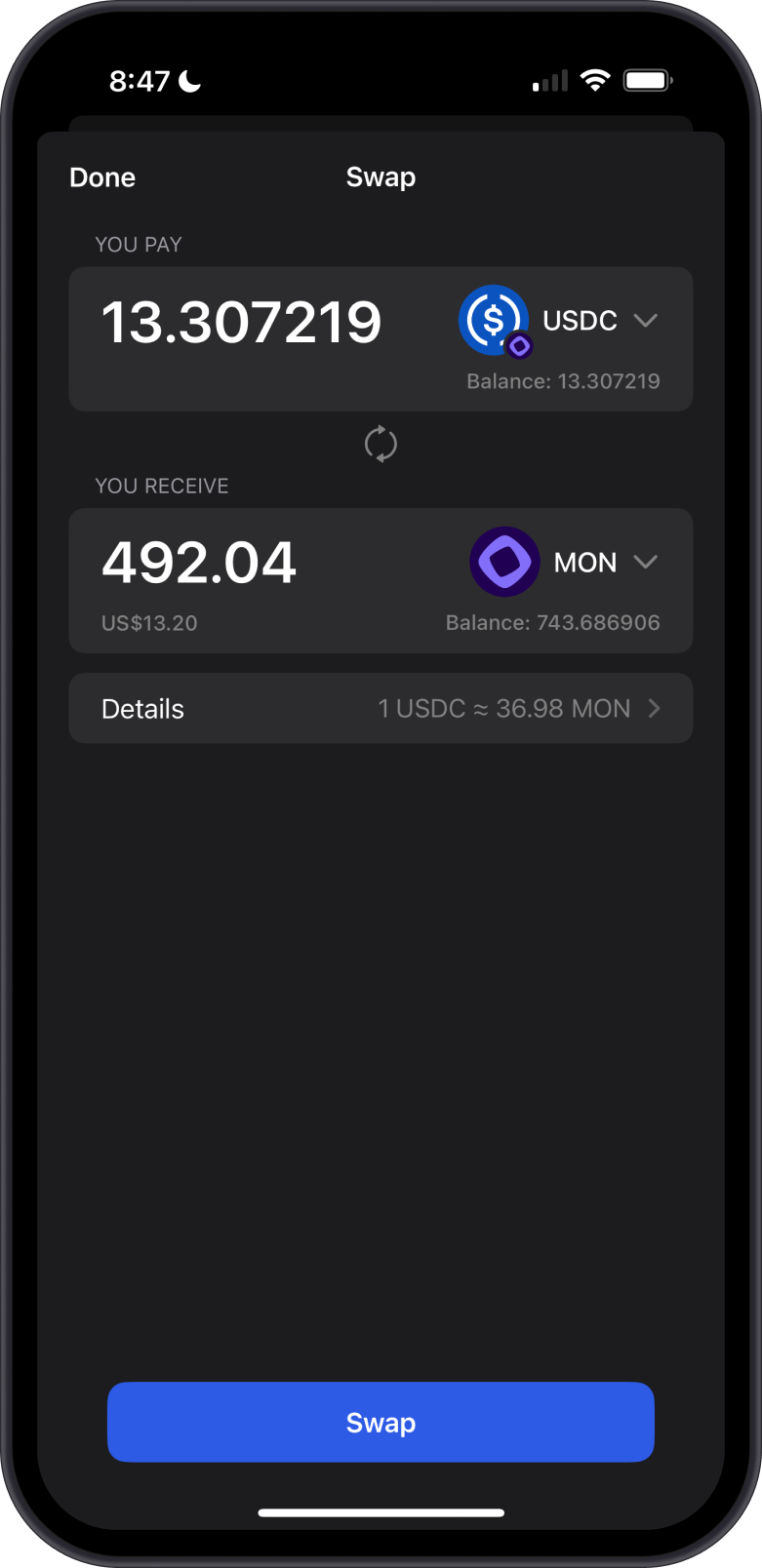
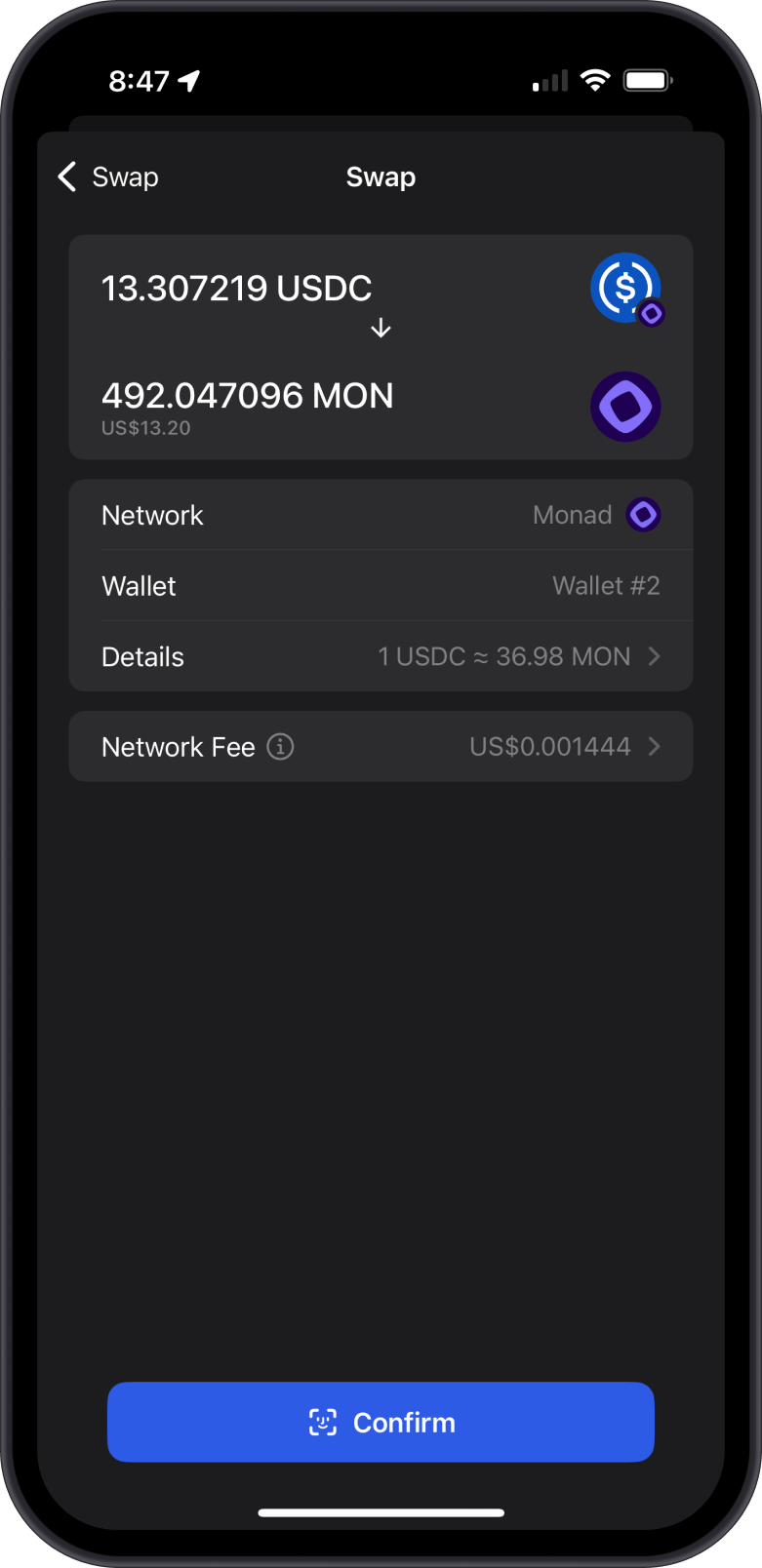
- Easily convert Monad ERC20 tokens back to Monad (MON).
Can I Stake Monad on Gem Wallet?
Yes, you can stake Monad (MON) on Gem Wallet to earn rewards. Follow the Monad staking guides to delegate your MON tokens to a validator.
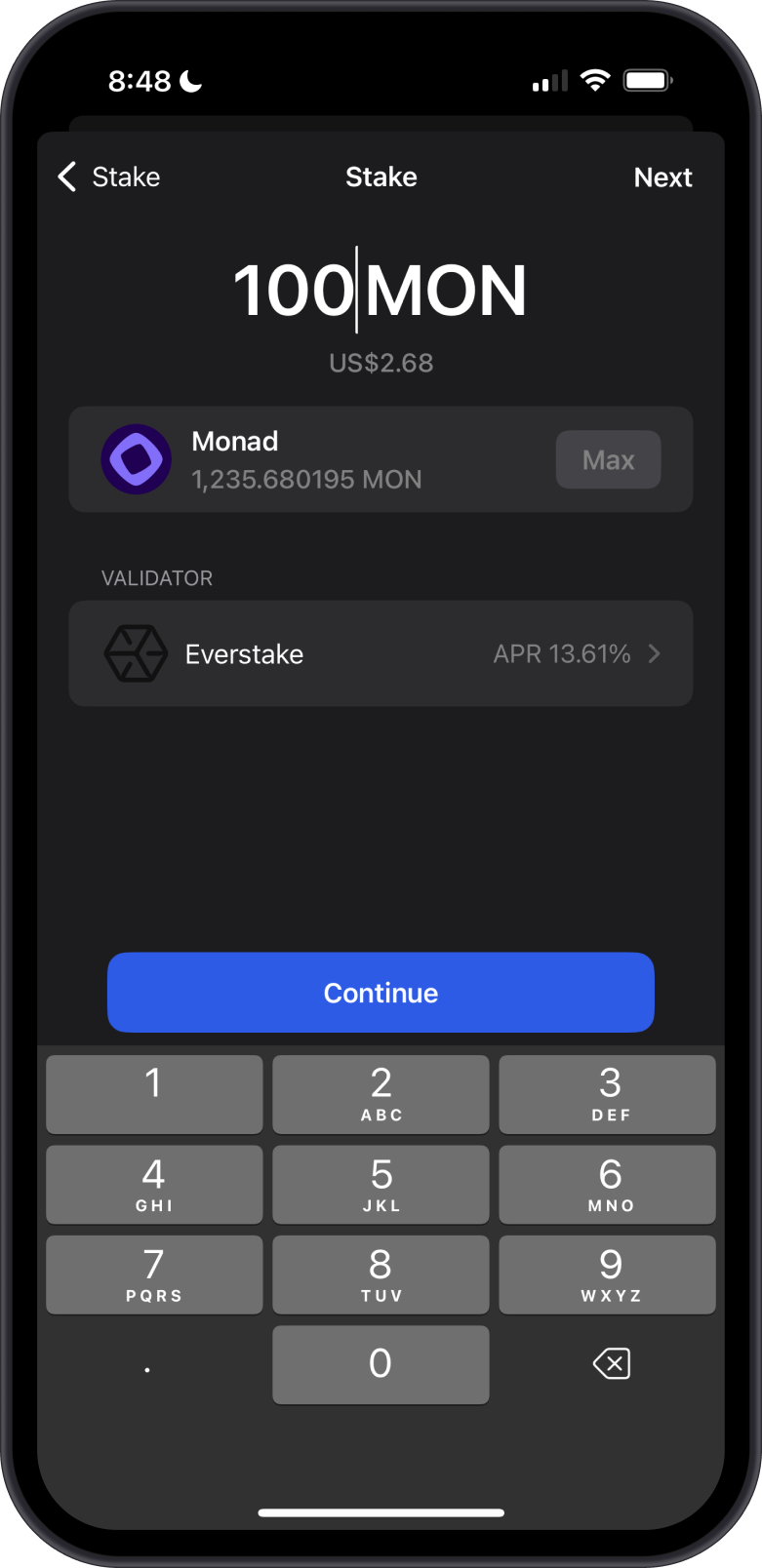
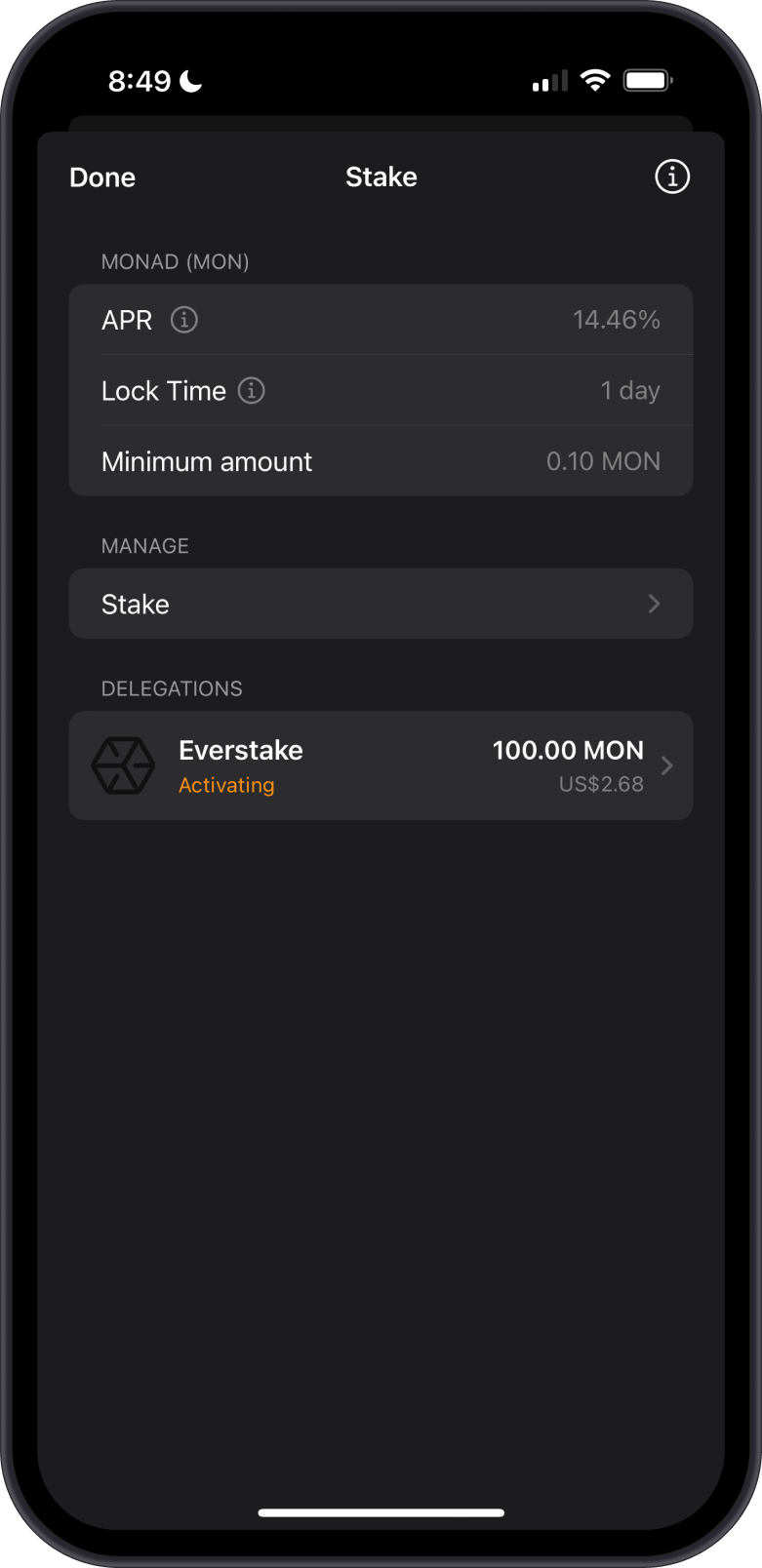
You need to have MON in your wallet to pay for network fees, also known as gas fees. These fees are required to process transactions on the Monad blockchain, including token swaps and staking, as each transaction consumes computational resources. Without MON to cover these fees, the swap or stake transactions cannot be executed.
How to Check Monad (MON) Balance?
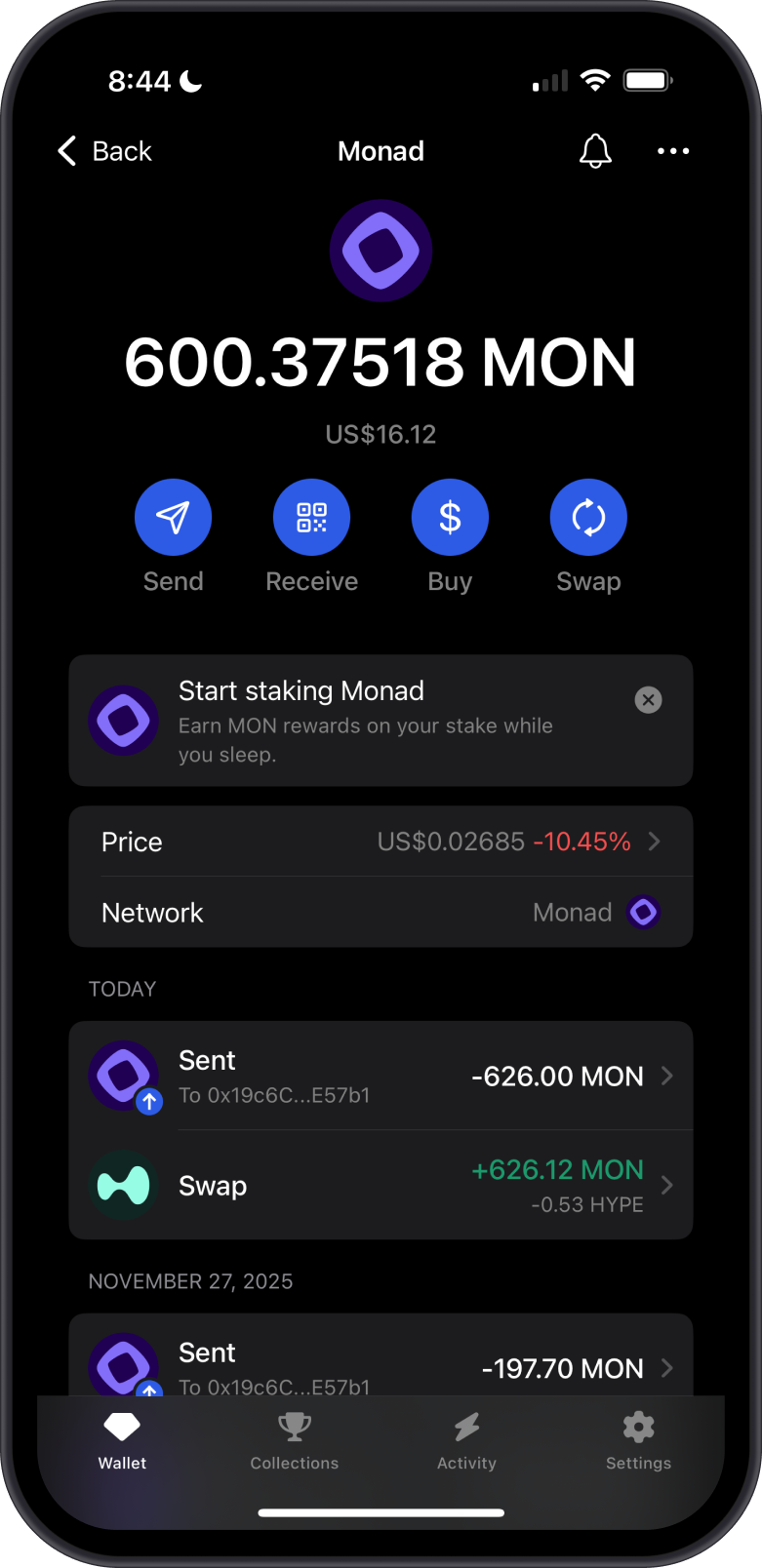
Gem Wallet app connects to the Monad Blockchain to show the MON balance on your wallet. Tap on the 3 dots at the upper right corner, then tap on View address on Monadscan.
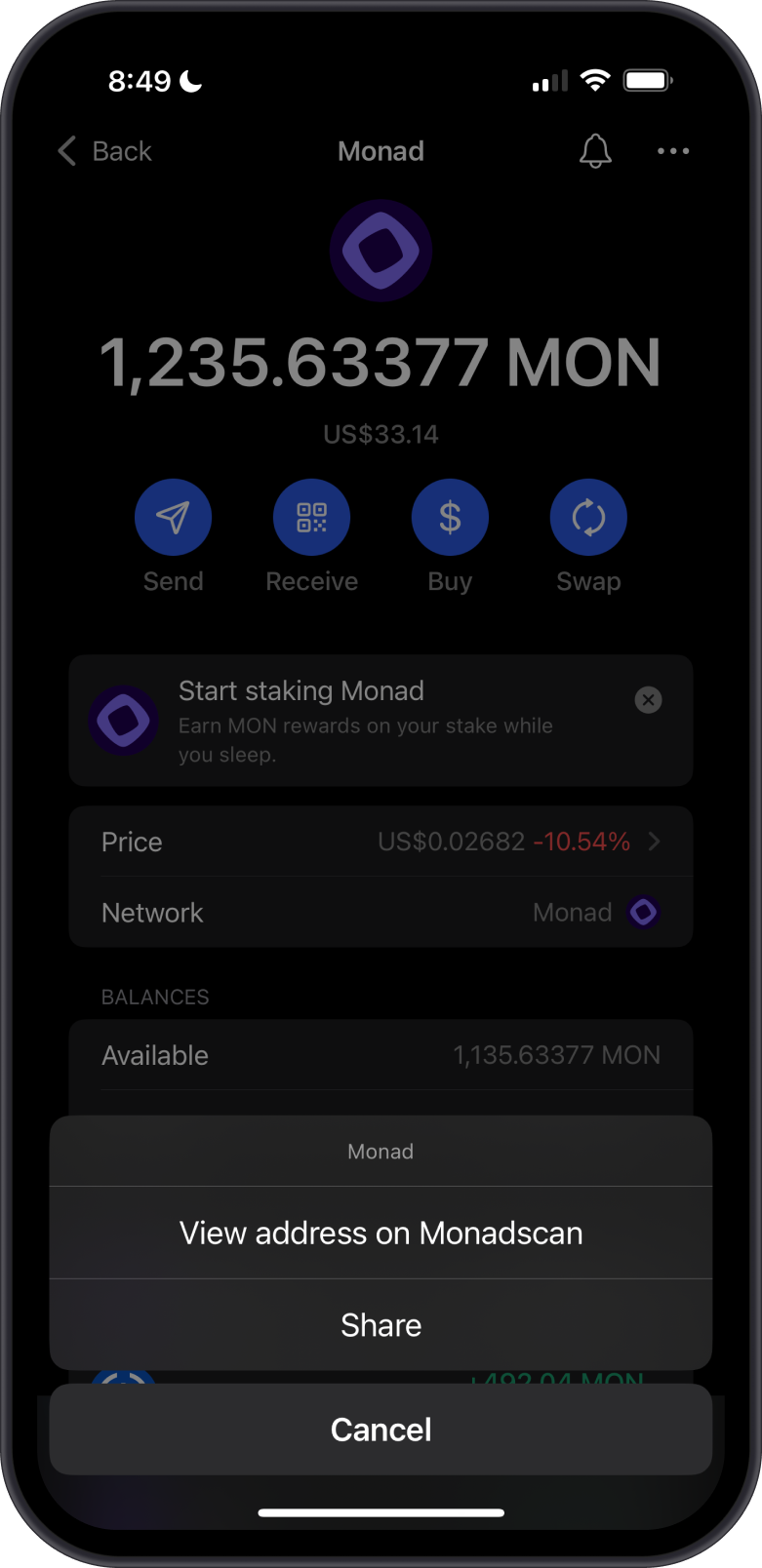

Monadscan is the default Monad explorer of Gem Wallet. You can manually check balances and transactions by going to Monadscan and search for your MON address.
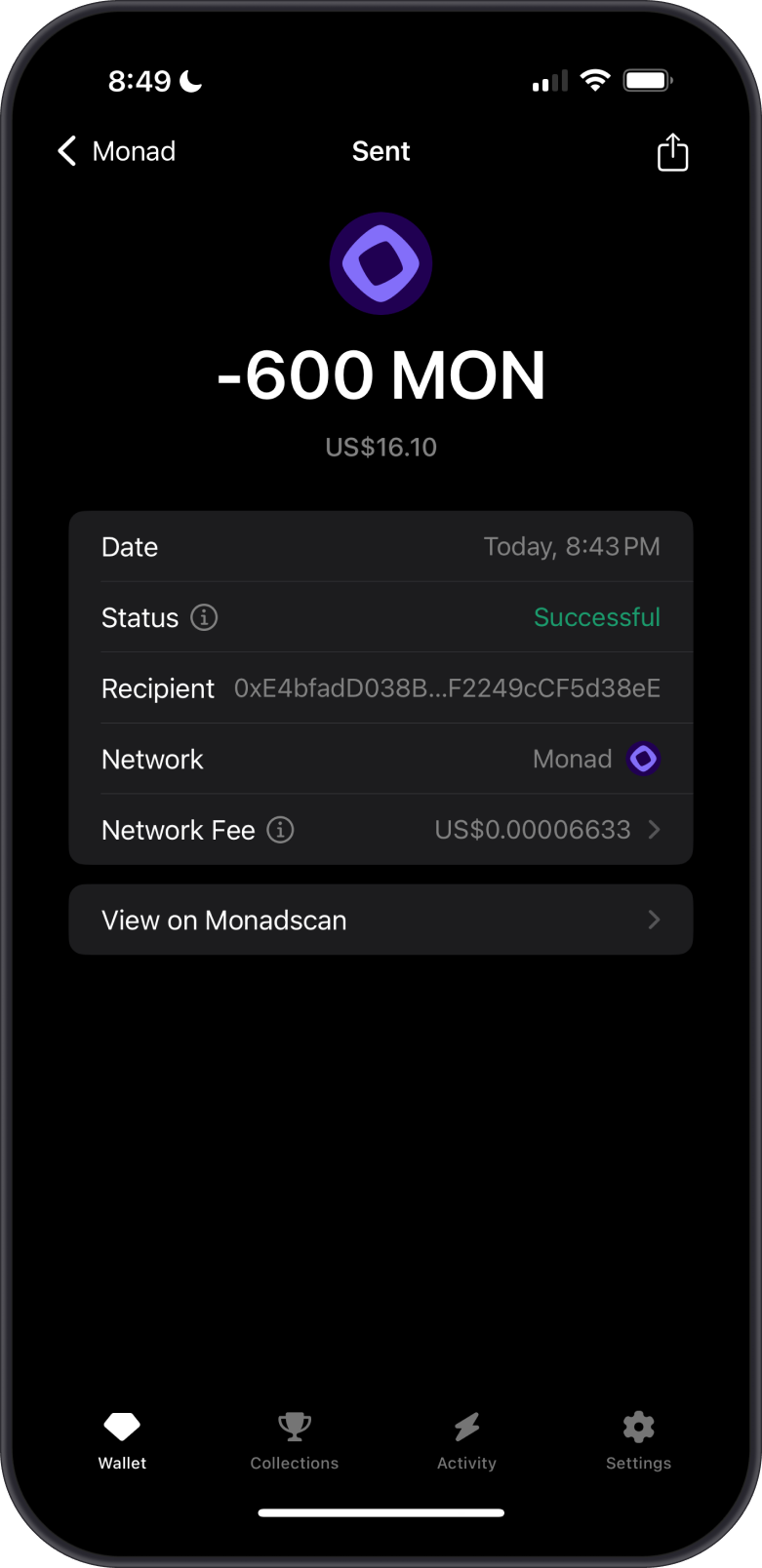
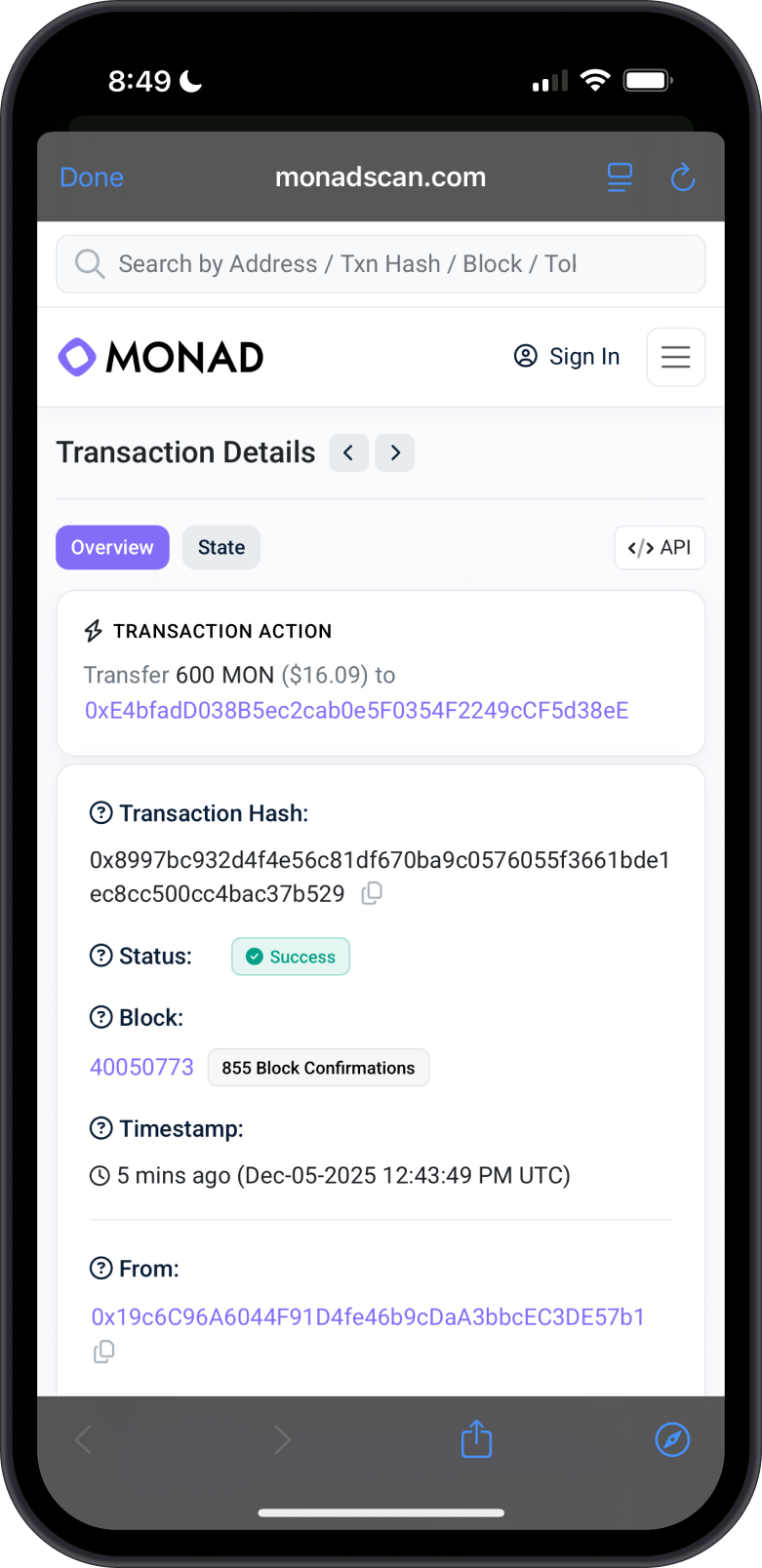
Key Points for Managing Monad and Monad ERC20 Tokens in Gem Wallet
- No limit on the amount of MON or Monad ERC20 tokens you can receive.
- Share your Monad address from Gem Wallet with the sender and verify its accuracy.
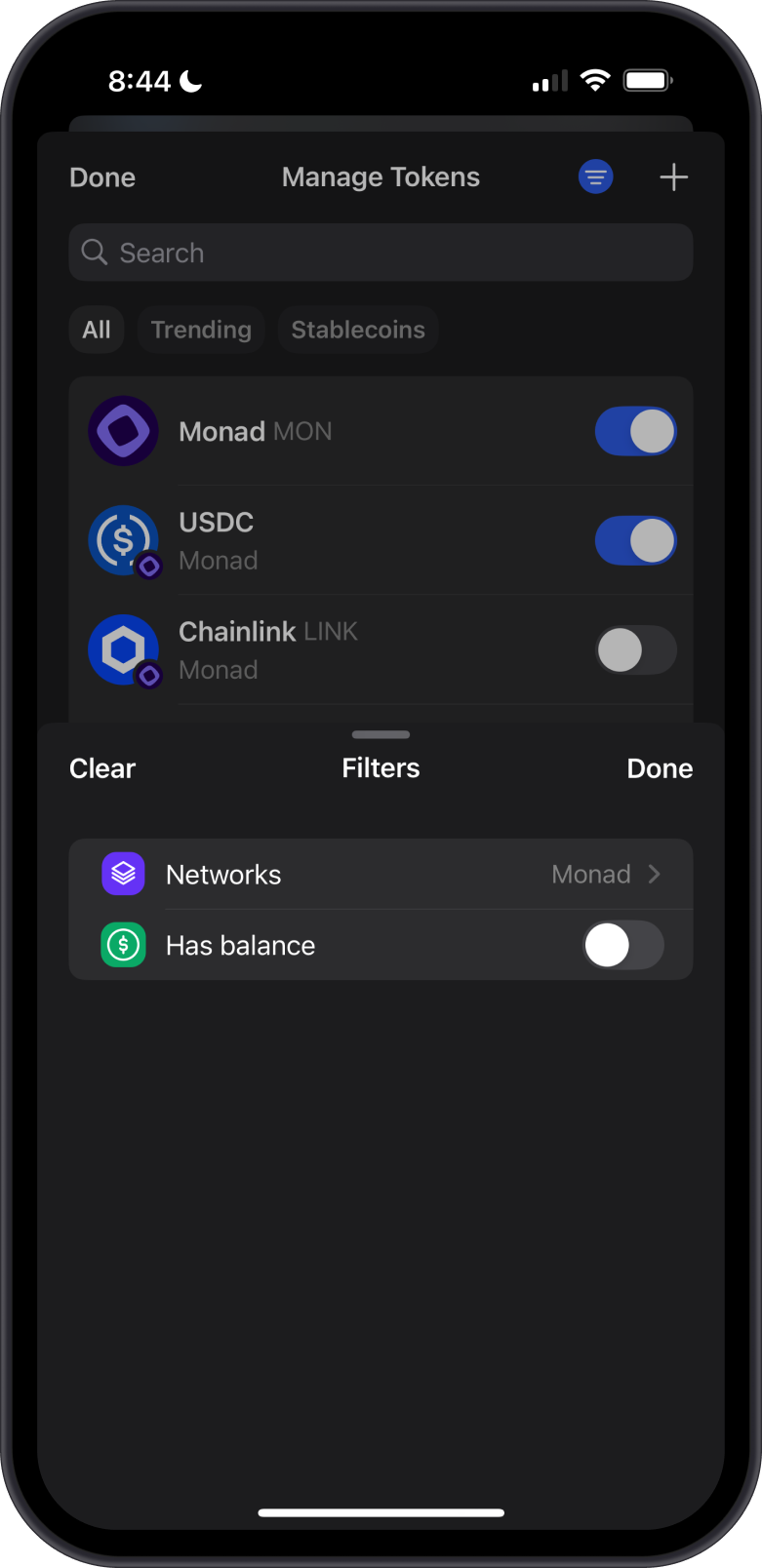
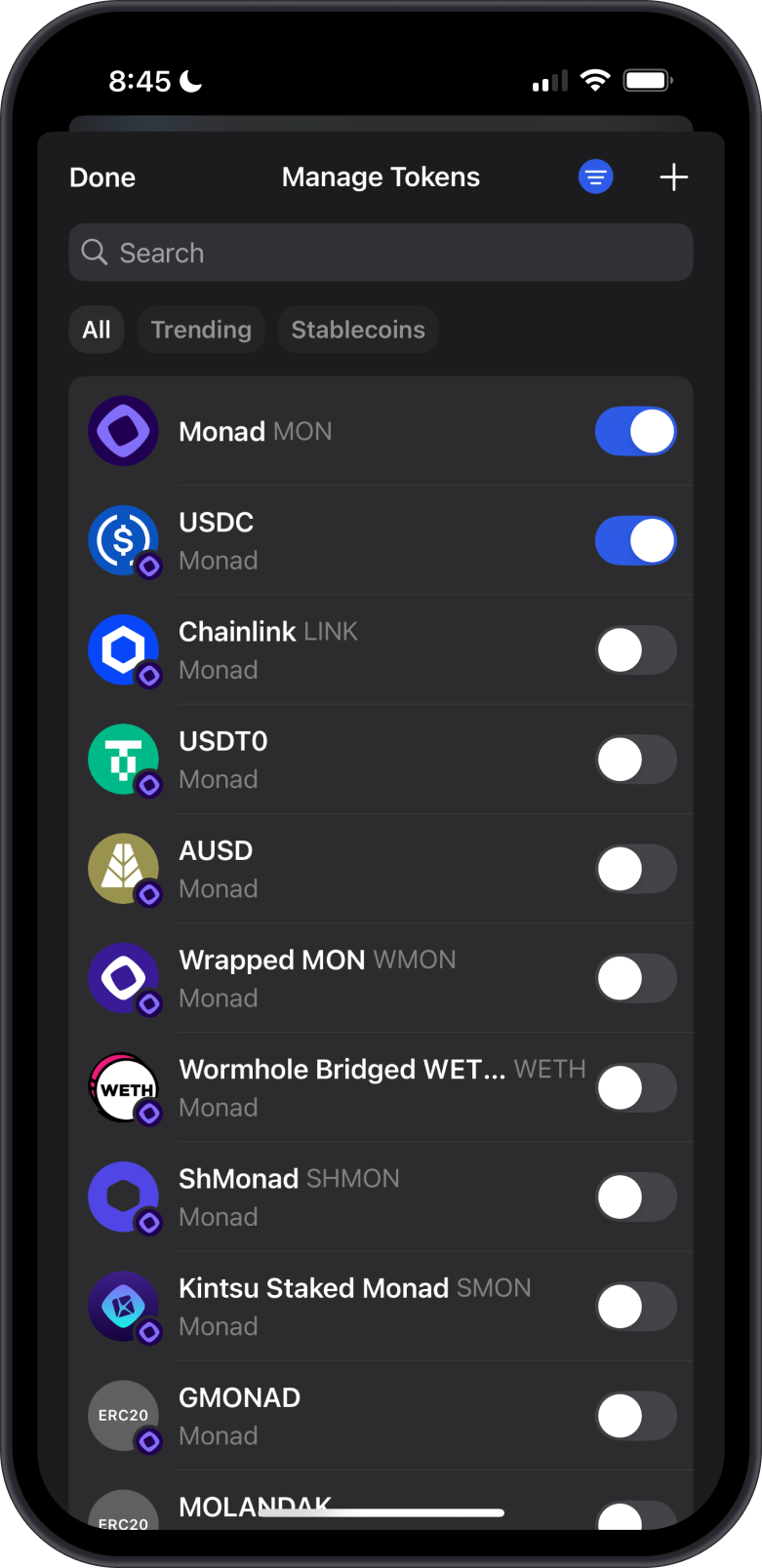
- Add Monad ERC20 tokens to your wallet’s token list via "Manage Token List" using the Monad network filter.
- No receiving fees charged by Gem Wallet, but senders pay gas fees based on network activity.
- Sending and swapping require gas fees paid in MON, varying by network activity.
- Always double-check the recipient’s address before sending.
Why Choose Gem Wallet for Monad?
Gem Wallet is a secure and efficient solution for managing Monad assets. Here’s why it’s the best choice:
Seamless EVM Compatibilityn: Gem Wallet fully supports Monad, enabling smooth interaction with dApps and smart contracts.
Self-Custody Security: Users retain full control over their private keys, ensuring secure management of assets.
Multi-Chain Integration: As an open-source, multi-chain wallet, Gem Wallet allows users to manage assets across Ethereum, Monad, and other blockchain ecosystems.