What Is a Private Key?
What Is a Private Key?
A private key is a long secret number that controls one blockchain address. Whoever has it can sign transactions from that address and move everything it holds. Your address is derived from the private key and is safe to share; the private key itself must stay secret.
Private keys are usually shown as a string of letters and numbers. The format depends on the network:
| Network | Typical format | Example start |
|---|---|---|
| Ethereum and other EVM networks | 64 hexadecimal characters, sometimes with 0x | 0x4c08… |
| Solana | Base58 string (often 87–88 characters) or hexadecimal | 5Kd3… |
| Stellar | Secret key starting with S (56 characters) or hexadecimal | SB2X… |
| NEAR | ed25519: followed by a Base58 key | ed25519:3n… |
| Sui | suiprivkey1… (Bech32), or hexadecimal | suiprivkey1q… |
| Aptos | ed25519-priv-0x…, or hexadecimal | ed25519-priv-0x9d… |
| Most other networks | Hexadecimal | 9f1a… |
Private Key vs Secret Phrase
| Private key | Secret Phrase | |
|---|---|---|
| Controls | One address on one network | Every address in a Multi-Coin wallet, on every network |
| Looks like | A long string of characters | 12 or 24 ordinary words |
| Created | Derived from a Secret Phrase, or generated on its own | When you create a wallet |
| Restores | Only that one address | The whole wallet |
A Gem Wallet Multi-Coin wallet is created from a Secret Phrase, and each network's private key is derived from it. Backing up the Secret Phrase backs up all of those keys at once, so you normally never need to handle a private key.
Private Key Wallets in Gem Wallet
Gem Wallet can create a single-network wallet from a private key you already have, for example one exported from another wallet.
Supported: Ethereum and other EVM networks, Solana, TON, TRON, Sui, Aptos, NEAR, Stellar, XRP Ledger, Algorand, Polkadot, Cosmos-based networks, and most other networks in Gem Wallet.
Not supported: Bitcoin, Litecoin, Bitcoin Cash, Dogecoin, Dash, Zcash, and Cardano. For these, import the wallet's Secret Phrase instead.
A private key wallet holds one address on one network. To use more networks, create or import a Multi-Coin wallet with a Secret Phrase.
How to Import a Private Key
- Open Gem Wallet and select Import an Existing Wallet. If you already have a wallet, open Settings > Wallets and select Import an Existing Wallet.
- Choose the network the key belongs to. Private keys are imported per network, not as Multi-Coin.
- Select Private Key.
- Type, paste, or scan the key, then select Import.
If you paste the key, Gem Wallet clears it from the clipboard after importing. If Gem Wallet says the key is invalid, check that you chose the right network and that the key is complete, with no extra spaces or characters.
See Restore Gem Wallet for importing with a Secret Phrase.
How to View a Private Key in Gem Wallet
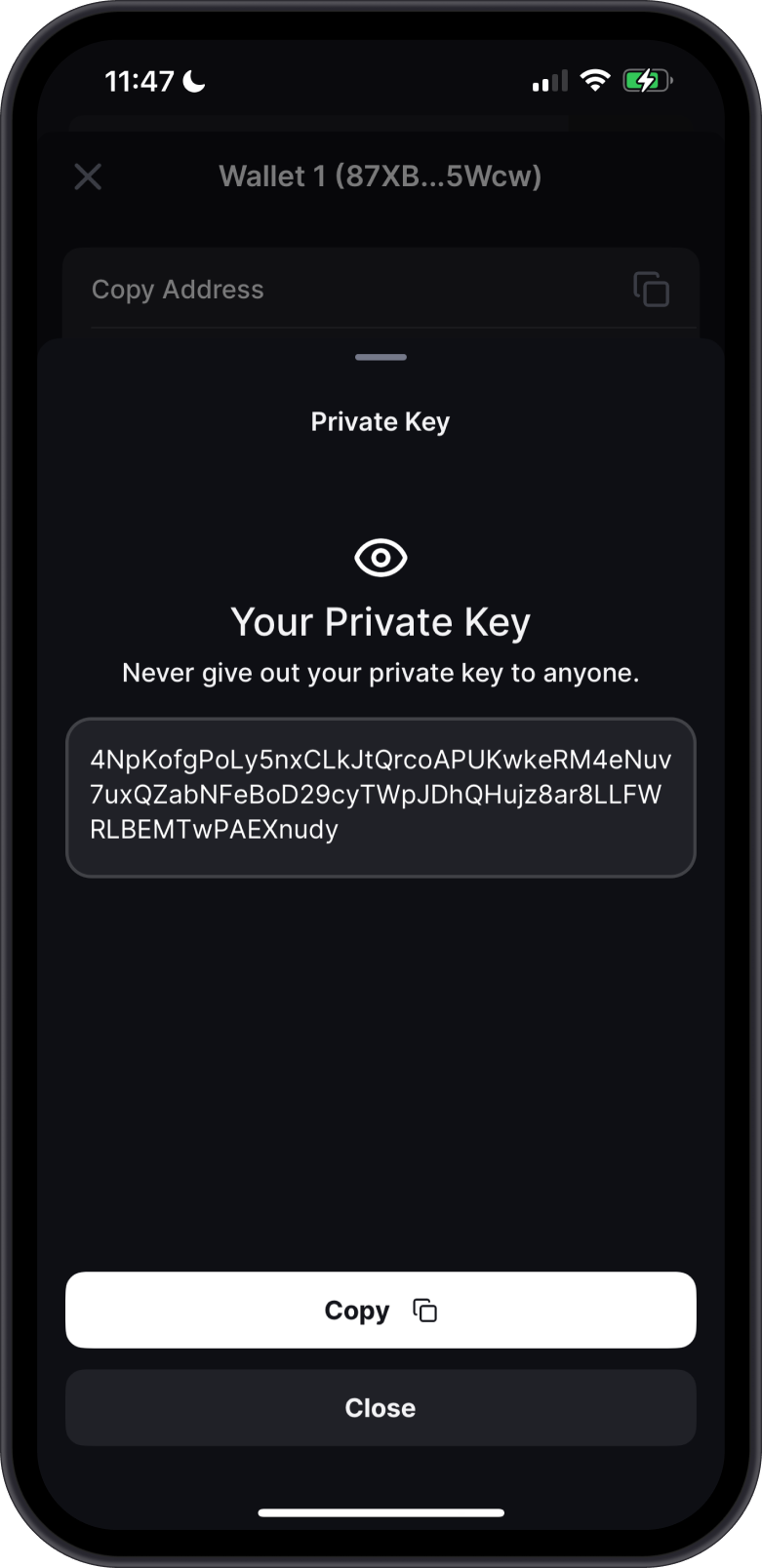
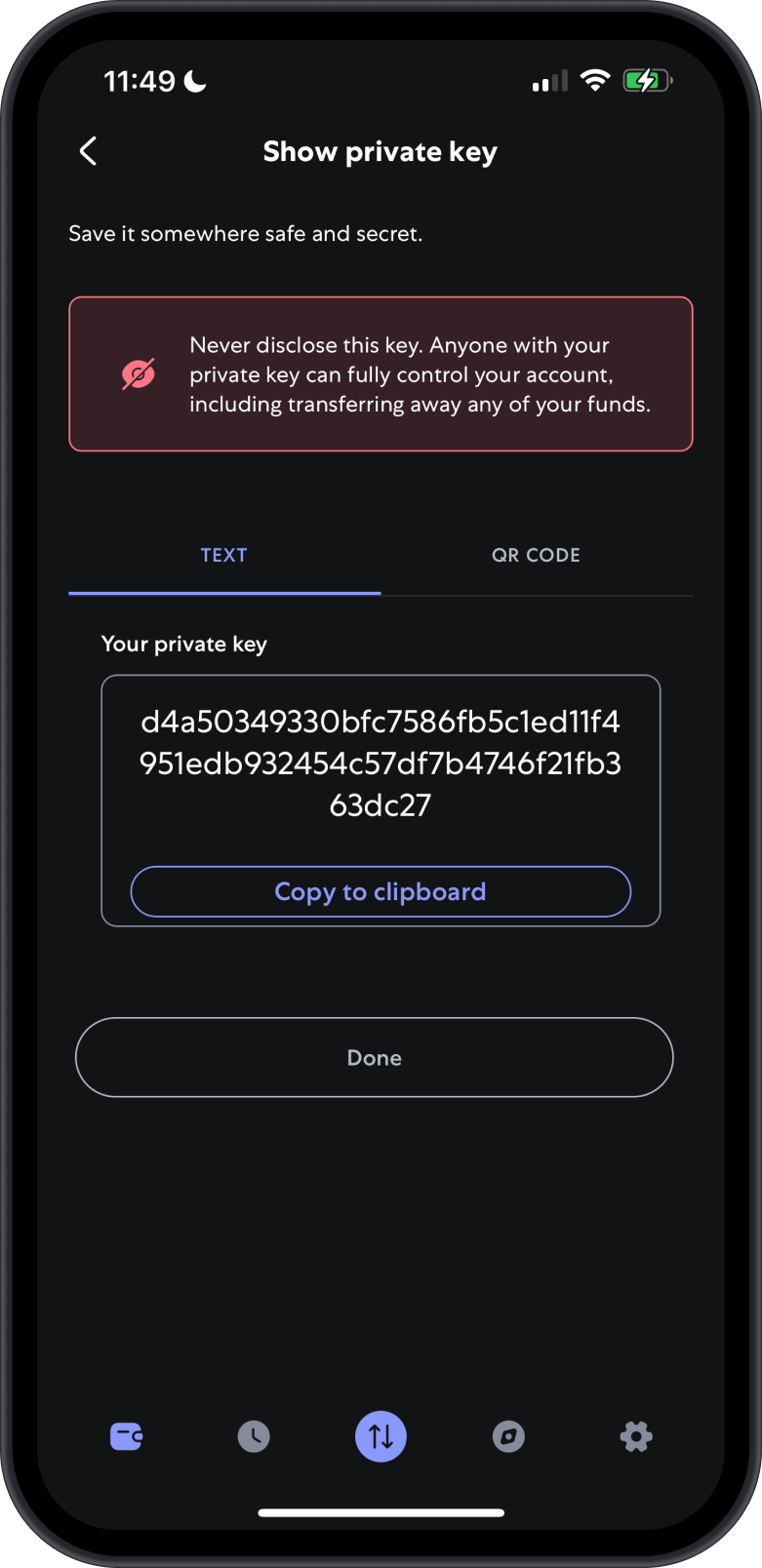
Gem Wallet can show a private key in two places:
- A wallet created from a Secret Phrase: open the wallet in Settings > Wallets and select Advanced > Show Private Key, then choose the account.
- A wallet you imported with a private key: open the wallet in Settings > Wallets and select Backup > Show Private Key.
For step-by-step instructions with screenshots, and how to check an exported key, see How to Export a Private Key from Gem Wallet.
If your wallet was created from a Secret Phrase, the phrase already backs up all of its accounts, so export a key only when you need one account in another wallet. Keys are exported in these formats:
| Network | Exported as |
|---|---|
| Ethereum and other EVM networks | Hexadecimal. The same key controls your account on every EVM network. When a key also controls other accounts in your wallet, on EVM or other networks such as Cosmos-based ones, Gem Wallet names those networks under the key |
| Solana | Base58 keypair (seed and public key), the format other Solana wallets import |
| NEAR | ed25519: followed by a Base58 keypair |
| Sui | suiprivkey1…, Sui's standard format |
| Aptos | ed25519-priv-0x…, Aptos's standard format |
| Stellar | Secret key starting with S |
| Most other networks | Hexadecimal |
Before Gem Wallet 2.114.96, Sui, Aptos, and Stellar keys were exported as plain hexadecimal. Those keys still import into Gem Wallet as the same account.
Bitcoin-family networks (Bitcoin, Litecoin, Bitcoin Cash, Dogecoin, and others) and Cardano aren't listed, because other wallets can't import their raw keys. To move those accounts, import your Secret Phrase instead, or see How to Get Your Private Key from a 12-Word Recovery Phrase.
Keep Your Private Key Safe
Anyone who has your private key can take everything in that address. Gem Wallet can't recover a lost key or reverse a transaction made with a stolen one.
- Never share it. Gem Wallet support, exchanges, and swap providers will never ask for your private key.
- Never type it into a website or a form you reached from a link, an email, or a direct message.
- Store it offline, written down or in a secure password manager you control, not in screenshots, cloud notes, or chat messages.
- A private key wallet's only backup is the key itself. If you delete the wallet or lose your device without a copy, the funds can't be recovered.
If you think someone has seen your private key, move the funds to a new wallet right away. See What to Do If Your Crypto Wallet Is Compromised?.