Restore Gem Wallet
How to Restore a Multi-Coin Wallet
Reinstalled Gem Wallet? Here are 3 easy steps to restore your multi-coin wallet.
note
You can only restore a wallet if you have a backup.
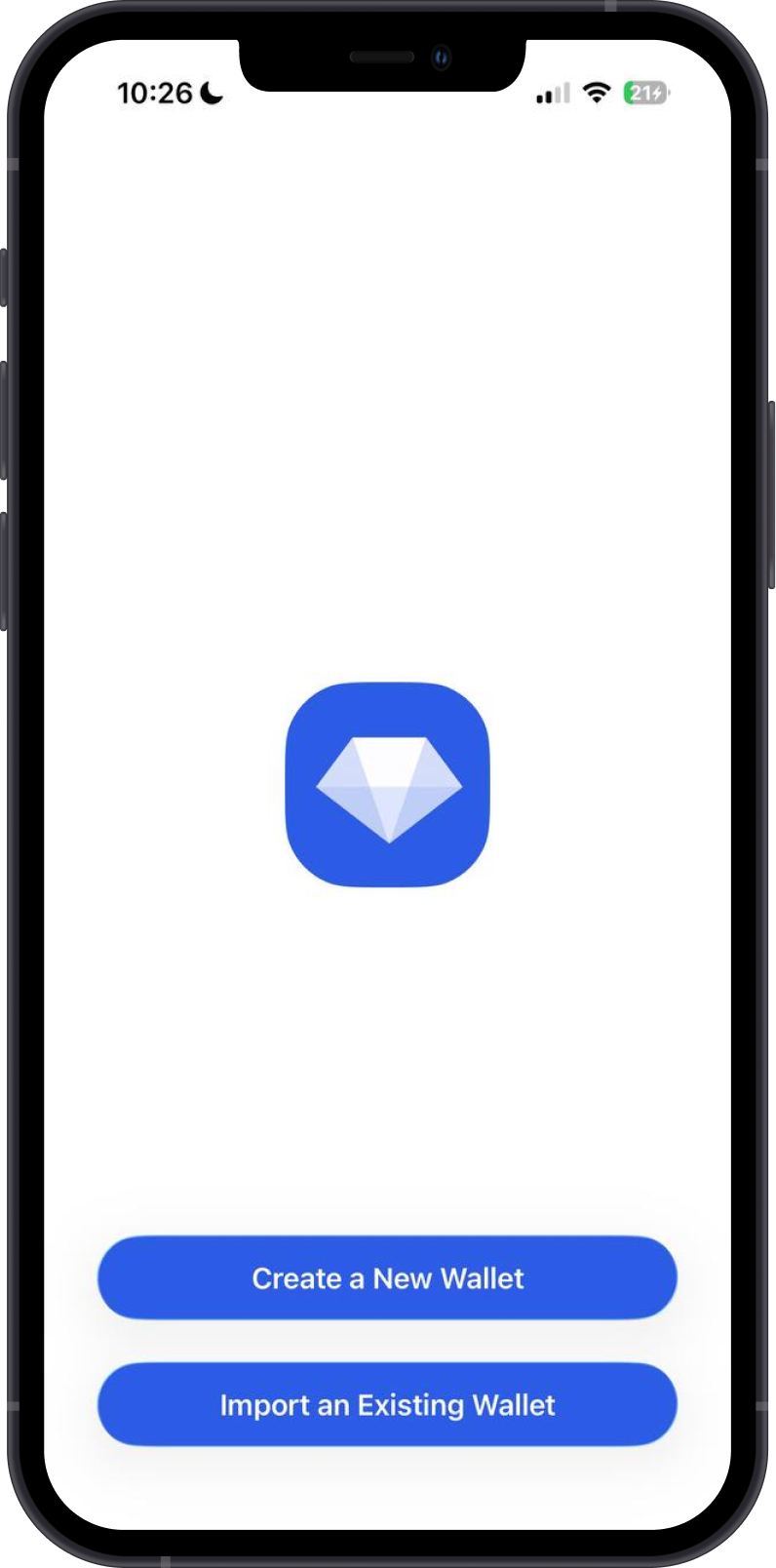
Step 1 - Launch Gem Wallet
Launch Gem Wallet app and tap on Import an Existing Wallet.
Choose Multi-Coin Wallet.

Step 2 - Type/Paste Recovery Phrase
Manually type in or paste your wallet Recovery Phrase.
If a word isn't in the standard word list, Gem Wallet shows an error and marks that word in red, so you can fix it. Check the spelling against your written backup.


Step 3 - Gem Wallet is Restored
Congratulations, your funds are back!

tip
If you have a Recovery Phrase from Trust Wallet, Atomic wallet, or any other Multi-Coin wallets, you can certainly try importing it to Gem Wallet.