What are Contacts in Gem Wallet?
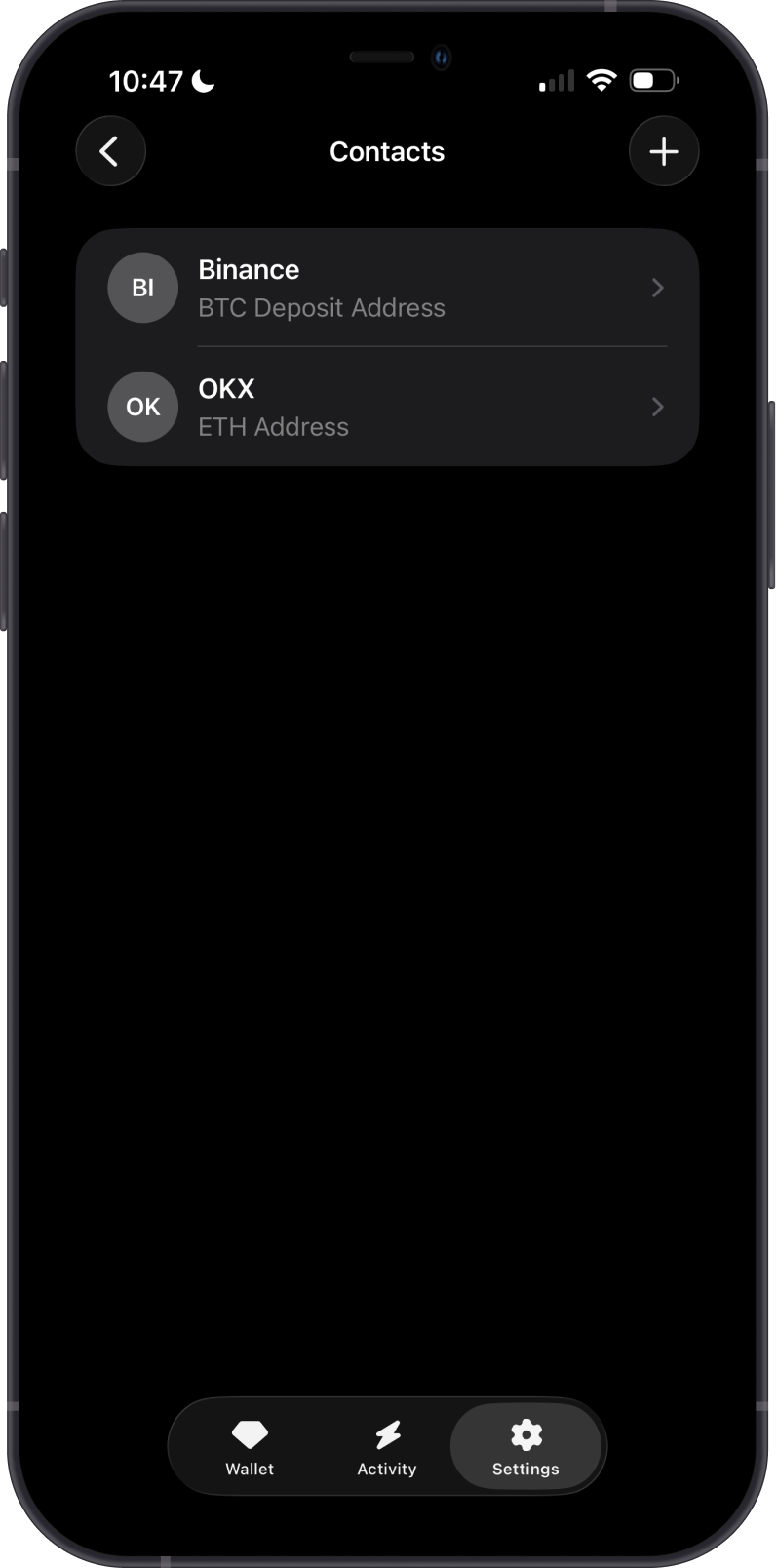
Contacts let you save wallet addresses in Gem Wallet so you can quickly reuse them when sending crypto. Instead of pasting or scanning the same address every time, you can add it as a contact with a recognizable name.
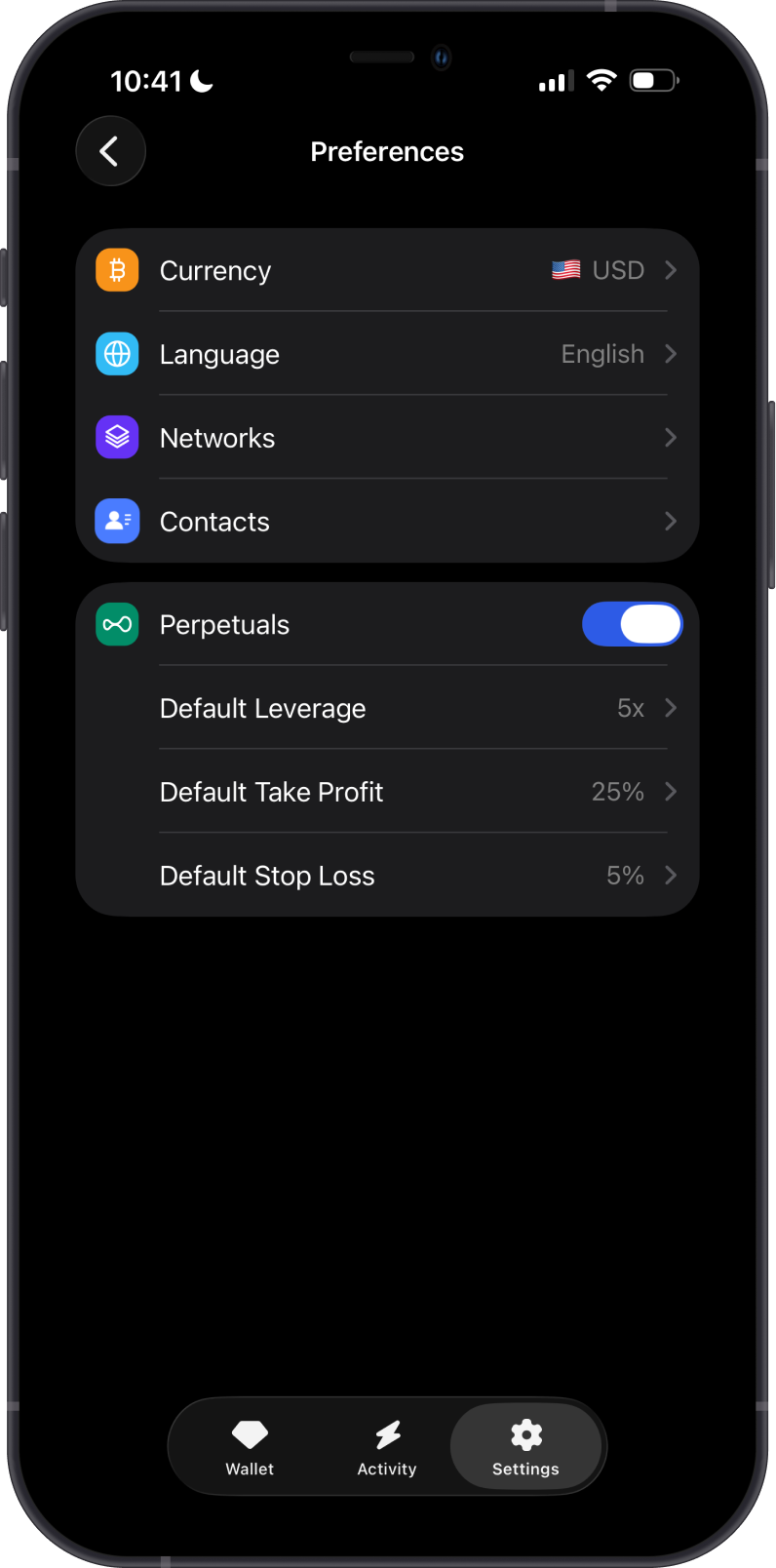
You can find Contacts in Settings > Preferences > Contacts.
What Can You Use Contacts For?
Contacts are useful for addresses you send to often, such as:
- Your own wallets on another device or platform.
- Friends, family, or trusted recipients.
- Exchange deposit addresses you use regularly.
- Business, donation, or payment addresses.
How Do Contacts Help?
Saving contacts can make sending crypto faster and easier by helping you:
- Keep frequently used addresses in one place.
- Identify recipients by name instead of checking long wallet addresses each time.
- Reduce repeated copying and pasting when sending to the same address.
Always review the recipient address, blockchain network, and asset before confirming a transaction. Contacts make addresses easier to reuse, but they do not reverse blockchain transactions or guarantee that an address is correct for every asset or network.
How to Send Crypto to a Contact
- Open the asset you want to send.
- Tap Send.
- Choose the saved contact from your contacts list.
- Review the address, network, amount, and fees before confirming the transaction.
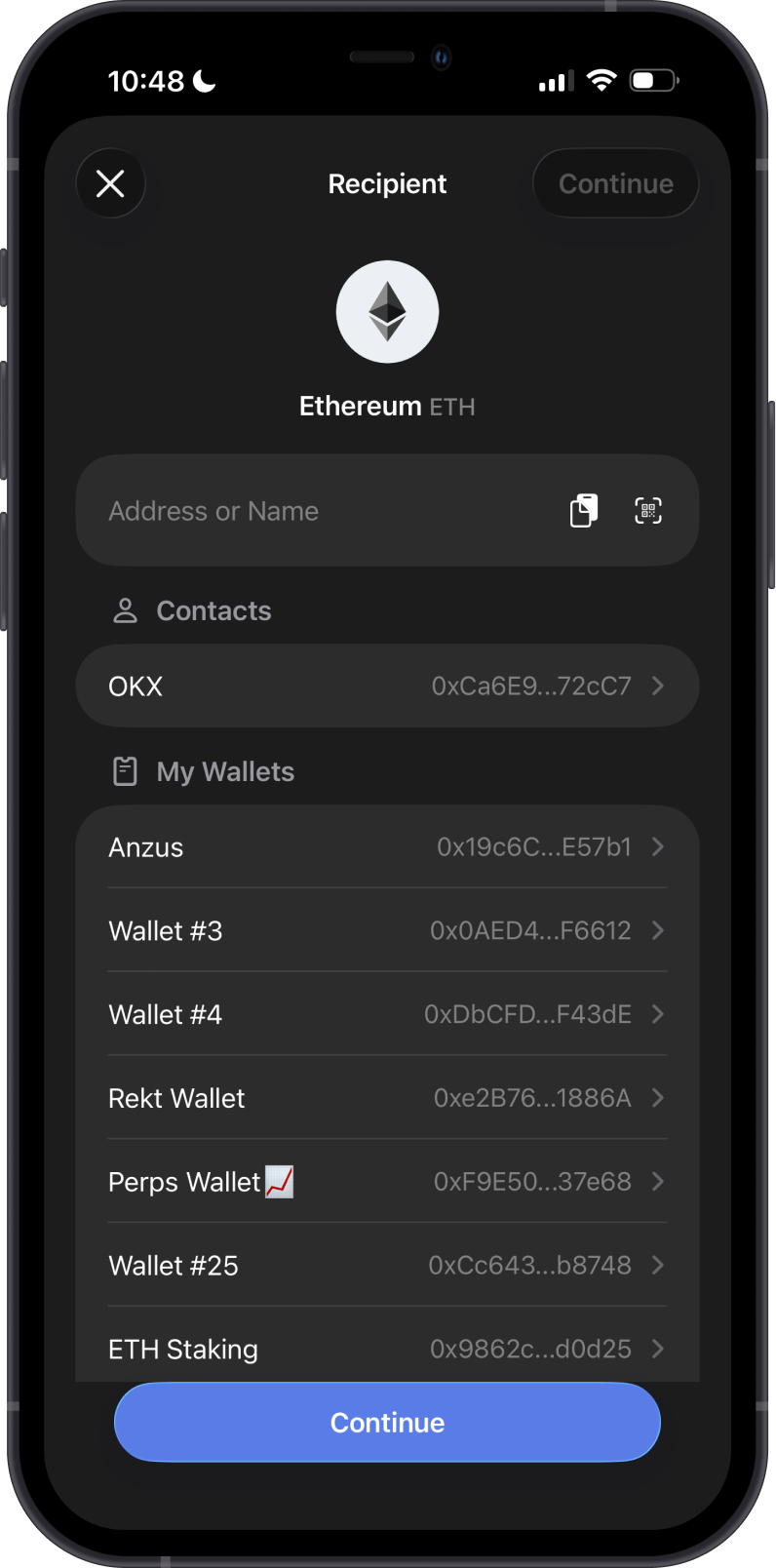
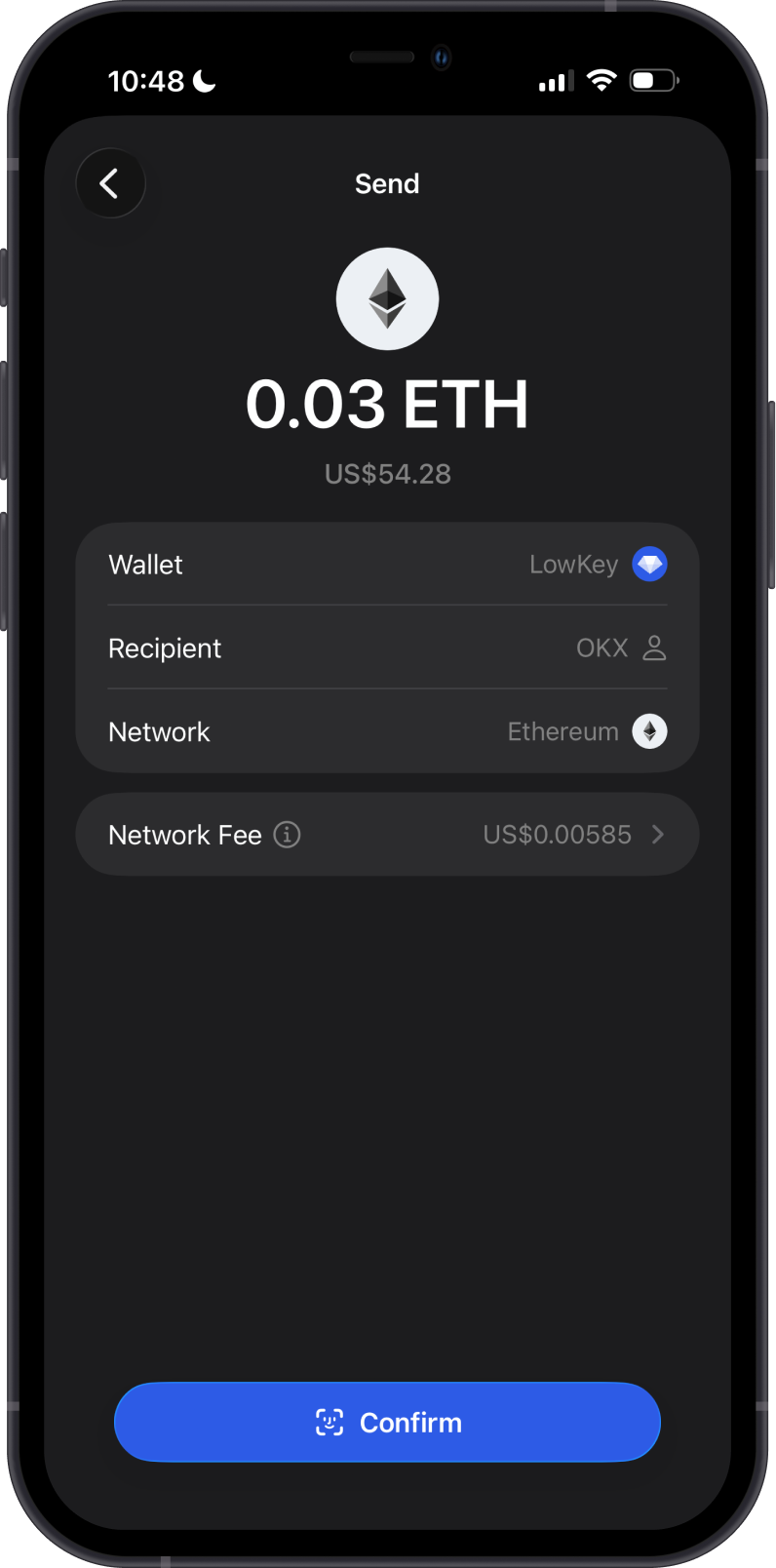
For step-by-step instructions, see How to Manage Contacts in Gem Wallet.
Are Contacts the Same as My Recovery Phrase?
No. Contacts only store public recipient details, such as names and wallet addresses. They do not store or reveal your Secret Recovery Phrase, private keys, or access to anyone's funds.
Where Is Contact Information Saved?
Contacts are saved locally in Gem Wallet's app database on your device. The app stores contact details such as the contact name, description, blockchain network, wallet address, and optional memo.
Gem Wallet does not save this information on its servers and has no way to access the contacts stored on your device.
Contacts are not saved on the blockchain and are not the same as your phone's address book. They also do not include your Secret Recovery Phrase or private keys.
Do Contacts Transfer Ownership of Funds?
No. Saving an address as a contact does not give you control over that address or its funds. Only the person who controls the private key or recovery phrase for that address can spend from it.