What Are Perpetuals in Gem Wallet?
Gem Wallet lets you trade perpetual futures directly from your self-custodial wallet through an integration with Hyperliquid, a decentralized perpetual futures exchange built on its own Layer-1 blockchain.
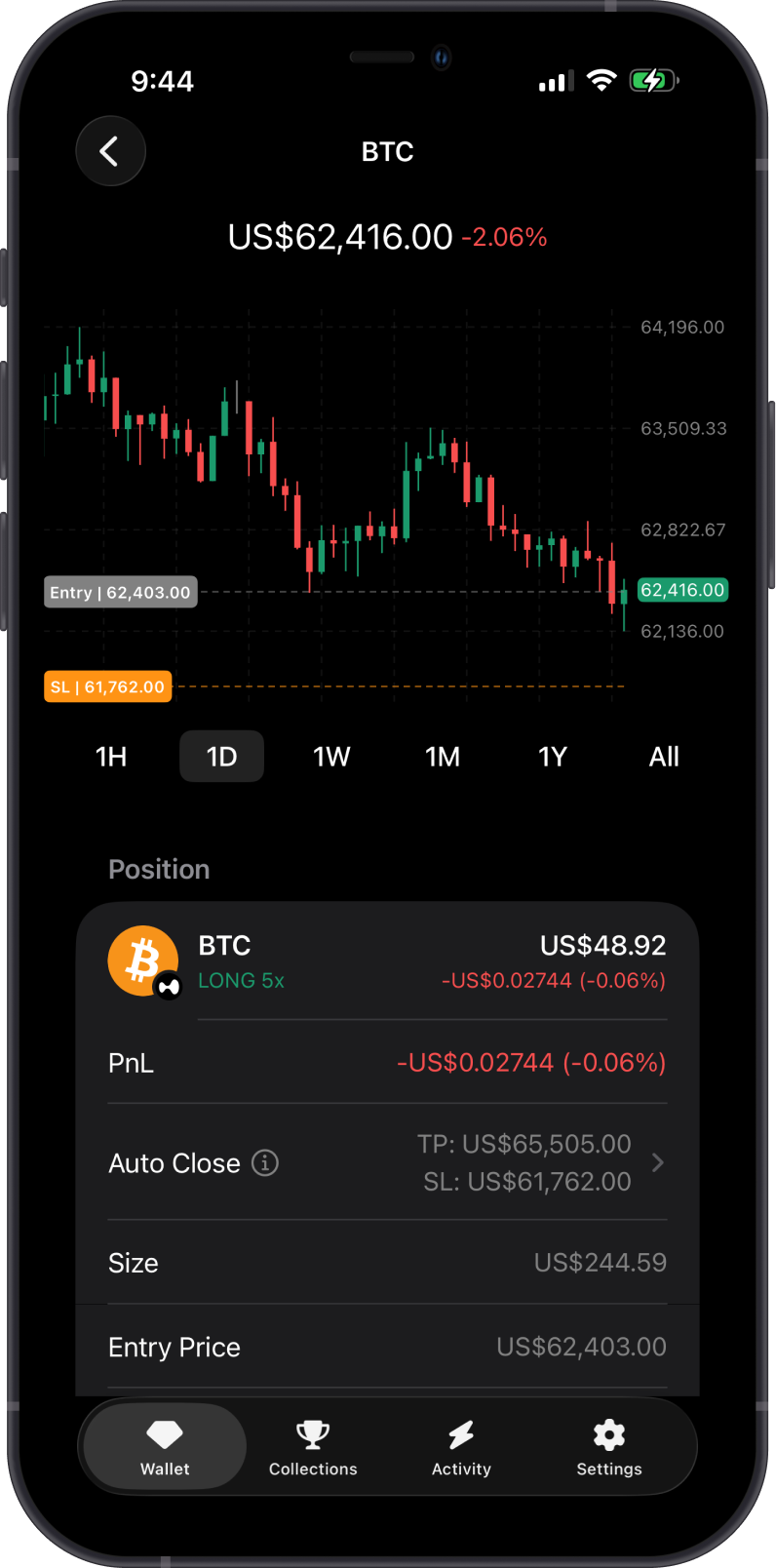
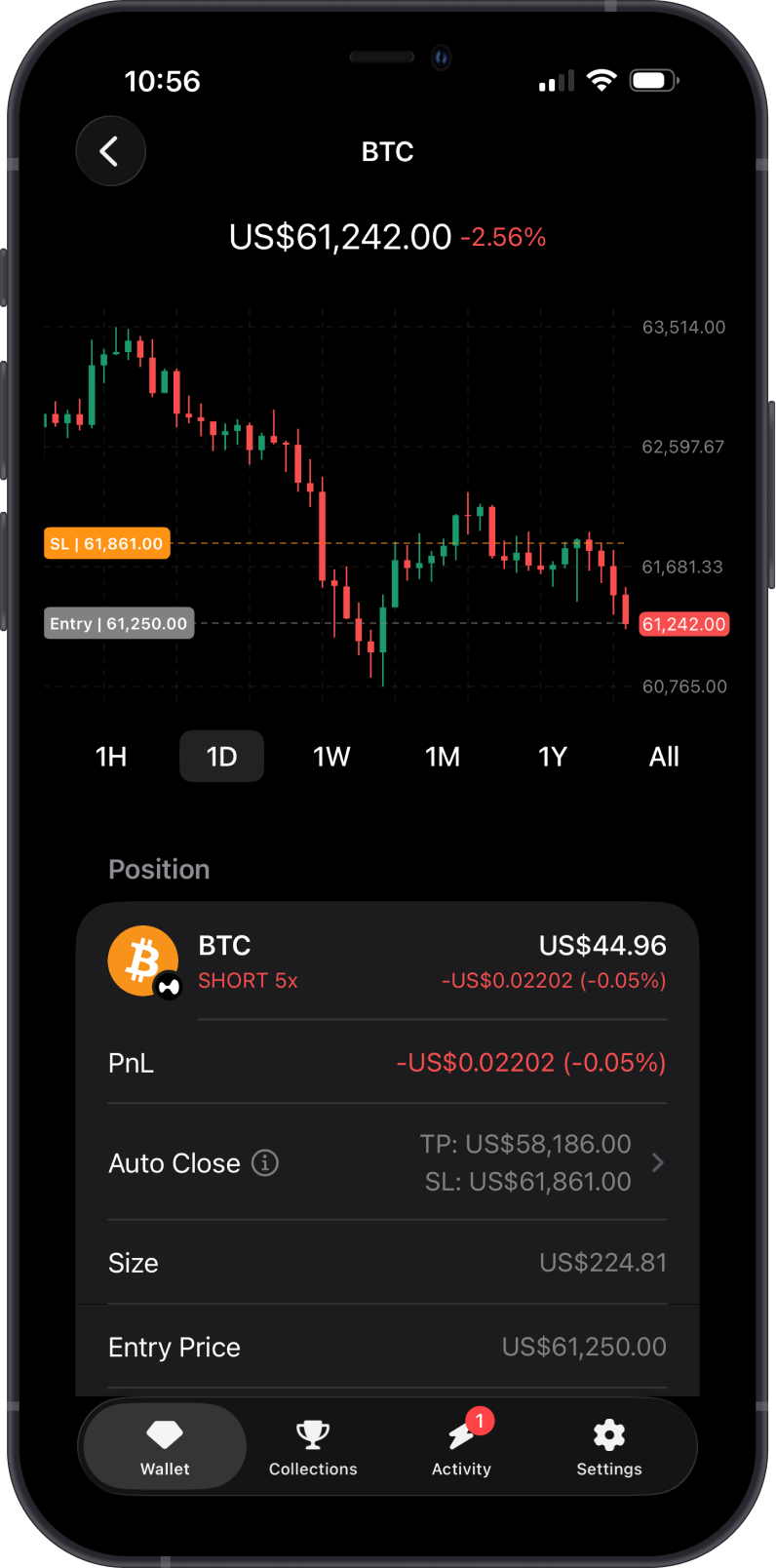
Perpetuals are derivative contracts that let you open Long or Short positions without an expiration date. A Long position benefits when the market price rises, while a Short position benefits when the market price falls.
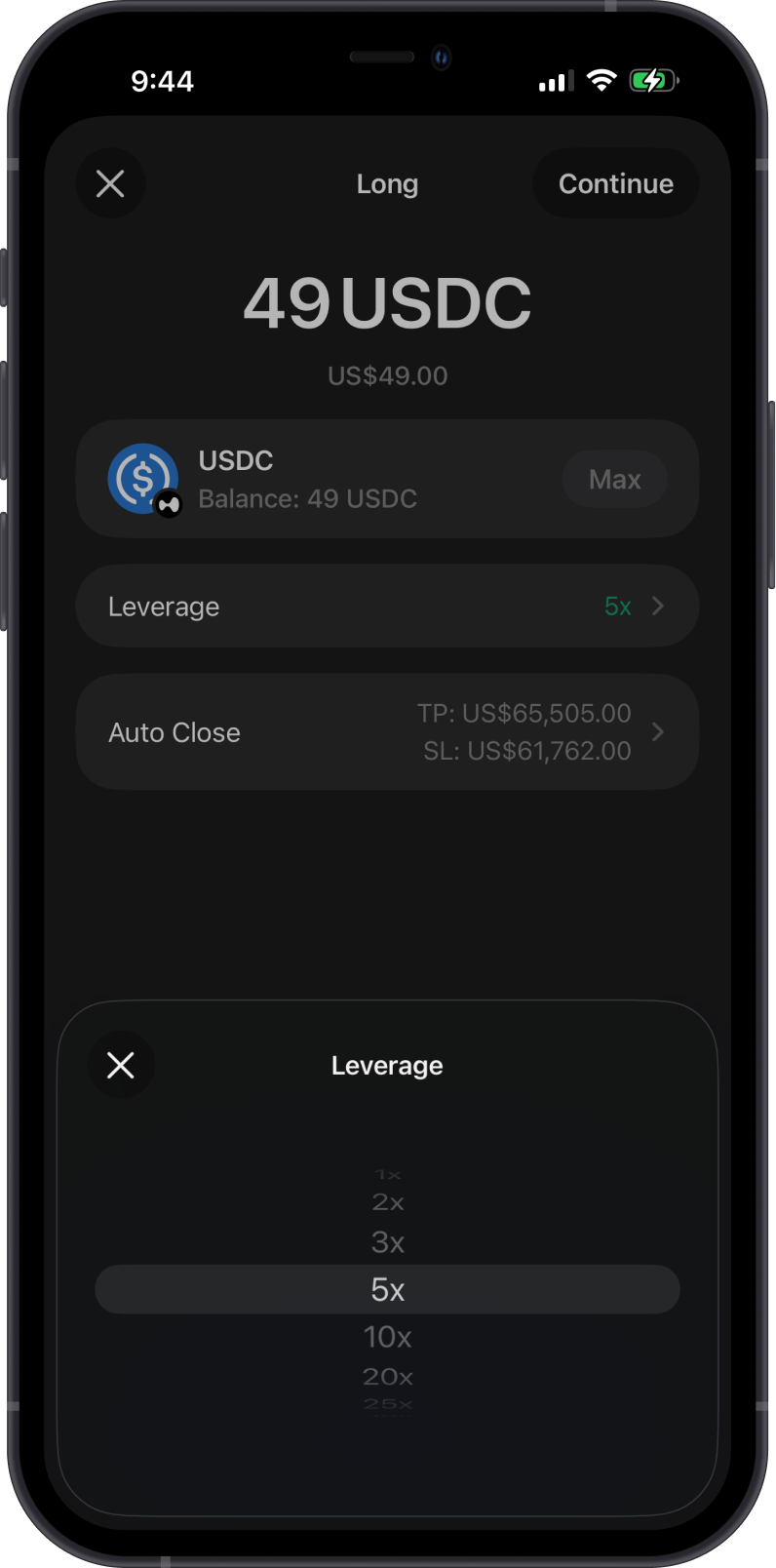
Perpetual trading uses collateral and leverage. This means your position can have larger market exposure than the margin you deposit, but it also increases risk because losses can be amplified and positions can be liquidated.
Open a Long position if you expect the asset price to rise, or open a Short position if you expect the asset price to fall.
Hyperliquid Integration
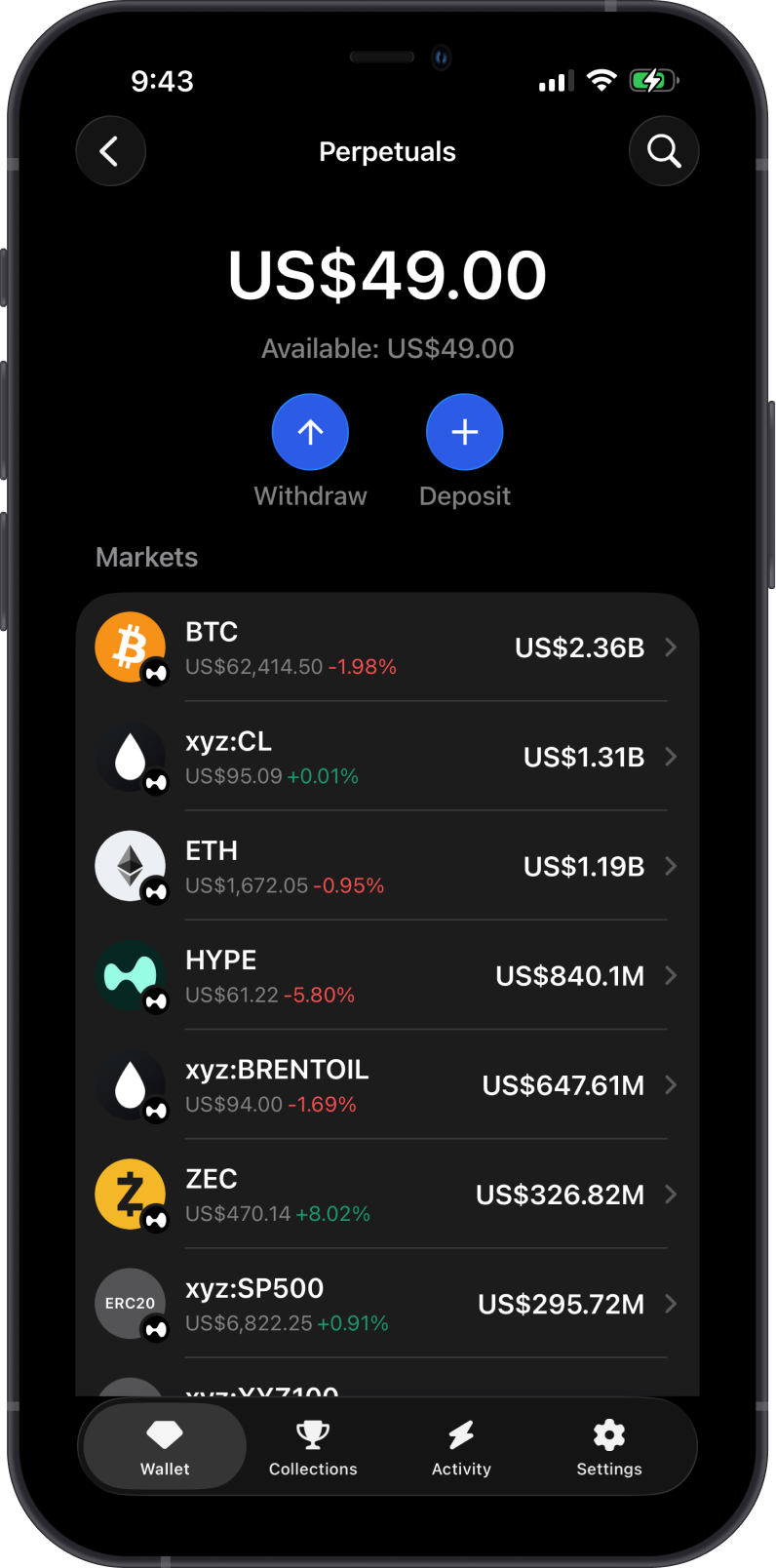
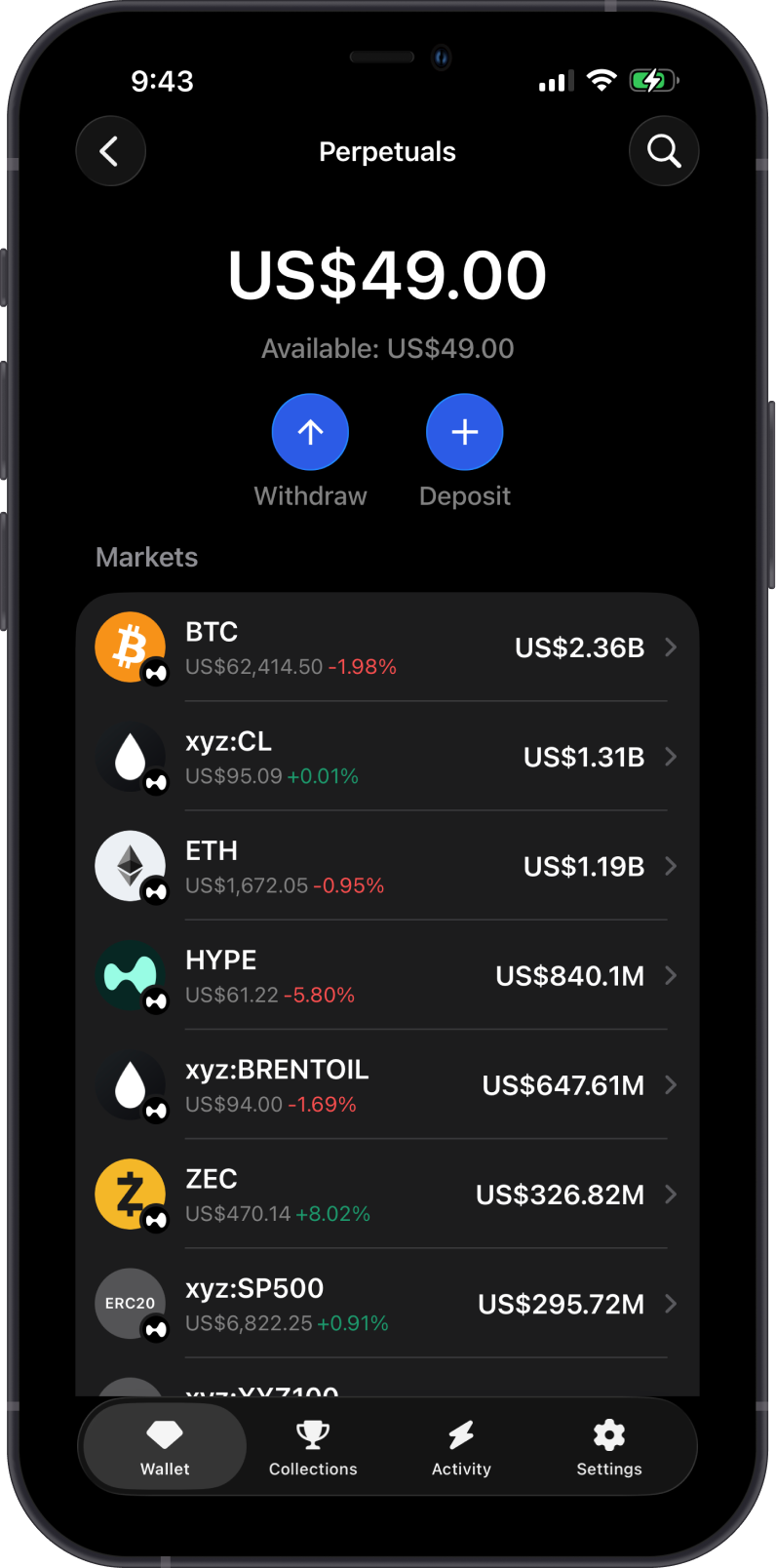
Gem Wallet connects to Hyperliquid so you can access perpetual markets from inside the app. You can browse supported markets, review charts and market data, open positions, modify exposure, use Auto Close, and close positions when needed.
Perpetuals involve high risk because market moves can be amplified by leverage. Always review your position size, leverage, funding, fees, and liquidation price before trading.
Funding Requirements
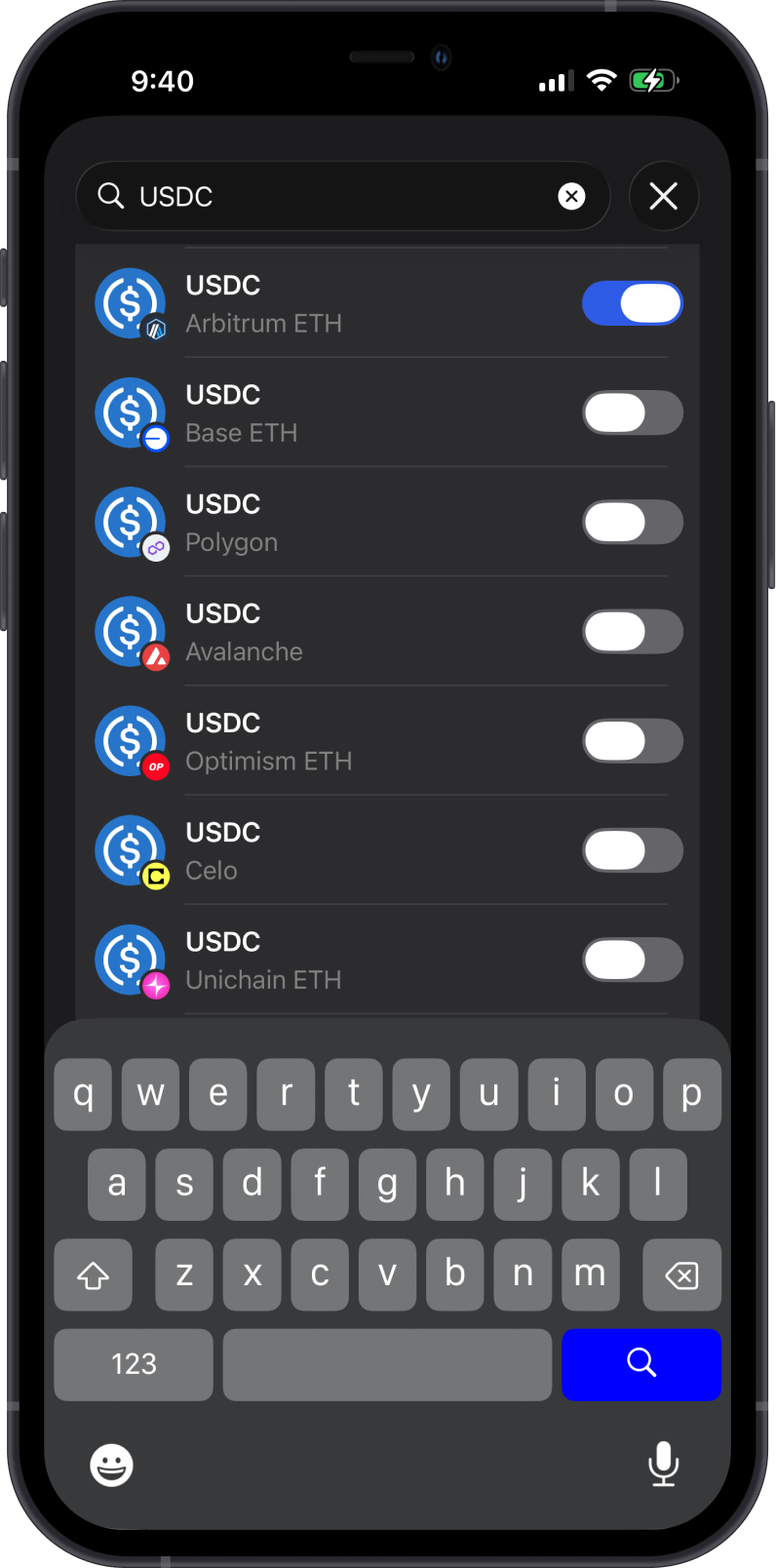
Before trading Perpetuals, you need assets on the Arbitrum network:
- USDC on Arbitrum is used as collateral for Perpetuals.
- ETH on Arbitrum is used to pay network fees when depositing or withdrawing collateral.
You can manually send these assets to your wallet or use Gem Wallet to make a cross-chain swap from supported assets.
Enable USDC and ETH on Arbitrum, fund your wallet, then deposit USDC into your Perpetuals account.
Long vs Short Positions
Understanding the difference between Long and Short positions is essential before opening a trade.
| Position | Market View | Potential Profit | Main Risk |
|---|---|---|---|
| Long | You expect the price to rise | Price moves above your entry | Price falls toward your liquidation price |
| Short | You expect the price to fall | Price moves below your entry | Price rises toward your liquidation price |
The opening flow is similar for both directions. Choose the direction based on your market view, then review margin, leverage, funding, and liquidation price before confirming.
Managing Risk
Perpetual trading requires active risk management:
- Leverage increases market exposure and liquidation risk.
- Liquidation Price shows the price level where a position may be automatically closed.
- Funding is exchanged between long and short traders and can affect position margin over time.
- Auto Close lets you set Take Profit and Stop Loss levels for automated exits.
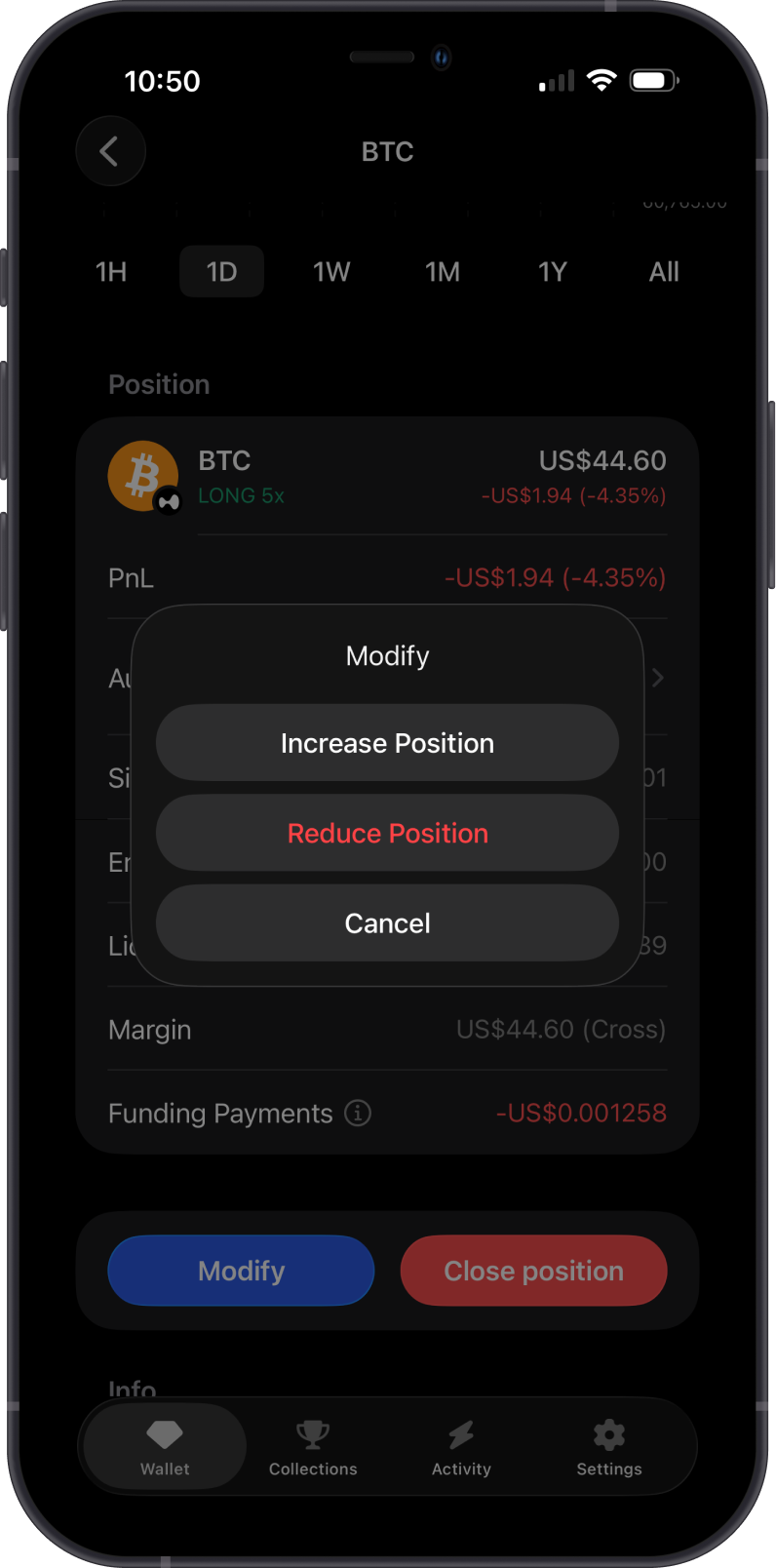
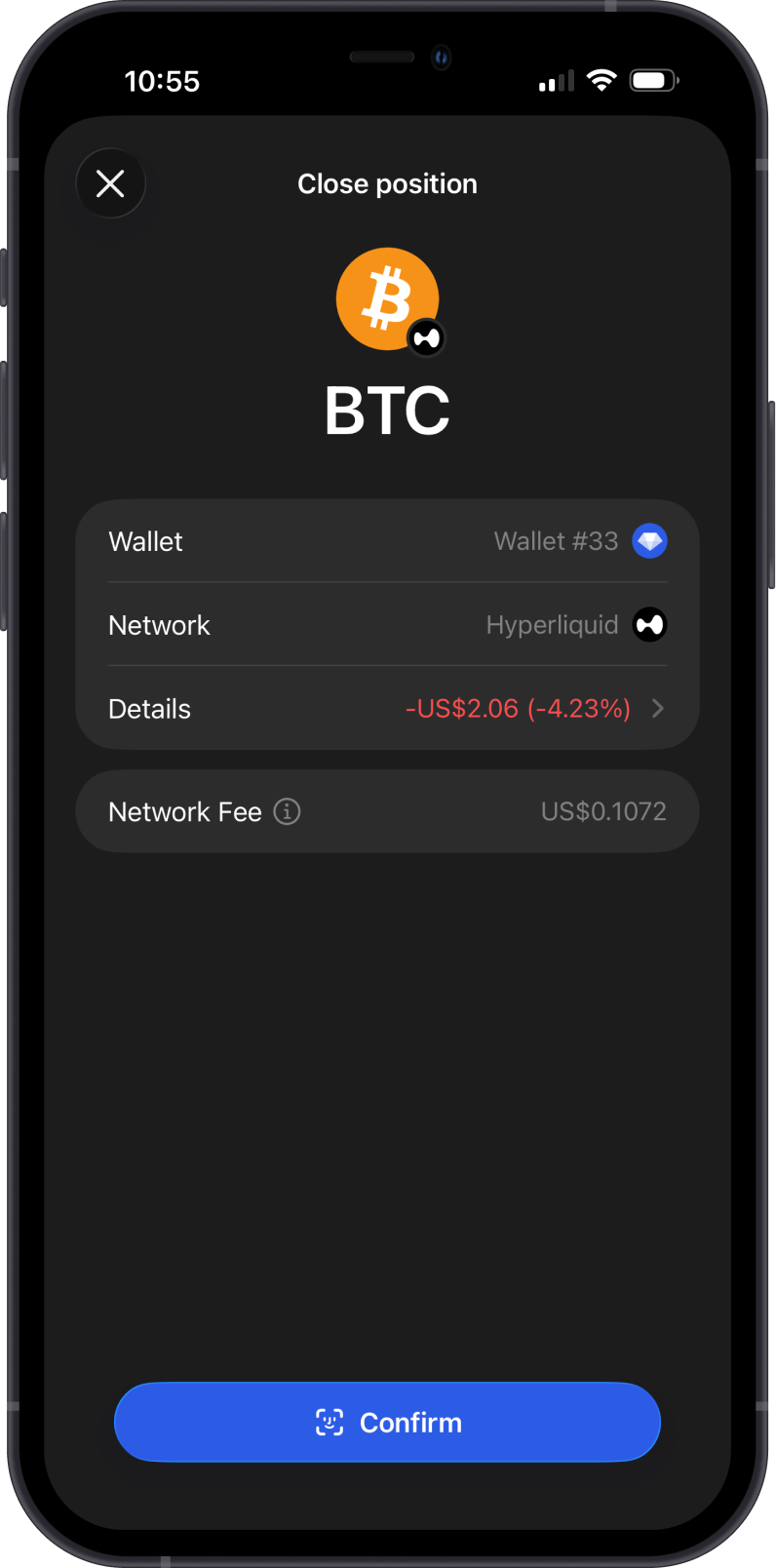
You can increase, reduce, or close a position after it is open.
Why Trade Perpetuals in Gem Wallet?
Trading Perpetuals in Gem Wallet keeps the experience inside your self-custodial wallet while giving access to Hyperliquid markets:
- Self-Custody - You control your wallet and assets.
- Direct Market Access - Open Long or Short positions from the wallet interface.
- Integrated Funding Flow - Fund your Perpetuals account with USDC on Arbitrum.
- Position Controls - Review PnL, margin, liquidation price, funding payments, and Auto Close settings.
- Flexible Management - Increase, reduce, or close positions as market conditions change.
Ready to trade? Turn on Perpetuals in Gem Wallet, fund your Perpetuals account with USDC on Arbitrum, then open a Long or Short position from Trade Perpetuals.
Key Terms
- Open Position - an active Long or Short perpetual trade.
- Close Position - reducing or ending an existing perpetual position.
- Leverage - the multiplier applied to your margin when opening a position.
- Funding - the hourly mechanism that helps keep perpetual prices close to spot prices, including Funding APR and Funding Payments.
- Liquidation Price - the price level where a position is automatically closed.
- Auto Close - Take Profit and Stop Loss levels used to close a position automatically.
- Open Interest - the total value of outstanding perpetual contracts that have not been settled.
Gem Wallet Perpetual Trading Guides
How to Turn On Perpetuals in Gem Wallet
Step-by-step guide for enabling Perpetuals and setting default trading preferences in Gem Wallet.
How to Fund Perpetuals in Gem Wallet
Step-by-step guide for depositing collateral for Perpetuals in Gem Wallet.
How to Open, Modify, and Close Perpetual Positions
Step-by-step guide for opening, managing, modifying, and closing Perpetual positions in Gem Wallet.
How to Withdraw Perpetuals Collateral in Gem Wallet
Step-by-step guide for withdrawing Perpetuals collateral back to your wallet in Gem Wallet.
Perpetuals Trading Key Terms
8 items